

Category Archives: Tips and tricks
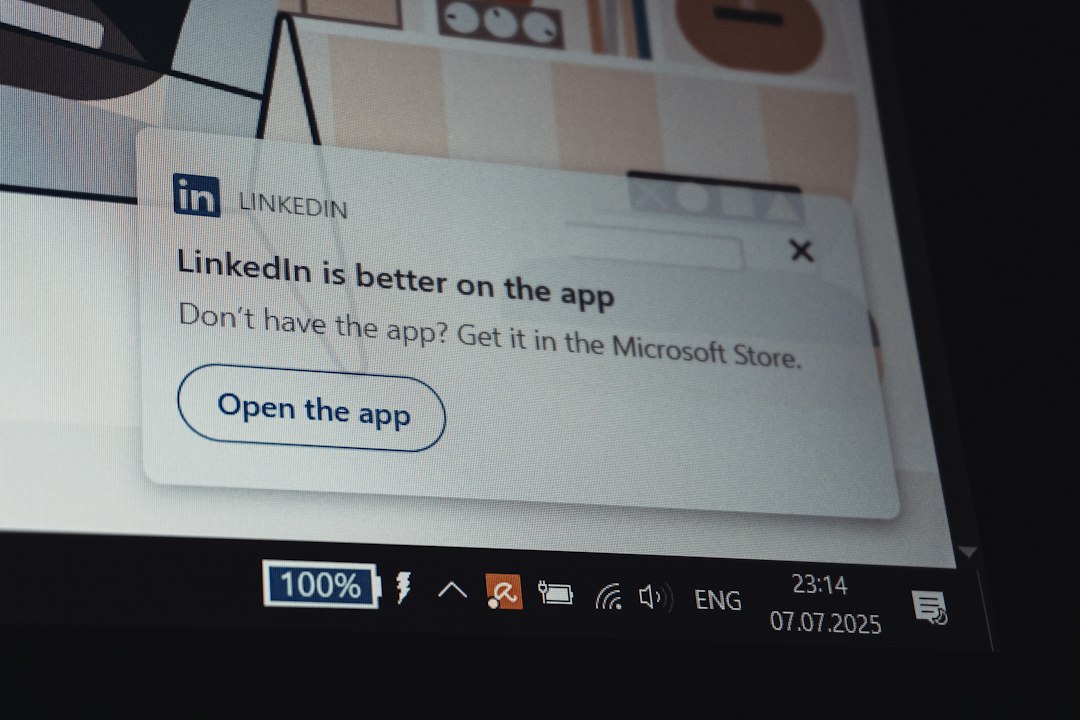
How to Remove PC App Store Pop-Ups: Windows Settings vs Malware Removal Tools
The fastest fix is to remove “PC App Store” from Windows Settings first, then use a malware removal tool if the pop-ups return. Microsoft says Windows apps can be removed through Settings > Apps > Installed apps, which should...
Best Android App Stores: Google Play vs Samsung Galaxy Store vs F-Droid
Google Play is the best default Android app store for most people, while Samsung Galaxy Store is useful for Galaxy-specific apps, and F-Droid is best for users who care about open-source software and privacy. Google Play has the broadest...
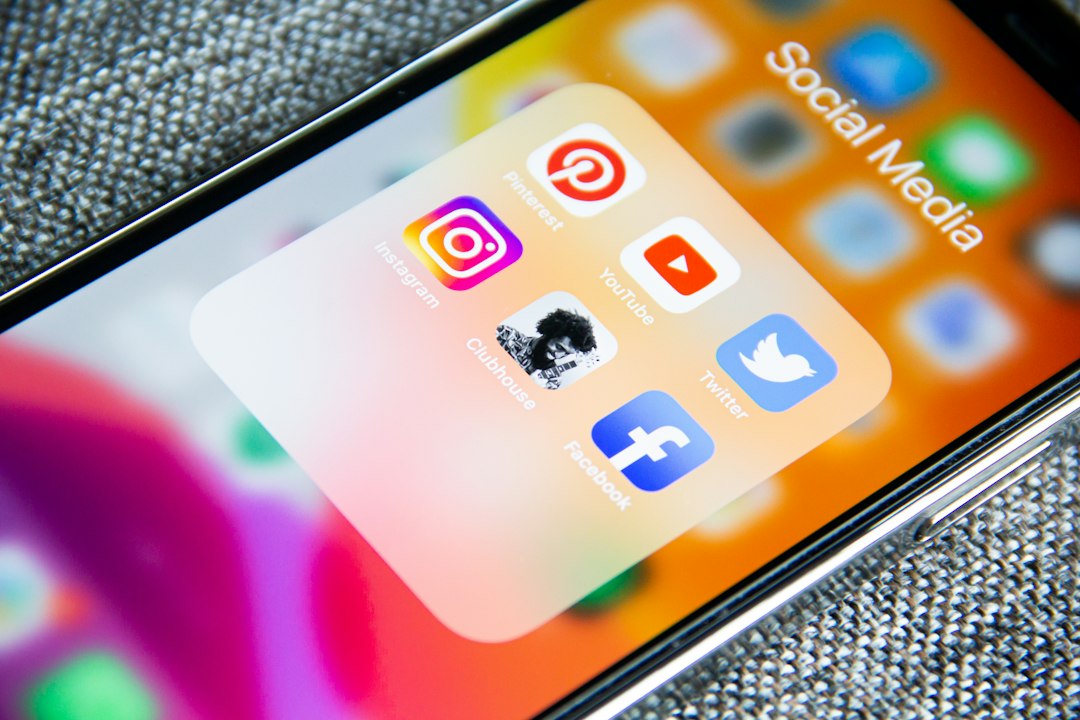
We Picked 4 Apps Like FandAG for Discovering Dating and Social Connections
Bumble, Boo, Meetup, and Feeld are the best FandAG alternatives for people who want dating options plus social discovery without feeling trapped in one narrow app style. FandAG may suit users who like casual browsing, profiles, and new chats,...
Must-Have WordPress Plugins for a Website Reset and Fresh Start
WP Reset should be the first plugin you install when a WordPress site needs a clean break. WordPress powers about 43% of all websites, so messy test sites, failed redesigns, broken demos, and plugin clutter are not rare problems...
Best Apps for Shopping Deals: Hip2Save vs Slickdeals vs RetailMeNot
Slickdeals is the best overall app for serious deal hunters, while Hip2Save is better for family and household savings, and RetailMeNot is best for quick coupon codes at checkout. Slickdeals has a large community model, with more than 12...
6 Best DNS Filtering Tools for Families and Businesses: NextDNS, AdGuard DNS, Control D, and More
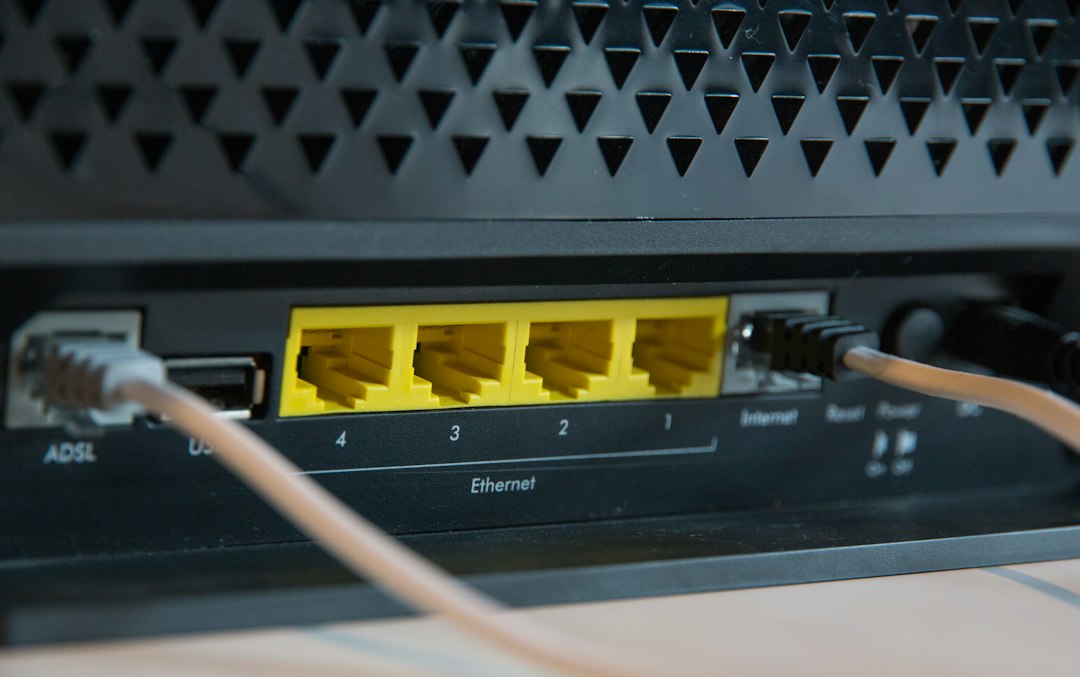
NextDNS is the best first pick for most families and small teams because it is flexible, easy to test, and strong enough for serious blocking. DNS filtering stops devices from reaching risky or unwanted domains before pages load, which...
Google Play Store vs PC App Store: Differences, Safety, and Installation Tips
Use Google Play Store for Android apps. Use a PC app store for Windows apps. That is the safest, least annoying rule. Google says Play Protect scans over 200 billion apps every day to help spot bad behavior [source:...
What Is Google Play? Google Play Store vs Apple App Store Explained
Google Play is Google’s official place to get Android apps, games, updates, subscriptions, books, and other digital content. It is best known through the Google Play Store, the app preinstalled on most Android phones. Google describes Google Play as...
Best Apps for Checking App Safety: Google Play Protect vs AppBrain vs VirusTotal
Use Google Play Protect first, then VirusTotal for suspicious APK files, and AppBrain when you want extra app details. That is the simple answer. Play Protect is already on most Android phones, and Google says it scans 200 billion...