

The strongest UX research toolset for 2026 pairs AI-assisted insight work with fast testing, clean repositories, and reliable participant feedback. Userology AI, Maze, Dovetail, and Lyssna each solve a different research problem, so the right choice depends on your team’s workflow, budget, and research maturity. Maze says its panel gives teams access to more than 3 million participants, which shows how serious research tools have become about speed and scale [source: Maze].
TLDR: Choose Userology AI if you want AI help with research planning, note sorting, and early insight generation. Pick Maze for quick prototype tests, usability metrics, and remote validation at scale. Use Dovetail when your team needs a trusted research repository, and choose Lyssna for lightweight tests such as first-click studies, preference tests, and five-second tests. For example, a product team testing a checkout flow with 100 users could use Maze for task success rates, Dovetail to tag 250 comments, and Userology AI to draft the first insight summary in minutes.
1. Userology AI: Best for AI assisted research operations
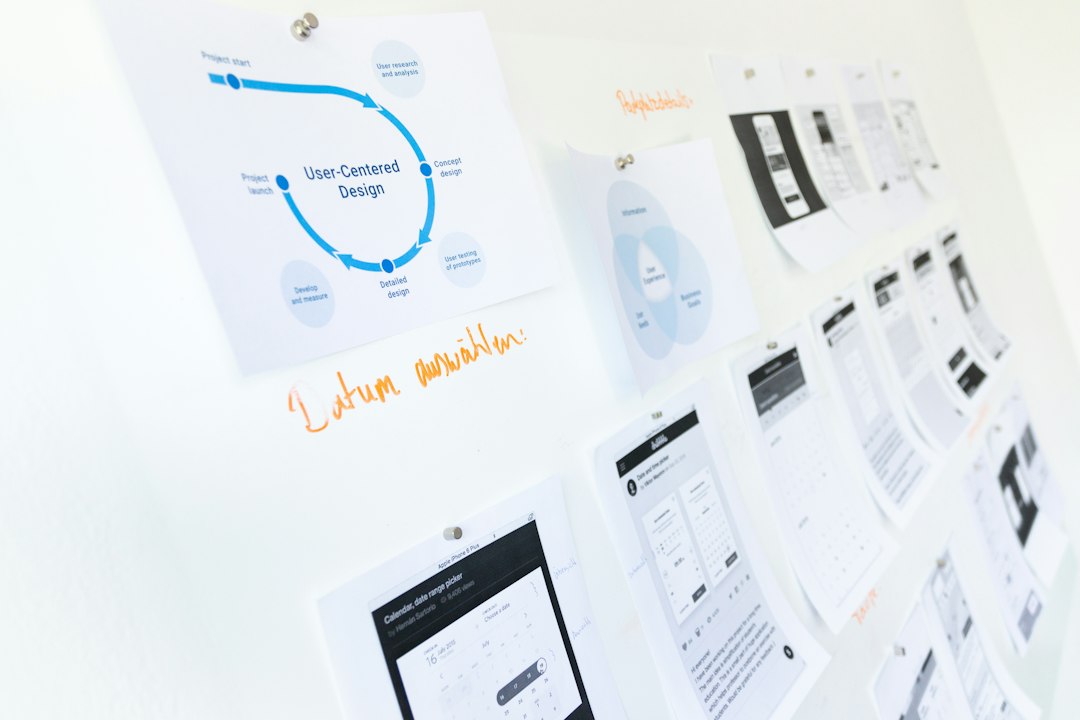
Userology AI is built for teams that want to reduce the manual parts of UX research. That means faster planning, cleaner note handling, and quicker summaries after sessions. It is most useful when researchers are overloaded and product managers keep asking for “just a quick readout” by Friday.
The main value is not that AI replaces researchers. It does not. The value is that it can help arrange messy inputs into something usable. Interview notes, survey responses, usability observations, and stakeholder questions can become easier to sort. That saves time where research teams usually lose hours.
- Best for: research planning, AI summaries, synthesis support, internal reporting.
- Strength: cuts down repetitive work and speeds up early analysis.
- Watch out: AI summaries still need human review. Bad tagging can create bad findings.
Honestly, it feels like many AI research tools still need too much cleanup when the source data is weak. Userology AI should be judged by how well it handles real notes, not polished demo data.
2. Maze: Best for fast usability testing
Maze is one of the clearest options for teams that need fast, structured product feedback. It works well for prototype tests, concept validation, card sorting, and surveys. Designers can send a test link, collect results, and review metrics like completion rate, misclicks, time on task, and drop-off points.
This makes Maze useful before engineering time gets wasted. If 38% of users fail to find the pricing page in a prototype, that is not a small issue. It is a design risk. Maze turns those risks into numbers that teams can discuss without guessing.
- Best for: remote usability tests, prototype validation, surveys, concept testing.
- Strength: fast setup and clear quantitative outputs.
- Watch out: complex studies can feel cramped if you need deep moderation or long interviews.
The catch is that speed can make weak research look stronger than it is. A neat dashboard does not fix a vague task or a biased question. Maze is powerful, but the study design still matters.

3. Dovetail: Best for research repositories
Dovetail is ideal for teams drowning in interview recordings, transcripts, notes, tags, and old research decks. It acts as a central place for customer evidence. Researchers can tag quotes, build themes, connect findings, and share insight pages with product and leadership teams.
This is where Dovetail earns trust. Research often gets lost after a presentation. Three weeks later, someone asks the same question again. Dovetail helps stop that waste by keeping evidence searchable and reusable.
- Best for: research repositories, interview analysis, tagging, insight libraries.
- Strength: strong structure for qualitative data and long-term knowledge.
- Watch out: setup discipline matters. A messy tagging system becomes painful fast.
It drives me crazy when teams buy a repository and treat it like a dumping folder. Dovetail works best when someone owns the taxonomy, tagging rules, and publishing process.
4. Lyssna: Best for quick user feedback
Lyssna, formerly known as UsabilityHub, is strong for quick studies that do not need a heavy research setup. It is good for preference tests, first-click tests, five-second tests, surveys, and basic prototype feedback. Teams often use it to compare two designs or check if a page communicates the right message fast.
Lyssna is useful when a team needs a practical signal, not a 40-page report. For example, if 64% of respondents choose version B of a landing page hero because the value is clearer, that can help settle a design debate quickly.
- Best for: quick design tests, first impressions, preference checks, simple surveys.
- Strength: easy for non-researchers to understand and run.
- Watch out: it is not a full replacement for moderated research or deep discovery work.
How to choose the right tool
Choose based on the research question, not the tool name. If your question is “Can users complete this task?”, Maze is a strong fit. If your question is “What patterns are showing up across 30 interviews?”, Dovetail is the safer pick. If your question is “Which design feels clearer in five seconds?”, Lyssna makes sense. If the problem is research workload and synthesis speed, Userology AI deserves a close look.
For many teams, the best setup will not be one tool. A serious 2026 UX stack might use Maze for usability metrics, Dovetail for evidence storage, Lyssna for quick validation, and Userology AI for faster research operations. That mix gives you speed, structure, and better decisions without forcing every study into the same format.
Final recommendation: start with the tool that fixes your biggest research bottleneck. If tests take too long, start with Maze or Lyssna. If insights get lost, start with Dovetail. If analysis is slow and repetitive, start with Userology AI. The best tool is the one your team will use carefully, consistently, and with clear research goals.