

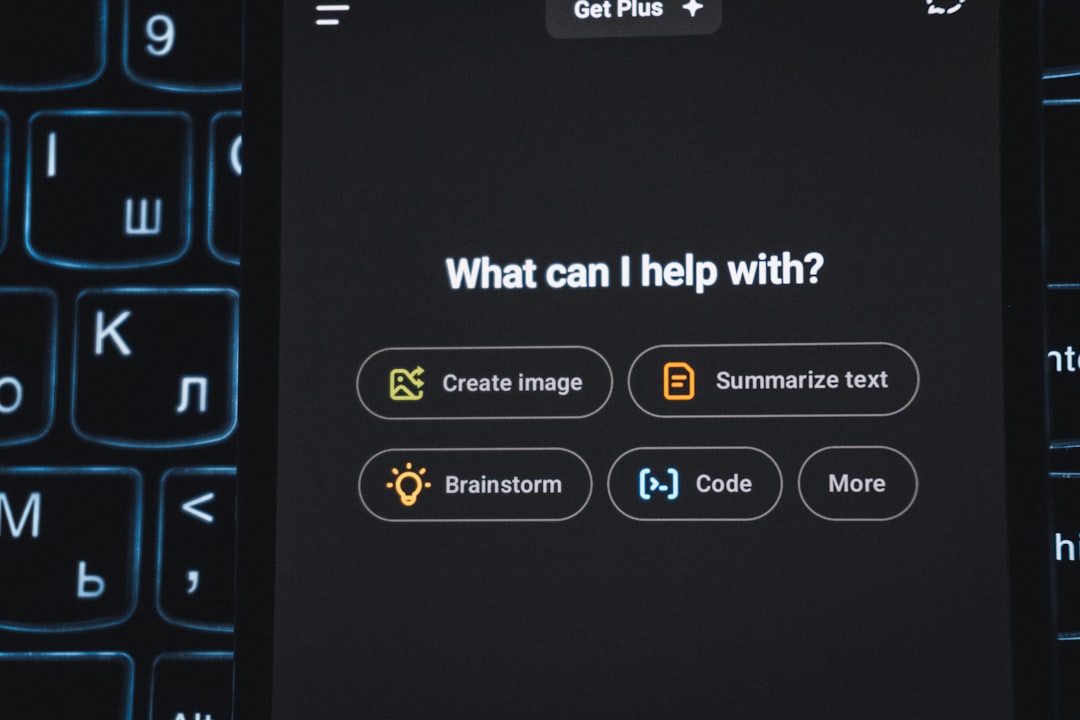
AI art used to feel like a magic trick. Now it feels like a huge art supply store that never closes. You type a few words, and a picture appears. It can be silly, beautiful, weird, polished, or totally unexpected.
TLDR: If you are new, try Canva AI, or Microsoft Designer. If you want more control, try Midjourney, Leonardo AI, or Ideogram. If you love tinkering, Stable Diffusion gives you the deepest toolbox. The best choice depends on your skill level, your patience, and how much control you want.
Why AI Art Generators Are So Fun
AI art generators turn text into images. That text is called a prompt. A prompt can be simple, like “a cat in a space suit”. It can also be detailed, like “a glowing forest at night, soft mist, tiny fairies, watercolor style.”
The best part is that you do not need to be a trained artist. You just need an idea. The tool does the heavy lifting. You can make posters, social media posts, fantasy scenes, product mockups, game art, or funny gifts for friends.
Some tools are easy and friendly. Some are powerful but tricky. Some feel like a toy. Others feel like a full art studio with a spaceship attached.
Best AI Art Generators for Beginners
If you are just starting, you want tools that feel simple. No confusing menus. No scary settings. Just type, click, and smile.
1. Canva AI
Canva AI is great for people who want fast, useful images. It sits inside a design tool that many people already know. You can create a picture, then place it into a poster, flyer, card, or social post.
It is not the most advanced art tool. But it is very friendly. That matters. A lot.
- Best for: social posts, school projects, simple graphics, quick designs.
- Skill level: total beginner.
- Why it is impressive: it makes AI art feel easy and useful.
2. Microsoft Designer
Microsoft Designer is another easy pick. It can create images and designs from plain language. It is good for people who want something quick and clean.
You can use it to make invitations, stickers, images, or graphics for online posts. It is not hard to use. That makes it a nice first stop for curious beginners.
- Best for: quick designs, casual art, simple visual ideas.
- Skill level: beginner.
- Why it is impressive: it turns rough ideas into finished-looking designs fast.
Best AI Art Generators for Growing Creators
Once you know the basics, you may want more style. More control. More wow. These tools are still friendly, but they reward better prompts.
3. Midjourney
Midjourney is famous for beautiful images. Its style can feel rich, dramatic, and cinematic. It is especially good at fantasy art, mood pieces, characters, places, and dreamy scenes.
Midjourney is not always the simplest tool. But it is one of the most impressive. You can get stunning images with a short prompt. With practice, you can get even better results.
- Best for: fantasy art, concept art, atmospheric images, dramatic scenes.
- Skill level: intermediate.
- Why it is impressive: the images often look like they came from a high-end art book.
4. Leonardo AI
Leonardo AI is a strong choice for creators who want options. It is popular with game artists, character designers, and people who like detailed visual worlds.
You can create characters, objects, environments, and style variations. It gives you more control than many beginner tools. Still, it does not feel impossible to learn.
- Best for: game assets, characters, concept art, stylized images.
- Skill level: beginner to advanced.
- Why it is impressive: it balances power and ease very well.
5. Ideogram
Ideogram is great when your image needs text. Many AI tools struggle with words inside images. They may turn a simple word into alphabet soup. Ideogram is better at making readable text.
This makes it useful for posters, logos, memes, stickers, and bold graphic art. It is also fun. You can make images that feel made for the internet.
- Best for: posters, typography, stickers, memes, graphic designs.
- Skill level: beginner to intermediate.
- Why it is impressive: it handles text better than many rivals.
Best AI Art Generators for Advanced Users
Now we enter the mad scientist zone. These tools can do amazing things. But they also ask for more patience. If you enjoy learning settings, models, and workflows, you may love them.
6. Stable Diffusion
Stable Diffusion is one of the most powerful AI art systems. It can run in many apps and interfaces. Some people use it online. Others install it on their own computer.
It gives deep control. You can use special models. You can guide poses. You can edit parts of an image. You can train styles. You can create very specific results.
But there is a catch. It can be confusing at first. There are many knobs and switches. It may feel like flying a plane made of glitter. Fun, but a little intense.
- Best for: advanced image control, custom styles, experiments, serious workflows.
- Skill level: intermediate to expert.
- Why it is impressive: it gives artists a huge amount of freedom.
7. ComfyUI
ComfyUI is not exactly a stand-alone art generator. It is a visual workflow system often used with Stable Diffusion. Think of it like building with blocks. Each block does a job. Together, they make an image.
It looks scary at first. But it is powerful. Advanced users love it because it can create repeatable workflows. That means you can build your own art machine.
- Best for: custom workflows, advanced control, automation.
- Skill level: advanced.
- Why it is impressive: it lets you design the whole creative process.
How to Pick the Right Tool
The best AI art generator is not always the most powerful one. It is the one you will actually use. Start with your goal.
- If you want quick images: try Canva AI or Microsoft Designer.
- If you want stunning art: try Midjourney.
- If you want characters and game ideas: try Leonardo AI.
- If you need text in the image: try Ideogram.
- If you want total control: try Stable Diffusion or ComfyUI.
Prompt Tips for Better Results
A good prompt is like giving directions to a very talented robot. Be clear. Add style. Add mood. Add details.
- Start with the subject. For example, “a red fox.”
- Add the setting. For example, “in a snowy forest.”
- Add the style. For example, “storybook illustration.”
- Add lighting. For example, “soft golden light.”
- Add mood. For example, “peaceful and magical.”
Here is a full prompt: “A red fox in a snowy forest, storybook illustration, soft golden light, peaceful and magical.” Simple. Clear. Much better than just “fox.”
Final Thoughts
AI art generators are not just for experts. They are for students, designers, marketers, hobbyists, writers, and anyone with a wild idea. You can start small. Make a robot cupcake. Make a castle in a teacup. Make a dragon wearing sunglasses.
Then keep going. Try new tools. Change your prompts. Compare results. Laugh at the strange mistakes. Save the happy accidents.
The most impressive AI art generator is the one that helps you create more. If it makes your ideas feel bigger, brighter, and easier to share, that is the right tool for you.