

Pick Adobe Commerce for big catalogs, complex SEO rules, and teams with developers; pick WooCommerce for simpler stores that need fast, cheap SEO wins. SEO is not magic dust. It is speed, structure, clean URLs, useful content, and fewer technical messes. Google says page experience and Core Web Vitals can support search success, so your platform choice matters [source: Google Search Central].
TLDR: Adobe Commerce is stronger for large stores with thousands of products, many filters, and custom SEO workflows. WooCommerce is easier for small and midsize shops that want quick control with plugins like Rank Math or Yoast. Example: a store with 300 products may fix titles, meta descriptions, and schema in one afternoon on WooCommerce, while a 25,000 product store may save 20 hours a month with Adobe Commerce rules and automation. If you hate waiting on developers, WooCommerce feels friendlier.
First, what are we comparing?
Adobe Commerce is the paid, enterprise version of Magento. It is built for serious ecommerce. Think large catalogs, many store views, global selling, custom logic, and big teams.
WooCommerce is a WordPress plugin. It turns a WordPress site into a store. It is popular because it is flexible, familiar, and fairly easy to manage.
Both can rank well. Neither will save a lazy SEO plan. Sorry. The platform gives you tools. You still need good product pages, fast hosting, smart internal links, and content that humans do not hate.

Category pages: Adobe Commerce has muscle
Category pages are money pages. They often rank for terms like men’s running shoes or organic dog food. Adobe Commerce handles this well at scale.
- Layered filters for color, size, brand, price, and more.
- Custom category content for SEO copy.
- Rules to manage huge product groups.
- Store views for countries and languages.
The annoying bit? Filters can create ugly crawl problems. Google may find thousands of thin filter URLs. Blue shirts. Blue shirts under $50. Blue shirts under $50 in medium. It can get silly fast.
Adobe Commerce can control this, but not always with a friendly button. You may need a developer. Expect to waste time on XML sitemaps, canonicals, robots rules, and parameter handling if setup was rushed.
WooCommerce can also build nice categories. It is easier to edit them. But for very large catalogs, it can start to feel like a backpack full of bricks.
Product pages: WooCommerce is easier to polish
WooCommerce shines when you want simple SEO edits. Open WordPress. Edit product. Add title. Add meta description. Add alt text. Done.
With SEO plugins, you get clear prompts. Green lights. Red lights. Little nags. Some are useful. Some are bossy. But they help non-technical users move faster.
Adobe Commerce product SEO is powerful too. It can create product URL keys, meta titles, descriptions, and rich data. It also supports product attributes that can feed search content.
But honestly, it feels like Adobe Commerce makes simple edits feel heavier. You may click through extra screens. You may wait on cache clearing. One small title change can feel like ordering a sandwich through airport security.
Speed: both can be fast, both can be awful
Speed is where myths go to die. People say Magento is slow. People say WordPress is bloated. Both claims can be true. Both can also be false.
Adobe Commerce needs strong hosting, caching, image handling, and skilled setup. It can fly when tuned well. It can crawl like a sleepy turtle when ignored.
WooCommerce depends on theme quality, plugin count, hosting, and image size. Install 46 plugins and a giant slider, and yes, your store may wheeze.
- Use WebP or AVIF images.
- Compress product photos.
- Limit scripts.
- Use caching.
- Pick clean themes.
- Test mobile speed first.
For small stores, WooCommerce is often cheaper to speed up. For large stores, Adobe Commerce gives more room for serious performance tuning.

Technical SEO: Adobe Commerce wins for complex stores
Technical SEO is the boring engine room. Nobody claps for it. But when it breaks, traffic drops and everyone panics.
Adobe Commerce gives larger teams more control over:
- Canonical tags.
- XML sitemaps.
- Robots files.
- Product variants.
- Store views.
- Redirects.
- Structured data through custom builds.
WooCommerce handles many of these through plugins. That is good. It is also risky. Plugins can overlap. One plugin adds schema. Another adds different schema. Then Google sees a confused soup.
For a 150-product shop, this is manageable. For a 50,000-product shop, it can become a headache with a login screen.
Content marketing: WooCommerce has the home-field edge
WooCommerce lives inside WordPress. That is a big SEO gift. WordPress is great for blogs, guides, landing pages, reviews, and buying advice.
If your store needs content like how to choose hiking boots or best skincare routine for dry skin, WooCommerce makes publishing easy. Writers know it. Editors know it. Even your cousin who “does websites” probably knows it.
Adobe Commerce can support content too. But many brands connect it with a CMS. That adds setup, cost, and planning.
For content-heavy SEO, WooCommerce feels smoother. You can publish fast. You can test topics. You can update old posts without asking three people and a calendar invite.
Apps, plugins, and extensions
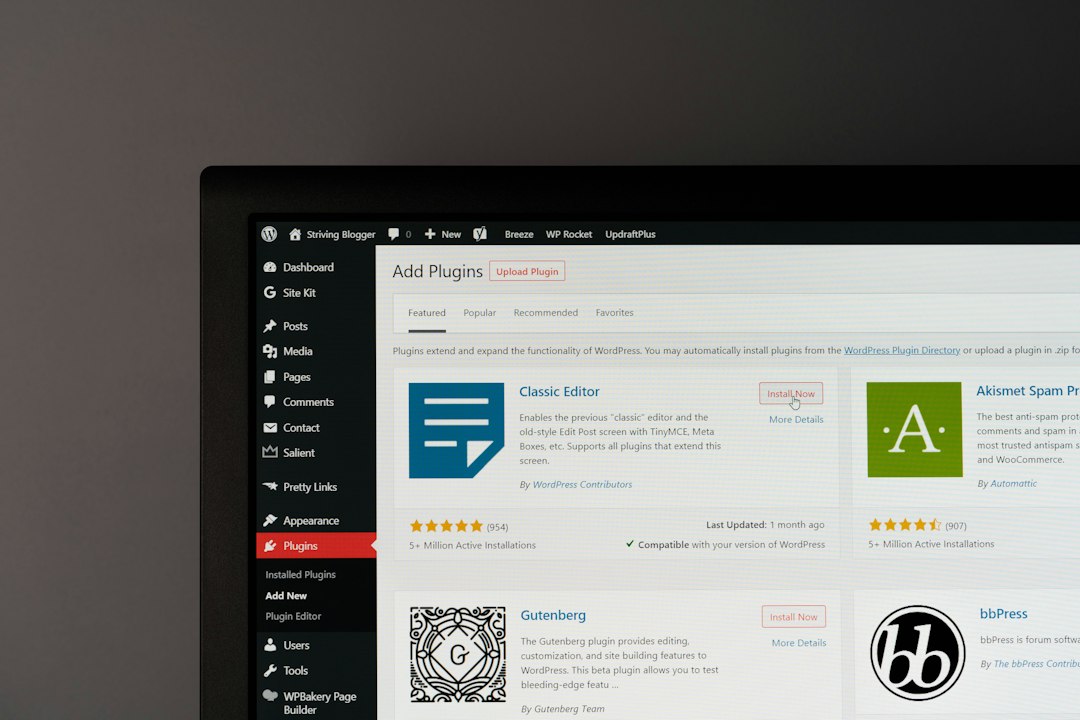
WooCommerce has a huge plugin world. Need SEO fields? Easy. Need schema? Easy. Need redirects? Easy. Need image optimization? Also easy.
The catch is plugin overload. Too many plugins can slow the site. They can also fight each other. It drives me crazy that one tiny SEO feature can require a plugin that also adds six things you did not ask for.
Adobe Commerce uses extensions too. They are often built for larger stores. Some are excellent. Some are expensive. Many need technical setup.
Simple rule:
- Want easy setup? WooCommerce is the nicer roommate.
- Want deep control? Adobe Commerce has the bigger toolbox.
- Want cheap experimentation? WooCommerce wins.
- Want enterprise workflows? Adobe Commerce wins.
URLs and site structure
Clean URLs help people and search engines. Both platforms can create decent URLs.
WooCommerce URLs are easy to adjust in WordPress settings. You can create simple paths like:
- /shop/running-shoes/
- /product/trail-runner-200/
Adobe Commerce can also create clean URLs. It can remove category paths or include them. This choice matters. Including categories can create duplicate paths if one product sits in many categories.
That does not mean Adobe Commerce is bad. It means you need rules before launch. Fixing URL chaos later is like cleaning glitter from a carpet. Possible, but deeply annoying.
Schema and rich results
Product schema can help search engines understand price, stock status, reviews, and ratings. Both platforms can support it.
WooCommerce usually handles schema through themes or SEO plugins. It is quick to add. But check it. Never assume it works because a plugin said “enabled.”
Adobe Commerce can produce richer data setups for complex needs. This is useful for stores with many product types, custom attributes, or inventory rules.
Cost and team fit
SEO cost is not just software. It is people.
WooCommerce is often cheaper at the start. Hosting can be affordable. Plugins can be low cost. Freelancers are easy to find.
Adobe Commerce costs more. Development is more specialized. Hosting is usually stronger and pricier. But for large stores, the cost can make sense because the system is built for scale.
Ask this before choosing:
- How many products will we have in 12 months?
- How many filters will shoppers use?
- How often will we publish content?
- Who will edit SEO fields?
- Do we sell in many countries?
- Can we afford ongoing developer help?
So, which platform is better for SEO?
For small stores: choose WooCommerce. It is faster to learn. It is easier to edit. It is great for content. You can move quickly without a giant budget.
For midsize stores: it depends. WooCommerce works if the catalog is clean and content matters most. Adobe Commerce works if filters, inventory, and product rules are getting serious.
For large stores: choose Adobe Commerce. It gives better control for big catalogs, multi-store setups, and complex technical SEO. Just budget for skilled developers. Do not wing it.
Final verdict
WooCommerce is the fun scooter. Cheap, quick, easy to park, and perfect for many stores. Adobe Commerce is the delivery truck. Bigger, stronger, harder to drive, and built for heavy loads.
If your SEO plan depends on publishing guides, testing pages, and editing products fast, WooCommerce is a smart pick. If your SEO plan depends on managing 20,000 products, five languages, and serious faceted search, Adobe Commerce is the safer bet.
The best SEO platform is the one your team can actually use well. A simple store with clean pages will beat a fancy store full of broken filters every single time.