

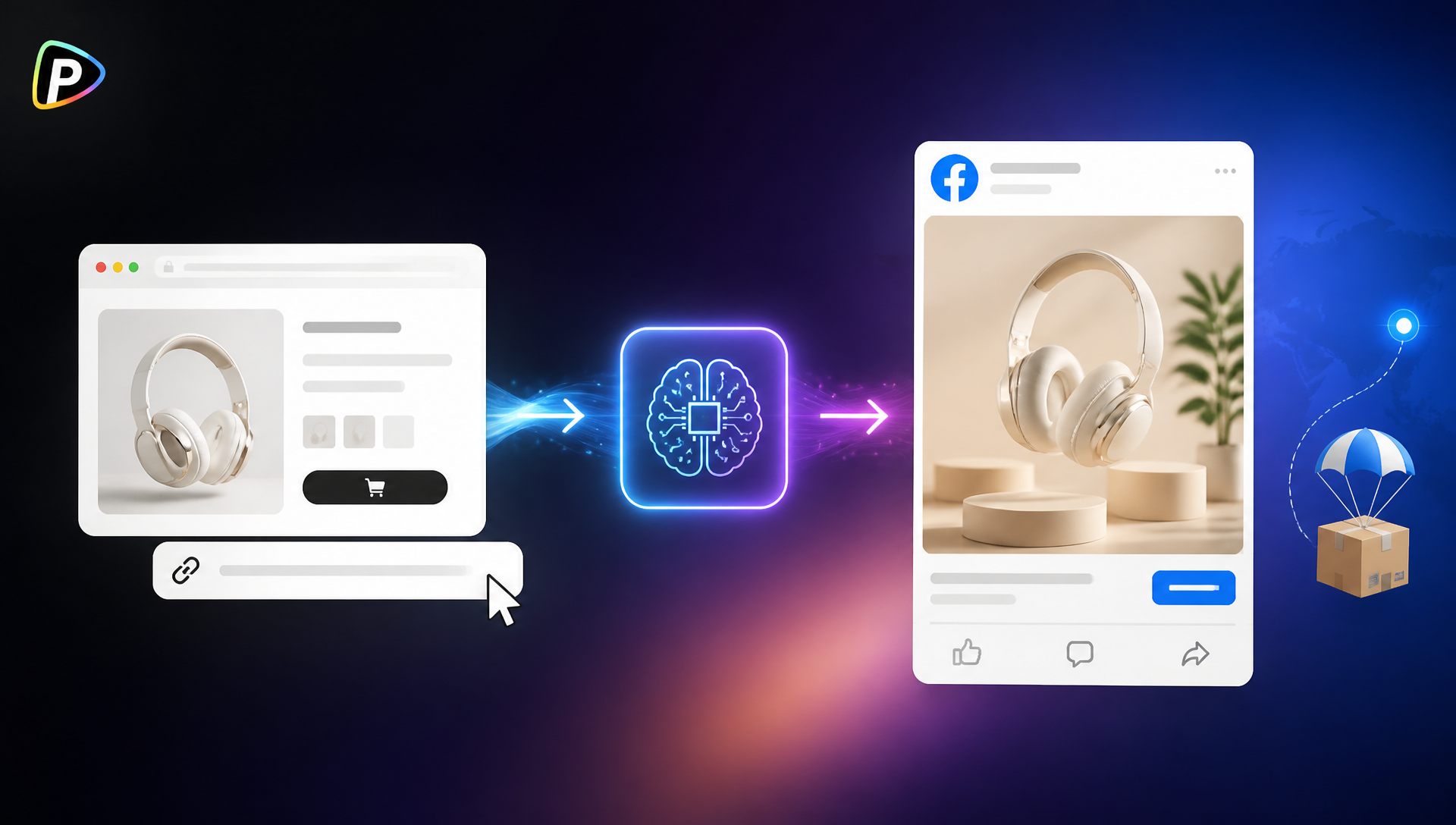
A dropshipping seller may have a product page ready but no video to promote it on Facebook. Creating one from scratch means writing a script, preparing visuals, finding a presenter, recording a voiceover, and editing the video.
An AI Facebook ad generator can simplify this process by using the product URL as the starting point. With Pollo AI’s Facebook Ad Video tool, sellers can provide a product link, add assets or a prompt, choose an AI avatar, language, and voice, and generate a Facebook ad video.
Why Use Pollo AI for a Dropshipping Facebook Ad?
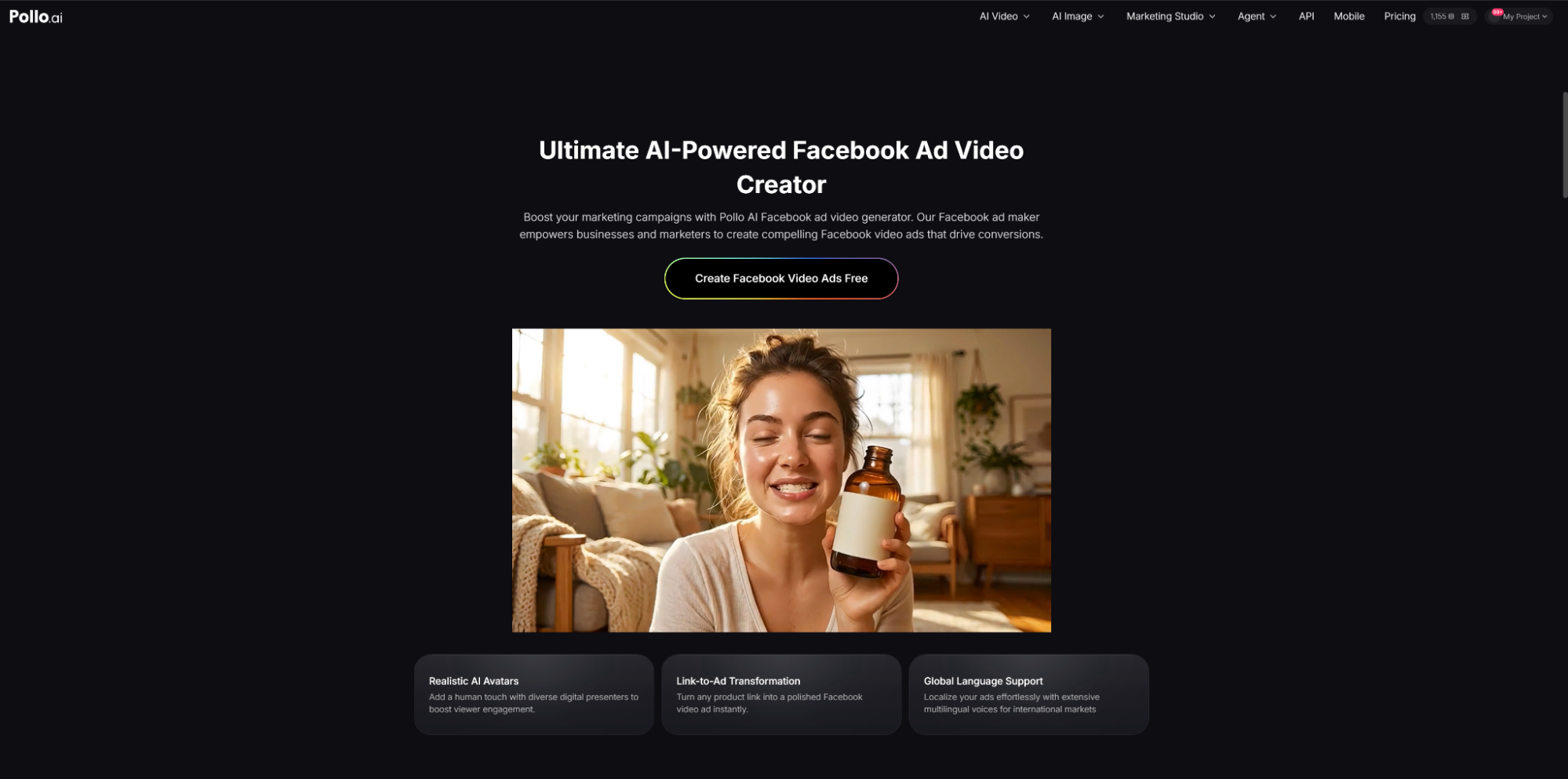
Dropshipping sellers often need several ad creatives to test a new product. The problem is that making each video manually takes time, especially when the seller has only product photos and a store URL to work with.
Pollo AI’s AI Facebook ad generator starts with that product URL. It can turn the information on the page into a video ad, while sellers can add their own images, clips, branding, or prompts when they want more control.
This also makes it easier to test different approaches. The same product can be presented around different benefits, use cases, presenters, languages, or voices without arranging a new filming session each time.
Pollo AI handles much of the video production, but the seller still needs to choose the right selling point and check the final claims. The first step is therefore to prepare a product URL that gives the tool useful information.
How to Turn a Product URL into a Facebook Ad with Pollo AI
1. Check the Product URL Before Pasting It
The product page should clearly show what the product is, how it works, and why someone might want it. Clear images and a simple description give the generator better material to work with. Sellers exploring different video creation options, such as a Powtoon AI video generator, can also use the same product information as a starting point for their creative.
The seller should also choose one main selling point. If a product has ten features, the ad does not need to mention all of them. For example, a portable blender could focus on convenience rather than listing every technical specification.
Before using the URL, check that the page is accessible and that prices, discounts, shipping details, and product claims are correct.
2. Paste the URL and Set the Ad Direction
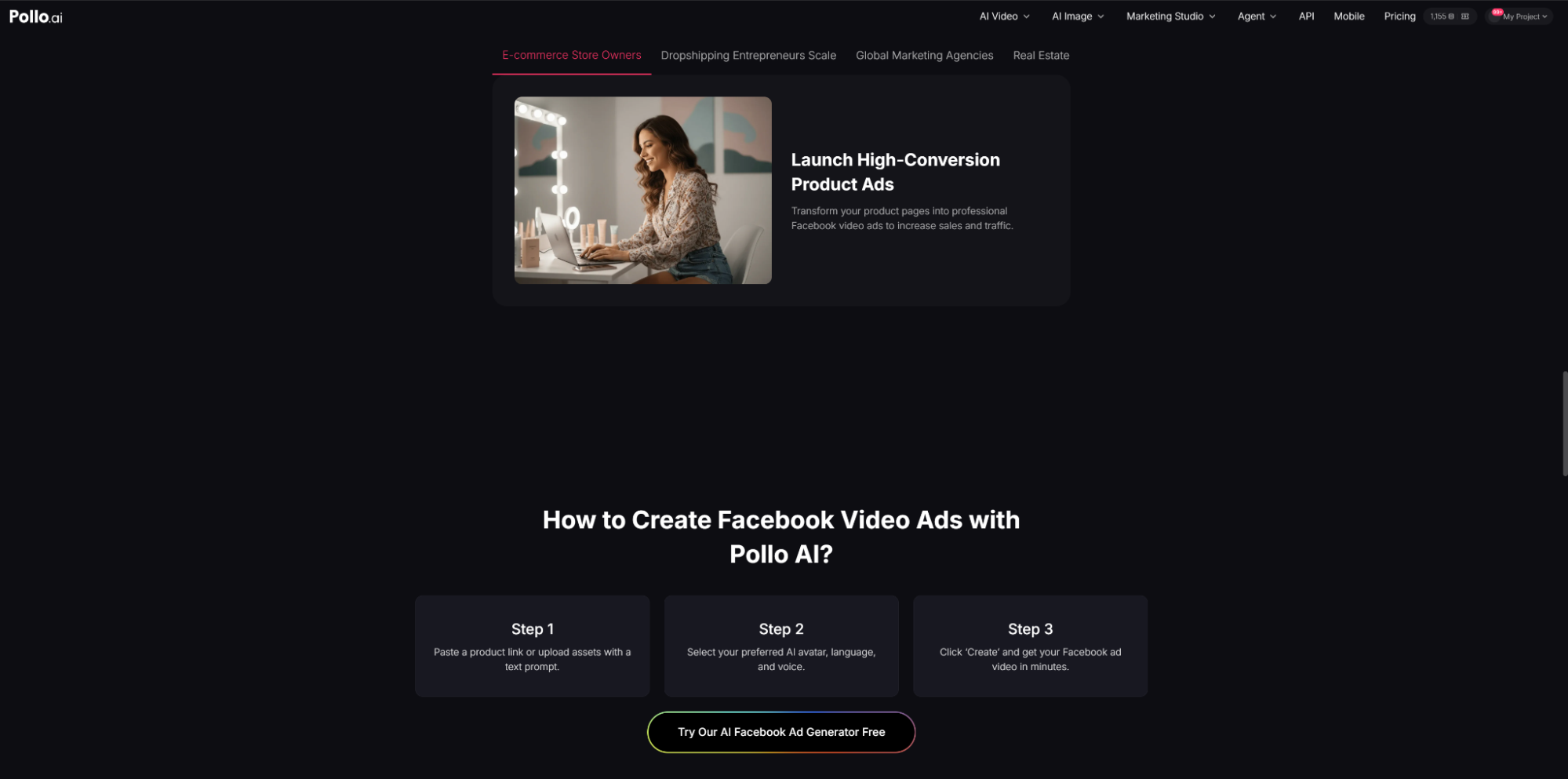
Open Pollo AI’s Facebook Ad Video tool and paste the product URL. Sellers can also upload their own assets and add a text prompt.
The prompt should tell Pollo AI what the ad should focus on. For example:
Create a short Facebook ad for busy homeowners. Show the product solving a common cleaning problem in a realistic home setting. Focus on convenience and end with a simple call to action.
There is no need to repeat the entire product description in the prompt. A clear audience, problem, and benefit are usually enough to guide the first version.
3. Choose the Avatar, Language, and Voice
Pollo AI lets sellers choose an AI avatar, language, and voice for the video.
The presenter should suit the product and audience. A casual presenter may feel more natural for an everyday household product, while a more professional style may work better for a technical item.
For international campaigns, sellers can also select different language and voice options. It is worth checking the final pronunciation of product names, brand terms, and unusual words before publishing.
4. Generate the Facebook Ad Video
After setting the URL, prompt, avatar, language, and voice, click Create to generate the video.
The first version should be checked rather than published immediately. If it tries to cover too many product features or misses the main selling point, the seller can adjust the prompt and generate another version.
If the product page does not have suitable visuals, the seller can upload better product photos, demonstration clips, or branding materials instead.
5. Review the Ad Before Running It on Facebook
Before launching the ad, compare the video with the actual product page. The product, visuals, narration, price, discount, shipping information, and other claims should all match.
The landing page should also deliver what the video promises. An ad promoting a discount that cannot be found on the product page, for example, creates a problem even if the video itself looks good.
The seller can then create a few versions with different angles. One might focus on the problem the product solves, while another demonstrates a specific use case. These variations can be tested against each other without producing every video from scratch.
Common Mistakes to Avoid
A product URL does not guarantee a good ad. If the page has poor images, vague descriptions, or unsupported claims, those weaknesses can carry into the generated video.
Another common mistake is making the message too general. Saying that a product is “high quality” or “perfect for everyone” gives viewers little reason to keep watching. A specific situation is usually more useful.
There is also no need to create a large number of versions at once. A few ads with clearly different angles are easier to compare and improve.
Conclusion
For dropshipping sellers who already have a product URL but lack video assets, Pollo AI offers a straightforward way to turn that listing into a Facebook ad. Its Facebook Ad Video tool combines URL-based generation with prompts, uploaded assets, AI avatars, and different voice and language options.
The seller still controls the important decisions: which benefit to highlight, who the ad is for, and whether the final video accurately represents the product. The AI Facebook ad generator simply makes the production part faster and easier to test.