Everyone loves Instagram for its vibrant visuals, friendly connections, and content that inspires. But over time, your “Following” list can become clogged with inactive accounts, people you’re no longer interested in, or pages that don’t align with your current interests. Cleaning up your feed can bring your social media experience back to life. If you’re wondering how to bulk unfollow people on Instagram, this guide will walk you through everything—from manual options to smart tools for automation—so you can take back control of your feed.
TLDR (Too Long, Didn’t Read)
Unfollowing people in bulk on Instagram can help declutter your feed and make interactions more meaningful. While Instagram itself doesn’t allow true bulk unfollowing, there are safe ways to do it manually or using trusted third-party tools. Remember to avoid unfollowing too many accounts at once to prevent action blocks. Always prioritize your account security and be cautious with app permissions.
Why You Might Want to Bulk Unfollow People
There are several great reasons to consider trimming down your Following list:
- Declutter your feed: Reduce the overload of unwanted content.
- Improve engagement: Instagram’s algorithm favors accounts you interact with more.
- Protect your privacy: Unfollow people who no longer align with your brand or values.
- Rebrand your account: Especially helpful for businesses or influencers adjusting their niche.
How Instagram Handles Following and Unfollowing
Before diving into methods, it’s crucial to understand how Instagram’s system works:
- Instagram has a daily limit on the number of accounts you can follow/unfollow—usually around 100 to 200 actions per day.
- Doing too much too fast may trigger an action block, suspending certain functionalities of your account.
- The Instagram algorithm also tracks user interaction to distinguish between organic and bot-like behavior.
Keeping these rules in mind will help you avoid getting penalized as you start managing your account more efficiently.
Manual Ways to Unfollow People in Bulk
If you prefer a hands-on approach without giving third-party apps access to your data, you can unfollow manually. While Instagram doesn’t support bulk actions with a single tap, there are techniques to speed up the process.
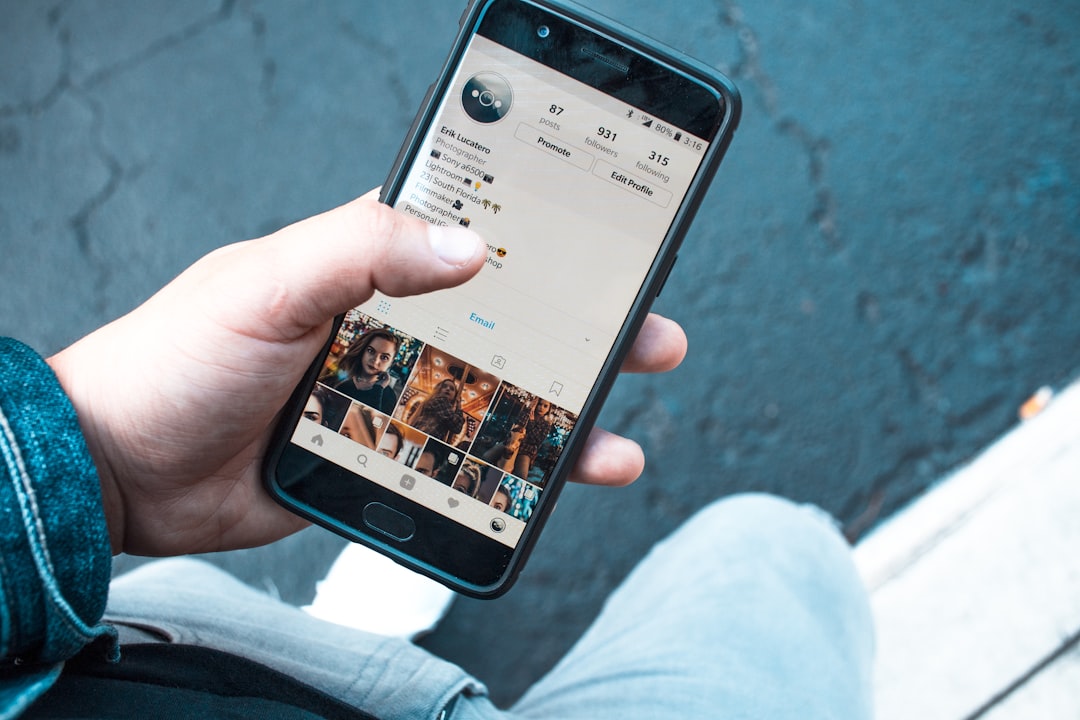
- Navigate to your profile by tapping your profile icon at the bottom right.
- Tap on the “Following” list. You’ll see everyone you’re following.
- Sort by least interacted with: Instagram now sometimes shows a list of accounts you interact with the least, making it easier to identify irrelevant follows.
- Click “Following” next to each user to unfollow them.
You can do this quickly by scrolling down rapidly and tapping through multiple profiles. Although it’s a slow way to do it, it’s the safest.
Tip: If you’re doing it by hand, aim to unfollow 50 people at a time, then take a break.
Using Third-Party Tools for Bulk Unfollowing
If manual labor isn’t your thing, you’ve probably considered apps that promise to automate the unfollowing process. While this can save time, it’s important to be very cautious. Instagram’s API policies are strict, and unauthorized automation can result in temporary or even permanent bans.
That said, some apps are relatively reputable. A few of them include:
- Cleaner for IG (iOS): Lets you bulk unfollow, delete posts, or block users. Offers a free trial with limited actions.
- Followers & Unfollowers (Android): Basic mass unfollow function, plus insights into who’s not following back.
- Jarvee (PC software): A paid professional tool with advanced automation, including scheduled unfollowing to stay under Instagram’s radar.
Important: Never give your password to apps that don’t use secure login through Instagram’s platform. Also, check reviews and confirm the app adheres to Instagram’s API usage rules.
Best Practices When Unfollowing in Bulk
To keep your account safe while cleaning it up, follow these expert tips:
- Go slow: Don’t unfollow more than 50–60 accounts per hour.
- Mix actions: Intersperse your unfollowing with liking, commenting, or posting to look like typical usage.
- Avoid unfollowing all at once: Spread the process over several days.
- Use a timer: Give yourself 5–10 minutes an hour to unfollow people then stop.
These steps reduce the risk of getting an action block and help ensure the platform doesn’t flag your behavior as robotic.
Tools Instagram Itself Offers
What many users don’t realize is that Instagram has some built-in features that make it easier to identify accounts to unfollow:
- “Least Interacted With” group: Inside your Following list, this section shows people whose content you have barely liked or commented on.
- “Most Shown in Feed” group: Helps you find accounts that dominate your timeline—you may want to dial them back.
- Search filters: You can search by name to unfollow certain kinds of accounts first, such as pages or bots you followed years ago.
These features are periodically updated, so keep an eye out for changes within the app.
What to Avoid When Bulk Unfollowing
It’s easy to get carried away. But bulk unfollowing should be done strategically, not impulsively. Here’s what to avoid:
- Don’t use sketchy third-party bots: Many of them violate Instagram policies.
- Don’t clear out everyone in one sitting: This could get your account flagged.
- Don’t unfollow long-term followers: If you’re a creator or influencer, be sure not to remove people who actively engage with your content.
- Don’t ignore the feedback loop: Review how your account feels and looks after the purge. Make tweaks if needed.
Final Thoughts
Bulk unfollowing people on Instagram is a powerful way to rejuvenate your social media experience. Whether you’re seeking a more curated timeline or trying to improve your engagement rate, a healthier Following list can make a huge difference. Be smart, go slow, and balance automation with manual efforts when needed.
With the strategies in this guide, you can now cleanse your Instagram circle effectively—and without risking your account’s safety.