

Use Balsamiq early, Miro for messy product discovery, Figma for team-ready wireframes, and Axure RP when the flow has rules, states, and edge cases. That is the practical split. Low-fidelity wireframes help teams focus on structure instead of colors and polish, which is why rough screens are still useful at the start [source: Nielsen Norman Group].
TLDR: If a product team has two weeks to test a checkout idea, start in Balsamiq or Miro, then move to Figma once the flow is approved. For a banking dashboard with 14 user roles and conditional fields, go straight to Axure RP for logic-heavy prototyping. In a typical 10-screen SaaS flow, Balsamiq may get you a rough version in 60 minutes, while Figma may take 2–3 hours but gives better handoff and visual polish.
Why these four tools fit different product stages
Wireframing is not one job. It changes as the product grows. At first, you need speed. Later, you need feedback. Then you need clean UI direction. Sometimes, you need realistic interactions that feel almost like code.
That is why comparing only Figma vs Balsamiq vs Axure RP misses part of the story. Miro often sits before all of them. It is where teams map user journeys, sketch flows, and argue about what the product should even do.
1. Miro: best for discovery and early product thinking
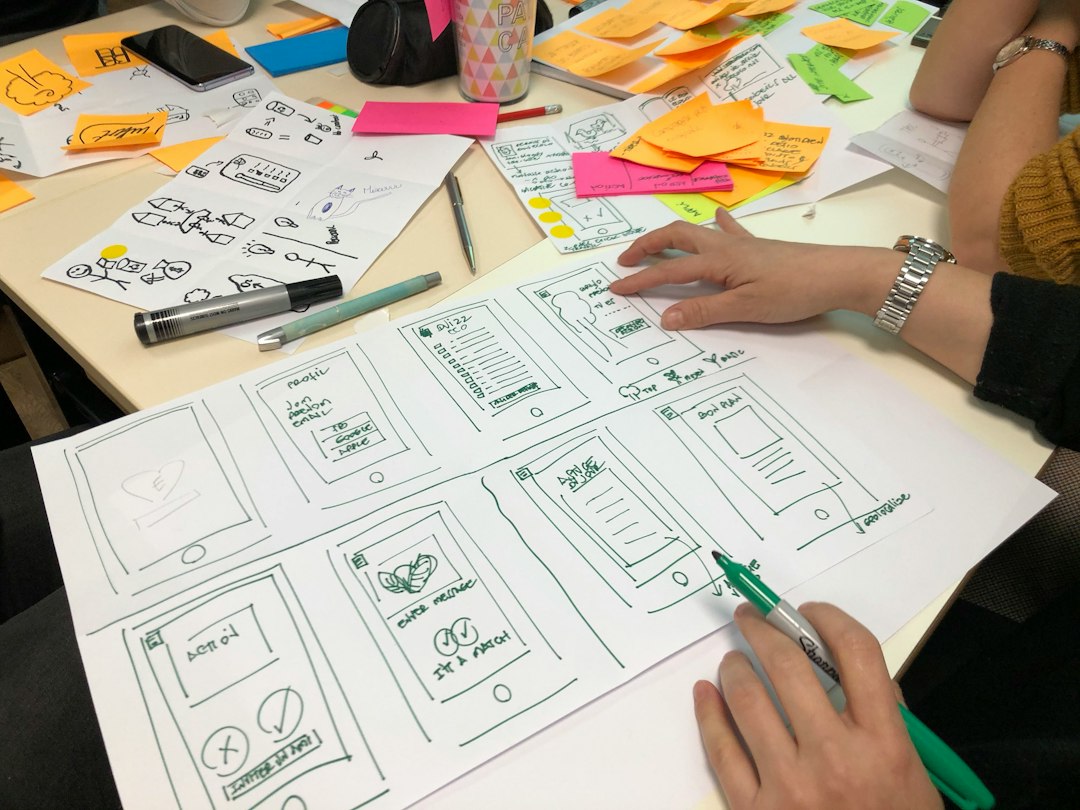
Miro is not a classic wireframing tool first. It is a whiteboard. That is its strength. Product managers, designers, engineers, and founders can drop sticky notes, rough boxes, user flows, screenshots, and comments into one shared space.
Use it when the team is still asking basic questions:
- Who is this feature for?
- What problem are we solving?
- What happens before and after the screen?
- Which flow should we build first?
Best stage: discovery, workshops, feature planning, journey mapping.
Weak spot: it gets messy fast. Honestly, it feels like every team has one Miro board that turns into a junk drawer. After a few sessions, expect to spend 15 minutes just finding the latest version of a flow unless someone keeps it tidy.
2. Balsamiq: best for quick low-fidelity wireframes
Balsamiq is made for ugly wireframes. That sounds harsh, but it is the point. Its sketchy style tells everyone, “Do not comment on the button color yet.”
This makes it great for early product ideas. You can make screens fast. You can change them without feeling precious. Stakeholders also tend to give better feedback because the design does not look finished.
Best stage: early wireframes, internal reviews, first usability tests.
Use Balsamiq when:
- You need to test layout, not branding.
- You want fast feedback from non-designers.
- You are comparing several ideas in one meeting.
- You do not want the team stuck on fonts and icons.
Weak spot: it can feel too basic once the product direction is clear. You will not want to build a polished design system there. And if a client expects something slick, Balsamiq may look “unfinished” even when it is doing its job well.
3. Figma: best for collaborative wireframes and UI design
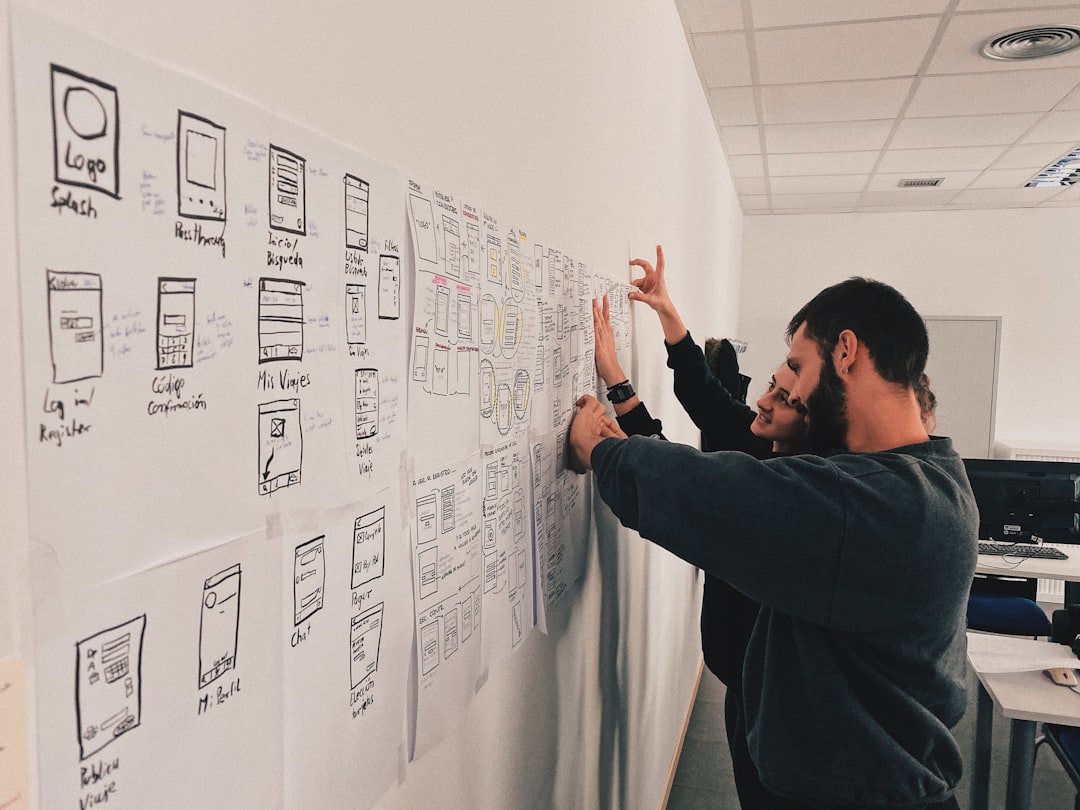
Figma is the best all-rounder here. It can handle simple wireframes, polished mockups, prototypes, design systems, comments, developer handoff, and team libraries. That range is why many teams keep their main product design work in Figma.
Use Figma when the flow is no longer just a rough idea. It is time to make screens clearer, test interactions, align UI patterns, and prepare work for engineers.
Best stage: mid-fidelity wireframes, high-fidelity prototypes, design systems, handoff.
Figma is strong for:
- Real-time collaboration.
- Reusable components.
- Clickable prototypes.
- Design review comments.
- Developer inspection and export.
Weak spot: Figma can slow teams down when they polish too early. It drives me a little crazy when a team spends 40 minutes aligning cards on a flow that has not been approved. Figma makes things look real, which is useful, but that can trick people into thinking the problem is solved.
4. Axure RP: best for complex logic and realistic prototypes
Axure RP is the serious tool in the group. It is not the fastest for simple wireframes. It is not the friendliest for casual stakeholders. But when you need advanced interactions, form rules, variables, conditional logic, and complex states, Axure shines.
Think of enterprise tools, healthcare systems, admin panels, insurance forms, or finance products. These products often need more than a clickable screen. They need prototypes that react to user input.
Best stage: complex prototyping, validation before development, enterprise UX.
Use Axure RP when:
- A form changes based on previous answers.
- Users have different roles and permissions.
- You need realistic data entry.
- The prototype must show error states.
- Simple click-throughs are not enough.
Weak spot: the learning curve is real. A simple three-screen click-through may take longer in Axure than in Figma. For basic marketing pages or mobile app concepts, it can feel like using a forklift to move a coffee cup.
Quick comparison
| Tool | Best for | Main drawback |
|---|---|---|
| Miro | Discovery, workshops, user flows | Boards can get chaotic |
| Balsamiq | Fast low-fidelity wireframes | Too rough for polished UI work |
| Figma | Collaborative design and handoff | Easy to over-polish too soon |
| Axure RP | Complex prototypes with logic | Harder to learn and slower for simple work |

Which one should you choose?
Choose based on the stage, not brand loyalty.
- Start with Miro if the team is still defining the product idea.
- Use Balsamiq if you need rough screens today, not next week.
- Move to Figma when the team needs cleaner screens, comments, and handoff.
- Pick Axure RP when the prototype must behave like a real product.
For most teams, the best stack is simple: Miro for thinking, Balsamiq for rough structure, Figma for design, and Axure RP for the hard interactive stuff. You do not need all four for every project. You need the right one at the right time.