


Digital products are things you sell online that customers can download, access, or use without shipping a box. Think ebooks, templates, courses, apps, music, presets, planners, or paid communities. You create it once, then sell it many times. That is the big magic trick.
TLDR: Digital products are online items like ebooks, templates, courses, and software. They are popular because there is no stock room, no packing tape, and no delivery truck. For example, a fitness coach could sell a $29 meal plan PDF to 300 people and make $8,700 before fees. Even a tiny product can become a real side business if it solves one clear problem.
What Is a Digital Product?
A digital product is something made of files, access, or code. Customers buy it online. Then they get it by download, login, email, or app.
There is no physical item. No shelf. No warehouse. No panic because the printer ran out of labels at 11 p.m.
Digital products are great because they are easy to copy and send. The hard part is not shipping. The hard part is making something people actually want.

Why Digital Products Are So Popular
People love digital products for simple reasons.
- Low costs: You do not need to buy inventory first.
- High profit margins: A $19 template may cost very little to deliver.
- Easy updates: Fix a spelling error. Upload the file again. Done.
- Global sales: A buyer in Spain can get your product while you sleep.
- Automation: Payments, delivery, and emails can run on autopilot.
The catch is, simple does not mean effortless. You still need a good idea, a clean offer, and a way to bring people to it.
Main Types of Digital Products
1. Ebooks and Guides
Ebooks are one of the easiest starting points. You can write a guide in Google Docs, export it as a PDF, and sell it.
Good ebook ideas include:
- A beginner guide to meal prepping.
- A travel guide for one city.
- A small business tax checklist.
- A “first 30 days” guide for new puppy owners.
The best ebooks are not huge. They are useful. A 25-page guide that solves a painful problem can beat a 250-page book that feels like homework.
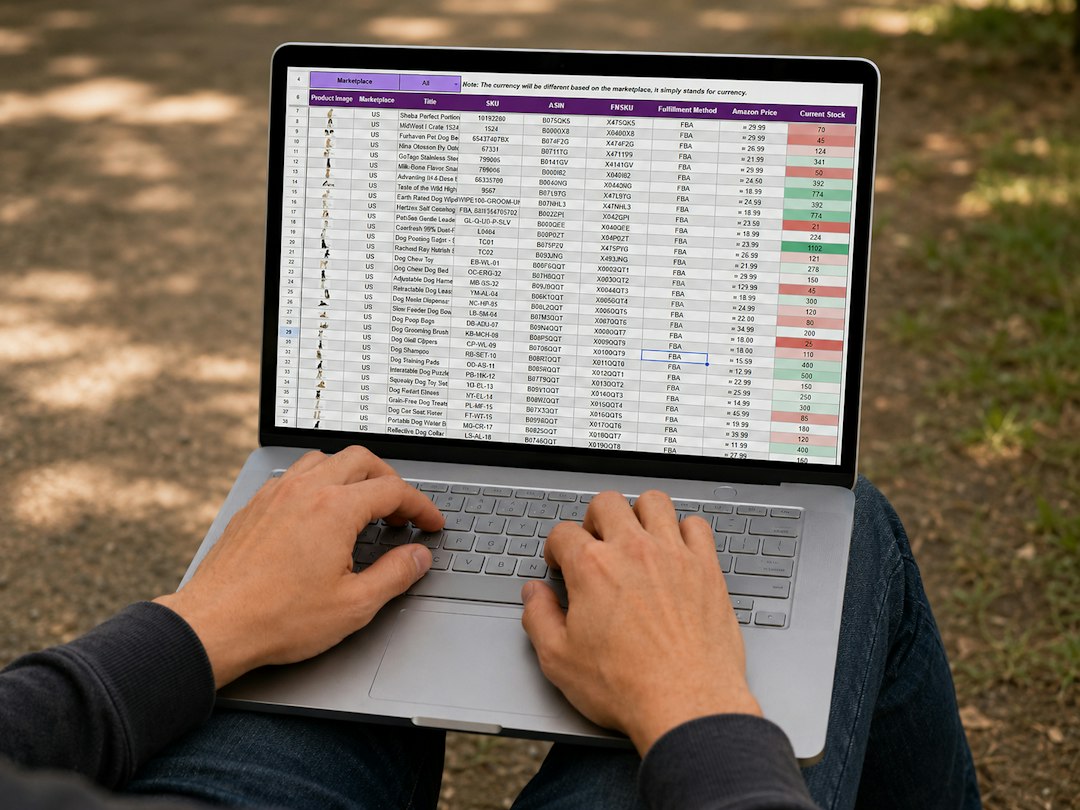
2. Templates and Spreadsheets
Templates save people time. That is why they sell so well.
Examples include:
- Budget spreadsheets.
- Resume templates.
- Social media calendars.
- Invoice templates.
- Wedding planning checklists.
Honestly, it feels like half the internet is just people trying to avoid making a spreadsheet from scratch. If you can make the boring part faster, people may pay.
3. Online Courses
Courses teach a skill step by step. They can be videos, text lessons, worksheets, quizzes, or live sessions.
Course examples:
- How to use a camera in manual mode.
- How to pass a real estate exam.
- How to bake sourdough bread.
- How to start freelancing.
A course should promise a clear result. “Learn photography” is too wide. “Take better indoor photos with your phone in 7 days” is much clearer.

4. Software and Apps
Software can be a mobile app, browser tool, plugin, or web app. This type can make a lot of money, but it is harder to build.
Examples include:
- A habit tracker app.
- A booking tool for salons.
- A browser extension for grammar checks.
- A calculator for mortgage payments.
Expect to waste time on weird little bugs. One button works on desktop, then refuses to behave on a phone. Classic software drama.
5. Digital Art, Music, and Creative Assets
Creatives can sell files too. This includes stock photos, icons, fonts, music loops, sound effects, patterns, and illustrations.
These products are often bought by creators, marketers, and small business owners. They need assets for videos, websites, ads, and social posts.
6. Memberships and Paid Communities
A membership gives buyers ongoing access. It might include new lessons, templates, group chats, live calls, or private resources.
This model can bring steady income. But you must keep showing up. If people pay every month, they expect fresh value every month.
Real Digital Product Examples
Here are simple ideas from different niches:
- Fitness: A 6-week home workout plan.
- Food: A vegan lunch recipe pack.
- Business: A client onboarding template bundle.
- Parenting: A printable chore chart for kids.
- Education: Math worksheets for fourth grade.
- Design: Instagram post templates.
- Music: A pack of lo-fi drum loops.
- Travel: A weekend itinerary for Rome.
Notice something? Each idea helps a clear person do a clear thing. That is the secret sauce.
How to Build an Online Business With Digital Products
Step 1: Pick a tiny problem
Do not start with “I want passive income.” Start with “What annoying problem can I solve?”
Examples:
- New freelancers do not know what to say on sales calls.
- Busy parents need quick lunch ideas.
- Teachers need printable classroom activities.
- Small shop owners need simple product photo tips.
Tiny problems are easier to sell. They feel urgent. They also make your product easier to finish.
Step 2: Choose the right format
Match the product to the problem.
- If people need information, make a guide.
- If people need speed, make a template.
- If people need skill, make a course.
- If people need repeat help, make a membership.
- If people need a tool, make software.
Do not build an app when a simple PDF would work. That is how projects become monsters.
Step 3: Create a simple first version
Your first version does not need fireworks. It needs to work.
Call it a minimum lovable product. Not ugly. Not broken. Just small and useful.
For example, instead of making a giant “Ultimate Freelance Business System,” make a $15 proposal template pack. Sell it. Watch what buyers ask for. Then improve it.
Step 4: Set up your sales page
Your sales page should answer four questions fast:
- What is it?
- Who is it for?
- What problem does it solve?
- What happens after I buy?
Use screenshots. Show sample pages. Add a refund policy if it fits. People hate feeling tricked, and fair details build trust.
Step 5: Bring traffic
A great product with no visitors is just a lonely file. You need traffic.
Common traffic channels include:
- SEO: Blog posts that answer search questions.
- Email: A list of people who want tips from you.
- Social media: Short posts, reels, carousels, or demos.
- Marketplaces: Platforms where buyers already search.
- Partners: Affiliates, creators, or newsletter swaps.
Pick one or two channels first. Do not try ten. That way lies tab chaos.
Step 6: Improve with feedback
Real buyers are gold. Ask what confused them. Ask what they wanted next. Ask why they almost did not buy.
Then make the product better. Add examples. Fix unclear steps. Add a bonus. Raise the price when the value grows.
Pricing Digital Products
Pricing depends on the result, audience, and format. Here are simple ranges:
- Printables: $3 to $15.
- Templates: $9 to $79.
- Ebooks: $7 to $49.
- Courses: $49 to $999.
- Memberships: $9 to $99 per month.
- Software: $5 to $300 per month, depending on use.
Do not copy random prices. Test. A $39 product that saves someone five hours may feel cheap. A $9 product that is vague may feel expensive.
Common Mistakes to Avoid
- Making the product too big: Big projects stall fast.
- Selling to everyone: Everyone is not a market.
- Skipping proof: Show samples, reviews, or results.
- Using confusing names: Cute names can hide the value.
- Ignoring delivery: Make access instant and simple.
It drives me crazy when a checkout takes seven clicks for a $12 download. Keep buying easy. Every extra step leaks sales.
Best Simple Starting Plan
If you are new, start with a template, checklist, or short guide. Build it in a weekend. Price it low enough to test. Then sell it to a clear group of people.
Here is a simple plan:
- Pick one audience.
- Find one annoying task they repeat.
- Create a product that makes it faster.
- Make a one-page sales page.
- Post helpful content for 30 days.
- Ask buyers what they want next.
Digital products are not magic money buttons. They are tiny problem solvers. Make one that saves time, teaches a skill, or removes stress. Then keep improving it. That is how a small file can grow into a serious online business.