

Modern software development depends heavily on containers to package applications and their dependencies into portable, consistent units. As organizations scale their DevOps practices, managing container images securely becomes a critical priority. This is where container registry tools like Amazon Elastic Container Registry (ECR) play a vital role, offering secure storage, version control, and controlled distribution of container images across teams and environments.
TLDR: Container registry tools such as Amazon ECR provide secure, scalable storage for container images while integrating seamlessly with CI/CD pipelines and orchestration platforms like Kubernetes. They offer access control, image scanning, encryption, and lifecycle management features that enhance security and efficiency. By centralizing image management, organizations reduce risk, improve deployment consistency, and streamline development workflows. Choosing the right registry depends on infrastructure, compliance needs, and scalability goals.
As containers have become foundational to cloud-native architectures, the need for secure, reliable, and scalable image storage solutions has grown dramatically. Container registries act as centralized repositories where images are pushed, stored, scanned, versioned, and pulled for deployment. Without these registries, organizations would struggle to maintain consistency, traceability, and security across environments.
What Is a Container Registry?
A container registry is a system that stores and distributes container images. Developers push container images after building them, and deployment systems pull those images to run applications in production or testing environments. Registries can be:
- Public – Accessible to anyone (e.g., Docker Hub public repositories)
- Private – Restricted to authorized users within an organization
- Managed cloud services – Such as Amazon ECR, Google Artifact Registry, or Azure Container Registry
Private and managed registries are particularly important for businesses that need strong access controls, compliance adherence, and secure integration with cloud infrastructure.

Why Security Matters in Container Registries
Container images contain application code, runtime environments, libraries, and sometimes configuration data. If not properly secured, they can become a significant attack surface. Threat actors may attempt to:
- Inject malicious code into images
- Exploit known vulnerabilities in outdated dependencies
- Gain unauthorized access to proprietary applications
- Replace legitimate images with compromised versions
Container registry tools address these risks through features such as:
- Authentication and authorization controls
- Encryption at rest and in transit
- Image vulnerability scanning
- Audit logging and monitoring
- Immutable image tagging
By centralizing image management, organizations maintain visibility and control over what gets deployed into production environments.
Amazon ECR: A Leading Example
Amazon Elastic Container Registry (ECR) is a fully managed container registry service offered by AWS. It integrates directly with AWS services such as Amazon ECS, EKS, and IAM, making it especially attractive for teams already operating within the AWS ecosystem.
Some of the key features of Amazon ECR include:
- Fully managed infrastructure – No servers to provision or maintain
- IAM-based access control – Fine-grained permissions
- Automatic image scanning – Identifies vulnerabilities in dependencies
- Lifecycle policies – Automatically clean up outdated images
- High availability and scalability
Because it is deeply integrated into AWS, ECR simplifies authentication. For example, developers can use IAM roles attached to compute resources, reducing the need to manage static credentials manually.
Core Benefits of Container Registry Tools
1. Secure Image Storage
Security begins with encrypted storage. Container registries like Amazon ECR automatically encrypt images at rest using cloud-native key management systems. Additionally, data is encrypted in transit using HTTPS protocols.
Access control mechanisms allow administrators to define:
- Who can push images
- Who can pull images
- Who can delete or modify repositories
This level of control prevents unauthorized distribution or tampering.
2. Integration with CI/CD Pipelines
Modern DevOps pipelines rely heavily on automation. After developers commit code, automated build systems create container images and push them to a registry. From there, deployment pipelines pull validated images into staging or production environments.
Container registry tools integrate seamlessly with:
- Git-based version control systems
- Continuous Integration servers
- Kubernetes clusters
- Infrastructure as Code frameworks
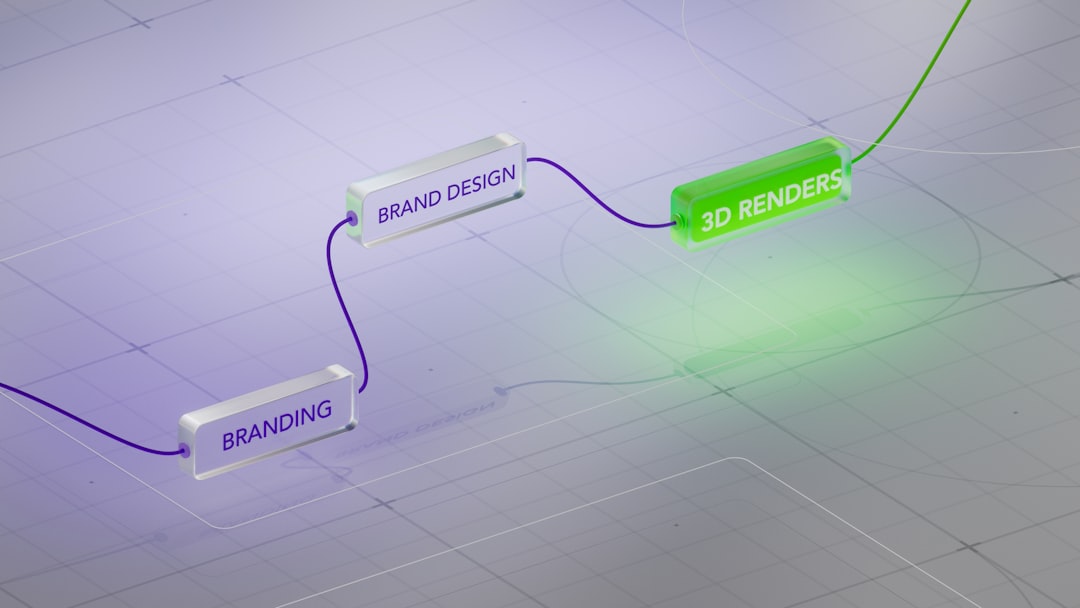
This integration ensures consistency between environments and reduces configuration drift.
3. Vulnerability Scanning and Compliance
Security scanning is one of the most valuable features offered by managed registries. Amazon ECR, for example, can scan images for known vulnerabilities using continuously updated vulnerability databases.
These scans provide:
- Detailed reports of affected packages
- Severity ratings for vulnerabilities
- Recommendations for remediation
For organizations operating in regulated industries, maintaining a clear security audit trail is essential. Registry tools maintain logs of image pushes, pulls, and modifications, supporting compliance with standards such as SOC 2, HIPAA, and ISO certifications.
4. Versioning and Traceability
Container registries allow teams to tag images with version numbers, release identifiers, or environment labels. This enables precise control over which application version is deployed.
Immutable tags prevent accidental overwriting of production images. Combined with proper naming conventions and build automation, versioning ensures repeatable deployments and easier rollbacks in case of failure.
5. Lifecycle Management
Over time, unused or outdated images accumulate and consume storage space. Registry tools provide lifecycle policies that automatically delete images based on:
- Age
- Tag patterns
- Retention limits
This reduces operational overhead and helps control storage costs without manual intervention.
Beyond Amazon ECR: Other Registry Solutions
Although Amazon ECR is a popular choice, other container registry tools also offer robust features:
- Google Artifact Registry – Integrated with Google Cloud services
- Azure Container Registry – Designed for Microsoft Azure environments
- Docker Hub (Private Repositories) – Suitable for smaller projects
- Harbor – Open-source registry with advanced security features
- JFrog Artifactory – Enterprise-grade artifact and container management
Each tool offers varying capabilities related to scalability, integration, and compliance. Organizations should evaluate options based on:
- Cloud provider alignment
- Security policy requirements
- Multi-cloud or hybrid-cloud strategies
- Budget and operational complexity
Best Practices for Using Container Registries Securely
Even with advanced features, organizations must implement best practices to maximize security and efficiency:
- Enable image scanning by default
- Use least-privilege IAM policies
- Implement immutable tags
- Enforce multi-factor authentication
- Regularly rotate credentials and tokens
- Monitor audit logs for unusual activity
Additionally, organizations should adopt a shift-left security approach, addressing vulnerabilities during development rather than waiting until deployment.
The Role of Container Registries in Cloud-Native Architecture
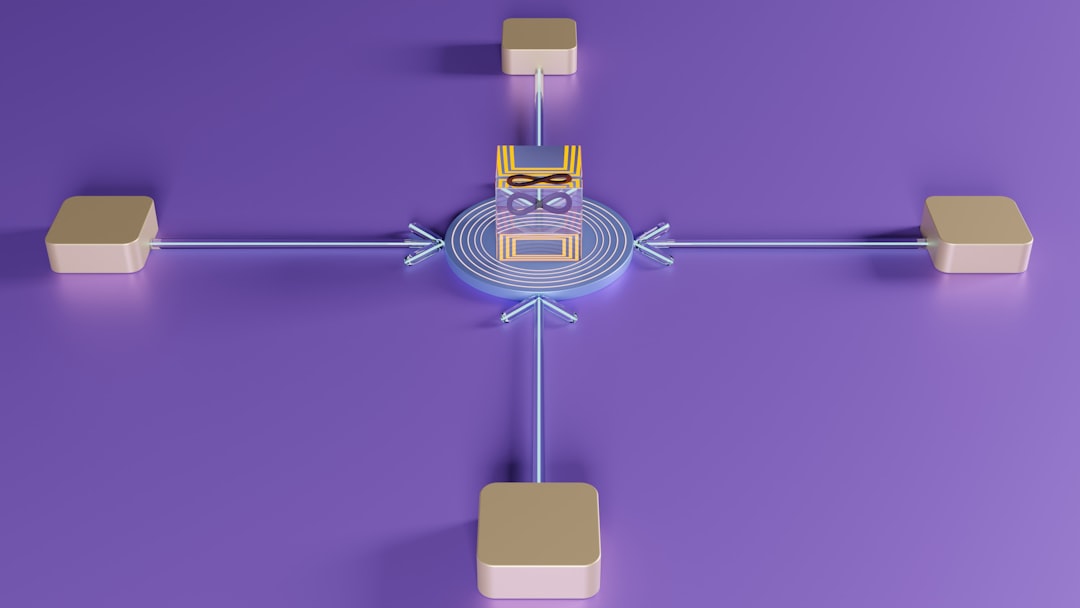
In microservices-based systems, applications may consist of dozens or even hundreds of containerized services. Registry tools act as the backbone for distributing these services reliably.
As companies adopt:
- Kubernetes orchestration
- Serverless container platforms
- Edge computing deployments
The need for geographically distributed, highly available image storage becomes even more important. Cloud-based registries provide replication and failover capabilities to ensure minimal latency and high uptime.
Ultimately, container registries are not just storage tools; they form a critical layer in the application supply chain. Securing that layer helps protect the entire software ecosystem.
Conclusion
Container registry tools like Amazon ECR have become indispensable in modern application development. They provide secure storage, automated scanning, lifecycle management, and seamless integration with CI/CD pipelines and orchestration platforms. By centralizing image management and enforcing strict access controls, organizations can significantly reduce security risks while improving operational efficiency.
As container adoption continues to expand, registry tools will remain central to cloud-native strategies. Choosing the right platform—whether Amazon ECR or an alternative—requires careful consideration of infrastructure alignment, security requirements, and scalability goals. When properly implemented, these tools form a secure foundation for reliable, resilient software delivery.
FAQ
1. What is the main purpose of a container registry like Amazon ECR?
The primary purpose is to securely store, manage, version, and distribute container images. It ensures that only authorized users and systems can push or pull images and provides security features like scanning and encryption.
2. Is Amazon ECR only useful for AWS environments?
While Amazon ECR integrates most seamlessly with AWS services, it can be used with other environments. However, organizations heavily invested in AWS benefit most from its native integrations and IAM controls.
3. How does image vulnerability scanning work?
Image scanning analyzes the contents of a container image against known vulnerability databases. It identifies outdated packages or security flaws and generates reports with severity levels and remediation guidance.
4. What is the difference between a public and private container registry?
A public registry allows anyone to access images, while a private registry restricts access to authorized users within an organization. Private registries are recommended for proprietary or sensitive applications.
5. Can container registries help with compliance requirements?
Yes. Managed container registries offer audit logging, access control, encryption, and vulnerability reporting, all of which support compliance with security and data protection standards.
6. What are lifecycle policies in container registries?
Lifecycle policies automatically remove outdated or unused images based on defined rules, helping reduce storage costs and maintain a clean repository.
7. Are open-source container registries secure?
Open-source registries like Harbor can be highly secure when properly configured. However, they require more operational oversight compared to fully managed services like Amazon ECR.