

Canva is popular. It is simple. It is fast. But it is not the only option. If you want more control, more features, or just a fresh tool, there are many great alternatives out there. Some tools are better for branding. Others shine in marketing or content creation. Let’s explore the best Canva alternatives that can level up your creative game.
TLDR: Canva is great, but it is not your only choice. Tools like Adobe Express, Visme, Snappa, VistaCreate, Figma, and PicMonkey offer powerful features for branding, marketing, and content creation. Some are beginner-friendly. Some are more advanced. The best tool depends on your goals, skills, and budget.
Why Look for a Canva Alternative?
Canva is easy. That is its superpower. But sometimes easy is not enough.
You may want:
- More advanced design control
- Stronger branding tools
- Better collaboration
- Fewer design limitations
- Different pricing options
Or maybe you just want something new. That is reason enough.
1. Adobe Express
Adobe Express is simple but powerful. It blends ease of use with professional features.
It is great for:
- Social media graphics
- Short videos
- Flyers and posters
- Brand kits
If you already use Adobe tools, this one fits right in. You can access Adobe Stock photos and premium fonts. That means more creative freedom.
Why people love it:
- Clean interface
- Professional templates
- Strong branding tools
- Creative Cloud integration
It feels like Canva. But with more muscle.
2. Visme
Visme is perfect for presentations and infographics. It shines in data visualization.
If your marketing involves stats, charts, or reports, this tool is gold.
Best for:
- Business presentations
- Reports
- Infographics
- Interactive content
It also allows animations and clickable elements. That makes your content dynamic and engaging.

Why choose Visme?
- Strong data tools
- Professional templates
- Brand control options
- Interactive design features
It is less about cute social posts. More about serious marketing power.
3. Snappa
Snappa is simple. Really simple. It is made for marketers who need fast graphics.
You do not need design skills. You just drag, drop, and download.
Ideal for:
- Blog headers
- Social media posts
- Online ads
- Email banners
Snappa does not overwhelm you with features. That is the point. It keeps things focused.
What makes it stand out?
- Pre-sized templates for platforms
- Huge photo library
- Easy exports
- Fast workflow
If speed matters more than complexity, Snappa is a strong pick.
4. VistaCreate
VistaCreate is another beginner-friendly design platform. It feels similar to Canva but has its own personality.
It is bold. It is modern. It is creative.
Great for:
- Animated posts
- Social media stories
- Ads
- Print materials
One of its strengths is animation. You can create eye-catching moving designs without much effort.

Why people switch to VistaCreate:
- Large template library
- Built-in animations
- High-quality stock photos
- Simple interface
If motion content is part of your marketing, this tool can help you stand out.
5. Figma
Figma is different. It is more advanced. It is not just for graphics. It is for full design systems.
It is popular with UI and UX designers. But marketers and brand teams use it too.
Perfect for:
- Brand systems
- Website mockups
- App design
- Team collaboration
Figma is cloud-based. That means your team can work together in real time.
Why it stands out:
- Real-time collaboration
- Precise design control
- Scalable components
- Powerful plugins
It has a learning curve. But once you get it, you unlock serious creative power.
6. PicMonkey
PicMonkey focuses on photo editing and branding. It is fun and flexible.
If your brand relies on strong visuals and photos, this tool is worth a look.
Best for:
- Photo touch-ups
- Social graphics
- Logos
- Brand kits
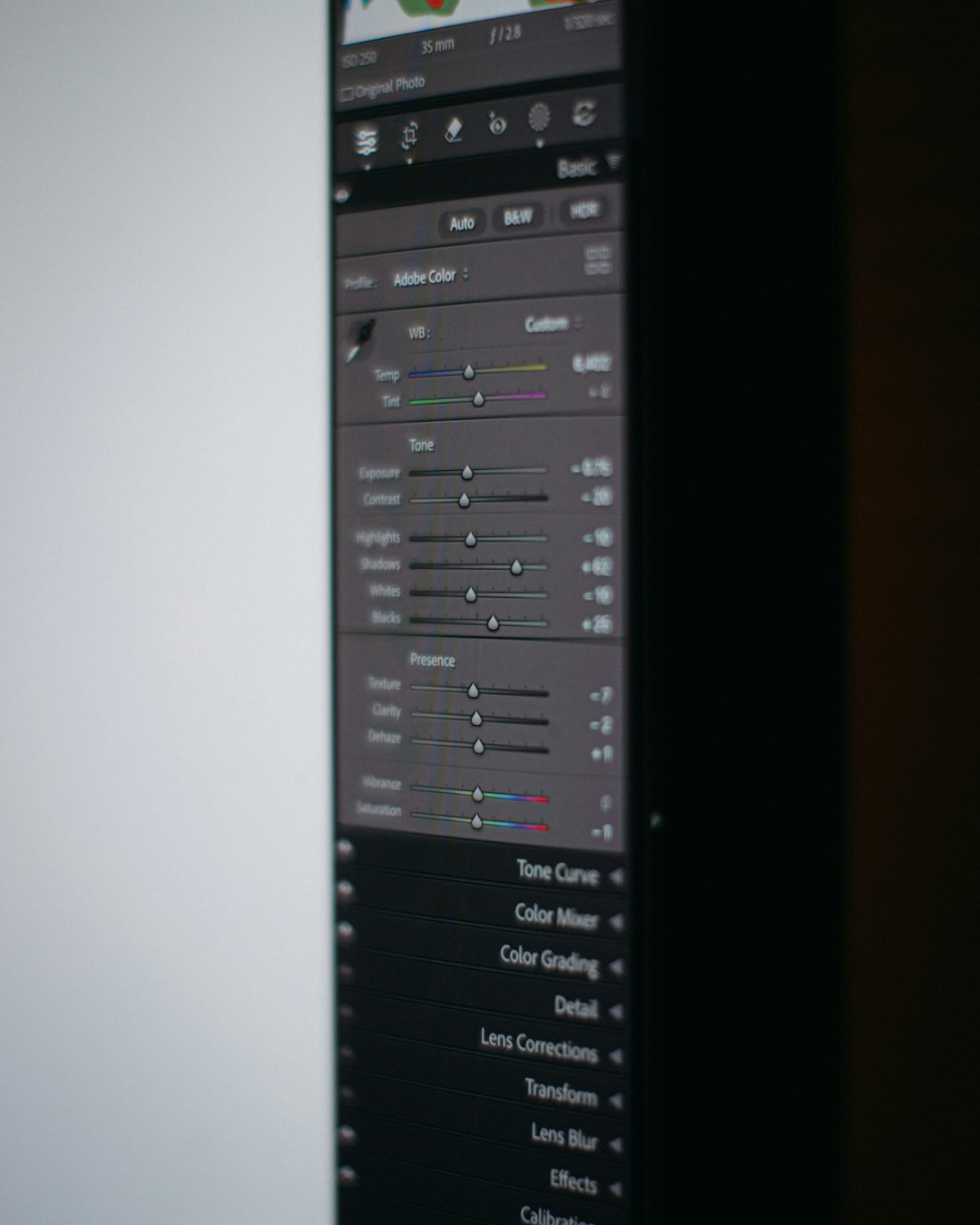
You can remove backgrounds. Add effects. Retouch portraits. And design from scratch.
Why creators enjoy PicMonkey:
- Advanced photo tools
- Easy layering
- Brand kit features
- User-friendly editor
It is like mixing graphic design with photo magic.
Comparison Chart
| Tool | Best For | Ease of Use | Branding Features | Collaboration |
|---|---|---|---|---|
| Adobe Express | Marketing graphics and short videos | Easy | Strong | Moderate |
| Visme | Presentations and infographics | Moderate | Strong | Good |
| Snappa | Quick online graphics | Very Easy | Basic | Limited |
| VistaCreate | Animated social posts | Easy | Good | Moderate |
| Figma | Full brand systems and UI | Advanced | Very Strong | Excellent |
| PicMonkey | Photo-based branding | Easy | Strong | Moderate |
How to Choose the Right Tool
Start with your goal. Ask yourself a few simple questions.
1. What do I create most?
- Social posts?
- Presentations?
- Videos?
- Web designs?
2. How advanced are my skills?
If you are a beginner, pick something simple like Snappa or VistaCreate. If you are experienced, try Figma.
3. Do I work alone or with a team?
For teams, collaboration is key. Figma and Visme work well for group projects.
4. How important is branding?
If brand consistency matters a lot, choose tools with brand kits and reusable assets.
Branding, Marketing, and Content Creation: What You Really Need
Branding is about consistency. Same fonts. Same colors. Same vibe.
Marketing is about attention. Bold visuals. Clear messages. Strong calls to action.
Content creation is about storytelling. Engaging posts. Helpful information. Share-worthy graphics.
The right tool supports all three.
It helps you:
- Create faster
- Stay consistent
- Look professional
- Adapt to trends
Remember. Tools do not make great branding. You do. The tools just make it easier.
Final Thoughts
Canva changed the design world. It made design accessible. But it is not the only player anymore.
You have options. Many good ones.
If you want professional power with simplicity, try Adobe Express. If you love data and presentations, go with Visme. If you need speed, Snappa works great. If animation excites you, choose VistaCreate. If you want full control and teamwork, explore Figma. If photos are your focus, PicMonkey is strong.
The best choice depends on your creative style and business needs.
Test a few. Play around. Most tools offer free versions.
Design should be fun. Marketing should be exciting. Branding should feel like you.
Pick the tool that helps you create with confidence. Then start building something amazing.