

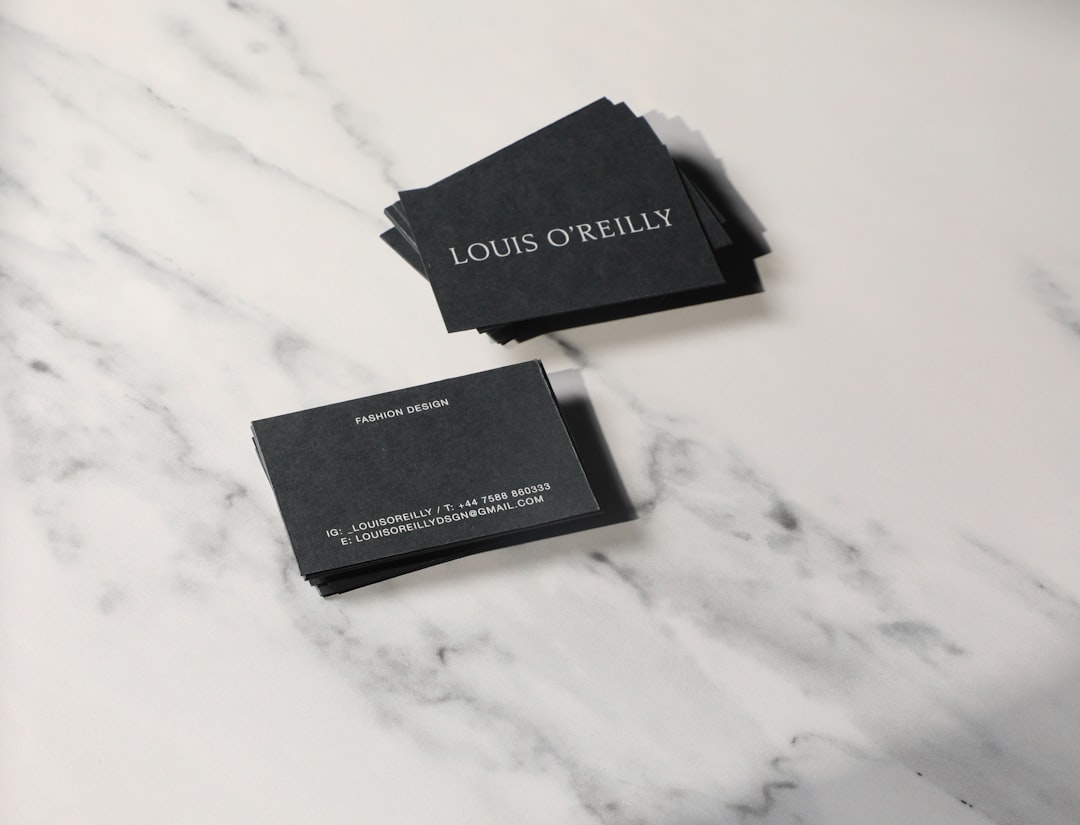
Choosing a business card maker is no longer just a question of who can print a rectangle with your name on it. The better platforms now combine template design, brand consistency, print quality, delivery speed, and simple editing tools. For small businesses, consultants, local service providers, and startup teams, the right choice depends on whether speed, premium materials, low cost, or design flexibility matters most.
TLDR: If you need the fastest all-around option with easy templates, Canva, Vistaprint, and Adobe Express are strong starting points. If print quality and premium finishes are more important than the lowest price, MOO and Jukebox Print deserve serious consideration. For budget ordering at scale, platforms such as GotPrint, UPrinting, and Staples can be practical. The best business card maker is the one that matches your deadline, design confidence, and expectations for paper, finish, and brand presentation.
How to Compare Business Card Makers
A good comparison should look beyond the template gallery. Business cards are physical brand assets, so the process must be judged from design to delivery. Before choosing a platform, consider the following criteria:
- Ease of design: Can a non-designer create a professional card quickly?
- Template quality: Are the layouts modern, balanced, and appropriate for business use?
- Customization: Can you control fonts, colors, logos, icons, spacing, and card backs?
- Print options: Are there choices for paper thickness, matte or glossy finishes, foil, embossing, or rounded corners?
- Speed: How quickly can you design, approve, and receive the cards?
- Reliability: Does the platform provide previews, proofing tools, and clear production information?
With those standards in mind, here are ten reputable platforms worth comparing.
1. Canva
Canva is one of the most accessible choices for fast business card design. Its main advantage is the editor: it is intuitive, browser-based, and suitable for people with little or no design background. Users can start from thousands of templates, adjust colors and fonts, upload logos, and export files or order prints directly.
Canva is particularly useful for businesses that also need matching social posts, flyers, presentations, or letterheads. Keeping designs together in one workspace helps maintain consistency. Its print ordering is convenient, although users seeking highly specialized paper stocks or luxury finishes may find dedicated print companies more advanced.
Best for: entrepreneurs, freelancers, and small teams that want attractive cards quickly with minimal learning curve.
Consider carefully: If exact color matching or high-end finish control is critical, review print specifications before ordering.
2. Vistaprint
Vistaprint is a long-established name in online business printing. It offers a large template library, guided customization, and a broad range of business card paper types and finishes. The platform is practical for users who want a straightforward path from template selection to printed delivery.
One of Vistaprint’s strengths is its balance between design convenience and production options. You can choose standard cards, premium cards, textured paper, raised print, metallic finishes, and more. It also supports related business materials such as brochures, signage, labels, and promotional products.
Best for: small businesses that want a reliable print ordering experience with many finishing options.
Consider carefully: Template-heavy designs can look familiar if not customized enough, so spend time adjusting colors, layout, and typography.
3. Adobe Express
Adobe Express is a strong option for users who want professional-looking templates backed by Adobe’s design ecosystem. It is simpler than Adobe Illustrator or InDesign, but still offers polished visual control. For quick custom business card layouts, it provides templates, brand kits, image tools, and easy exports.
Adobe Express is especially appealing to users who already work with Adobe products or have brand assets stored in Creative Cloud. The designs tend to feel refined, and the platform is useful when a business card is part of a broader visual identity system.
Best for: users who want clean, modern designs and may already rely on Adobe tools.
Consider carefully: Printing may involve exporting and using a separate printer depending on your workflow and location.
4. MOO
MOO is often associated with premium business cards. Its templates are clean and professional, but its real value lies in print quality, materials, and presentation. MOO offers options such as extra-thick paper, glossy accents, cotton paper, rounded corners, and distinctive finishes.
A notable feature is the ability to print different images or designs on individual cards within the same pack, which can be useful for photographers, designers, real estate professionals, or product-based businesses. MOO is generally not the cheapest option, but it is a strong choice when the card itself needs to make a memorable impression.
Best for: professionals who value premium feel, creative presentation, and excellent print quality.
Consider carefully: Costs can be higher than basic print services, especially with luxury finishes.
5. Zazzle
Zazzle offers a marketplace-style approach with many independent designs. This gives users access to a wide variety of styles, from conservative corporate layouts to more expressive creative cards. The customization process is generally simple, allowing changes to text, images, and certain design elements.
Zazzle can be useful for niche businesses that want a card with personality. Because many templates come from different creators, design quality can vary. It is worth reviewing alignment, readability, and print previews carefully before ordering.
Best for: users looking for creative variety and less conventional template styles.
Consider carefully: Review each template carefully; consistency and professionalism vary across marketplace designs.
6. Staples
Staples is a practical choice when speed and local pickup matter. Its online business card tool lets users select templates, upload designs, or build cards directly. In many locations, same-day or next-day pickup may be available, making it useful for last-minute networking events, trade shows, or meetings.
Staples may not always offer the same premium design experience as specialized creative platforms, but it is dependable for straightforward business card needs. The convenience of local service can outweigh limited design flexibility for many users.
Best for: urgent orders, local pickup, and standard professional cards.
Consider carefully: For luxury cards or highly customized branding, compare paper and finish options with premium printers.
7. GotPrint
GotPrint is known for competitive pricing and a broad selection of printed products. Its online design tools are functional, and users can also upload finished artwork. For businesses ordering many cards, GotPrint can be cost-effective while still offering multiple sizes, stocks, coatings, and rounded corner options.
The platform is especially relevant for companies that prioritize value and repeat ordering. It may not feel as design-forward as Canva or Adobe Express, but for users who already have a finished design, the print ordering process is efficient.
Best for: budget-conscious businesses, bulk orders, and users with prepared artwork.
Consider carefully: Check proofing details carefully, especially bleed, safe zones, and resolution requirements.
8. Jukebox Print
Jukebox Print focuses on distinctive and premium printing. It offers a wide range of specialty materials and finishes, including textured stocks, recycled paper, painted edges, foil, letterpress, and other high-impact options. This makes it a strong platform for brands that want a tactile, memorable card.
Jukebox Print is better suited to users who care deeply about the physical impression of the card. It may be less ideal for someone who simply wants the cheapest possible card by tomorrow. However, for established brands, agencies, boutique firms, and creative professionals, the quality and uniqueness can justify the investment.
Best for: premium branding, creative industries, and distinctive print finishes.
Consider carefully: Specialty production can require more time and careful file preparation.
9. UPrinting
UPrinting provides a strong mix of affordability, customization, and business print services. It supports common business card sizes, multiple cardstock choices, matte and gloss coatings, folded cards, rounded corners, and other practical variations. Users can upload designs or use online tools to prepare their cards.
UPrinting is a sensible option for businesses that need printed assets beyond business cards, such as postcards, catalogs, stickers, banners, or packaging labels. It is not necessarily the most stylish design tool, but it is capable as a print production platform.
Best for: businesses that need flexible print options and related marketing materials.
Consider carefully: If you are designing from scratch, compare its editor against more template-focused tools.
10. Looka
Looka is primarily known for logo and brand identity creation, but it also provides business card design features as part of a broader branding workflow. This can be helpful for new businesses that do not yet have a complete visual identity. Instead of starting with a blank card, users can build around a logo, colors, and brand style.
For entrepreneurs launching quickly, the appeal is consistency: logo, brand colors, and card layout can be developed together. However, companies that already have a professionally designed brand system may prefer a platform with deeper print production controls.
Best for: new businesses that need a logo and business card as part of a quick brand setup.
Consider carefully: Evaluate whether the final design is distinctive enough for your market before printing in quantity.
Which Platform Is Best for Speed?
If speed is the main priority, Canva, Vistaprint, and Staples are among the strongest options. Canva is fast for design creation, Vistaprint is efficient for guided ordering, and Staples can be valuable when local pickup is available. For emergency needs, local availability and production cutoff times may matter more than template quality.
Which Platform Is Best for Premium Cards?
For premium cards, MOO and Jukebox Print stand out. Both offer materials and finishes that can make a card feel more substantial and memorable. These platforms are especially appropriate for industries where personal presentation matters, such as consulting, design, real estate, luxury services, architecture, and boutique retail.
Which Platform Is Best for Budget Orders?
For budget-sensitive orders, GotPrint, UPrinting, and sometimes Vistaprint are worth comparing. Prices can change depending on quantity, paper, coating, shipping, and promotions. The lowest unit price is not always the best value if shipping is slow or if the paper feels too thin for your brand.
Practical Tips Before You Order
- Use a readable font size. Small text may look fine on screen but become difficult to read in print.
- Check contrast. Light gray text on white paper can appear elegant online and weak in real life.
- Respect bleed and safe margins. Keep important text away from the trim edge.
- Order a sample when possible. This is especially important for premium cards or large orders.
- Keep the design focused. A business card should communicate name, role, company, contact details, and brand clearly.
- Use the back wisely. Add a tagline, appointment reminder, QR code, or simple brand message, but avoid clutter.
Final Recommendation
The best business card maker depends on your business situation. If you need a fast, attractive card and do not want to hire a designer, Canva is one of the easiest solutions. If you want a proven print provider with many standard options, Vistaprint is a dependable choice. If brand polish and design quality are priorities, Adobe Express is worth considering.
For premium physical impact, MOO and Jukebox Print are stronger candidates. For cost-effective printing, especially when ordering larger quantities, GotPrint and UPrinting may offer better value. For last-minute local needs, Staples can be the most practical solution.
Ultimately, a business card should feel consistent with the way you want clients, partners, and prospects to remember you. A fast design is useful, but a clear, well-printed, and professionally presented card is what makes the investment worthwhile.