


Kali Linux has earned a reputation as the leading penetration testing operating system used by security professionals and ethical hackers alike. Its suite of pre-installed tools equips users to test security vulnerabilities and perform network forensics, making the hardware it runs on a critical factor for effective operation. Choosing the best laptop for Kali Linux isn’t just about specs—it’s about compatibility, performance, durability, and portability in various environments.
TL;DR
The best laptop for Kali Linux should offer strong CPU performance, plenty of RAM, and robust wireless adapters for packet injection and network testing. Models like the Dell XPS 15, Lenovo ThinkPad X1 Carbon, and ASUS ROG Zephyrus G14 stand out as top picks. Battery life and USB port availability are also important for field use. Go for a machine that can support dual-boot or virtualization if you want flexibility.
Why Hardware Matters for Kali Linux
Running Kali Linux efficiently means more than just booting up the OS—it’s about seamless performance when running heavyweight software like Metasploit, Burp Suite, Wireshark, and WiFi hacking tools. High CPU core count, SSD storage, ample memory, and a wireless network card that supports monitor mode and packet injection are essential.
Minimum Laptop Requirements
- Processor: Intel i5 (8th Gen or later) or AMD Ryzen 5
- RAM: 8GB minimum (16GB recommended)
- Storage: At least 256GB SSD
- Wi-Fi Adapter: Compatible with monitor mode and packet injection (external adapters usually required)
- Graphics: Integrated graphics suffice, but discrete GPUs help with password cracking using GPU acceleration (e.g., Hashcat)
Best Laptops for Kali Linux and Penetration Testing
1. Dell XPS 15
The Dell XPS 15 stands out due to its powerful internals, high-resolution display, and Linux compatibility. With up to Intel Core i9 and 32GB RAM configuration, it excels in multitasking and running VMs.
- 15.6” 4K UHD+ InfinityEdge Display
- Intel Core i7 or i9 options
- 512GB–1TB SSD options
- Excellent Linux support and community
This laptop also features multiple USB-C and Thunderbolt ports, making connections with external devices or wireless adapters seamless.

2. Lenovo ThinkPad X1 Carbon (Gen 9 or later)
The ThinkPad X1 Carbon delivers reliability with security features like a match-on-chip fingerprint reader and BIOS-level protections. It’s incredibly lightweight, making it a favorite among ethical hackers who travel frequently.
- 14” UHD or FHD display options
- Intel Core i7, 11th Gen+
- Very Linux-friendly
- Up to 32GB RAM and 1TB SSD
With its excellent keyboard and durable build quality, this laptop is great for long hacking sessions.
3. ASUS ROG Zephyrus G14
Though it’s marketed as a gaming laptop, the ROG Zephyrus G14 is a powerhouse for penetration testing. Thanks to its AMD Ryzen 9 CPU and Nvidia RTX GPU, it handles GPU-accelerated tasks like password cracking easily.
- 14” QHD Display
- Ryzen 9 5900HS + RTX 3060 GPU
- Up to 32GB RAM, 1TB SSD
- Excellent ventilation and performance
One downside is Linux driver compatibility with Nvidia graphics cards, but workarounds exist and the performance gained often outweighs the initial setup challenges.
4. System76 Oryx Pro
System76 is known for shipping laptops designed for Linux from the factory. The Oryx Pro is a high-performance, open-source-friendly device suited for advanced pentesters and ethical hackers.
- Core i7 CPU with optional Nvidia GPU
- Pop!_OS or Kali Linux pre-installed
- Expandable RAM and storage
- Keyboard backlighting and premium aesthetics
With seamless open-source support, you can tweak, update, and secure your system to your liking with minimal friction.
5. Acer Predator Helios 300
This laptop provides excellent balance between price and performance. Ideal for those running multiple VMs or performing resource-heavy operations like brute forcing hashes or scanning enterprise-level networks.
- Intel Core i7, Nvidia GTX 1660 Ti/RTX 2060 GPU
- 16GB RAM, upgradable
- 512GB SSD (expandable)
It also includes extensive I/O ports, making it easy to connect USB bootable drives or external dual-band Wi-Fi adapters.
Laptop Buying Tips for Kali Linux
When shopping for a laptop with Kali in mind, consider the following:
- Virtualization Support: Look for CPUs with VT-x and VT-d to efficiently run virtual machines.
- Portability: Lightweight models are ideal for field penetration testing.
- Battery Life: Longer battery life is critical when working in areas without plug access.
- Driver Compatibility: Ensure Wi-Fi cards and GPUs work well under Kali or at least Debian-based distributions.
Also, make sure the BIOS or UEFI allows secure boot disablement which is often necessary for booting Kali from live USB drives or installing alongside other OSes.
Using External Adapters
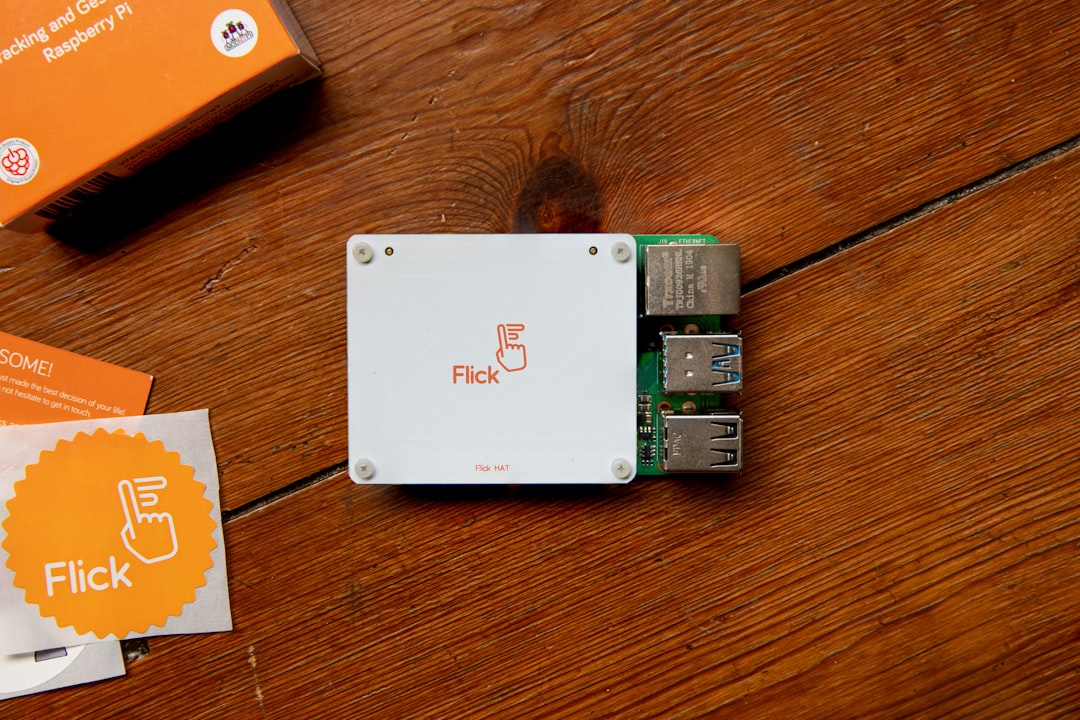
Most internal Wi-Fi adapters do not support monitor mode or packet injection. This is why many Kali power users rely on external USB adapters compatible with drivers like Atheros or Realtek chipsets.
- Alfa AWUS036NHA (based on Atheros AR9271 chipset)
- Panda PAU09 N600 Dual Band Adapter
- TP-Link TL-WN722N (v1 only)
Choosing the right Wi-Fi adapter can significantly improve your wireless pentesting capabilities.
Conclusion
The best laptop for Kali Linux isn’t necessarily the most powerful or most expensive one—it’s the one that balances performance, portability, security, and hardware compatibility. Depending on your specific use case—desktop environment hacking, Wi-Fi testing, or running multiple VMs—different models may suit your needs better. However, brands with a reputation for quality and Linux-friendliness like Dell, Lenovo, and System76 tend to lead the pack.
FAQ
Can any laptop run Kali Linux?
While Kali can theoretically be installed on any hardware, it’s best used on laptops that support virtualization, have compatible wireless chipsets, and offer stable performance under stress.
Is a dedicated GPU necessary for Kali?
No, but having a GPU can drastically speed up GPU-based password cracking with tools like Hashcat. It’s not mandatory unless GPU acceleration is part of your workflow.
What is the best wireless adapter for Kali Linux?
The Alfa AWUS036NHA and TP-Link TL-WN722N v1 are among the most recommended due to their compatibility with packet injection and monitor mode.
Can I use Kali Linux in a virtual machine?
Yes, Kali runs well in VMs (e.g., VMware, VirtualBox) provided your hardware supports nested virtualization and has ample CPU and RAM resources.
Should I dual-boot or live boot Kali?
Dual-boot is ideal for regular usage with better performance. Live booting with persistence is suitable for occasional testing or portable operations.