

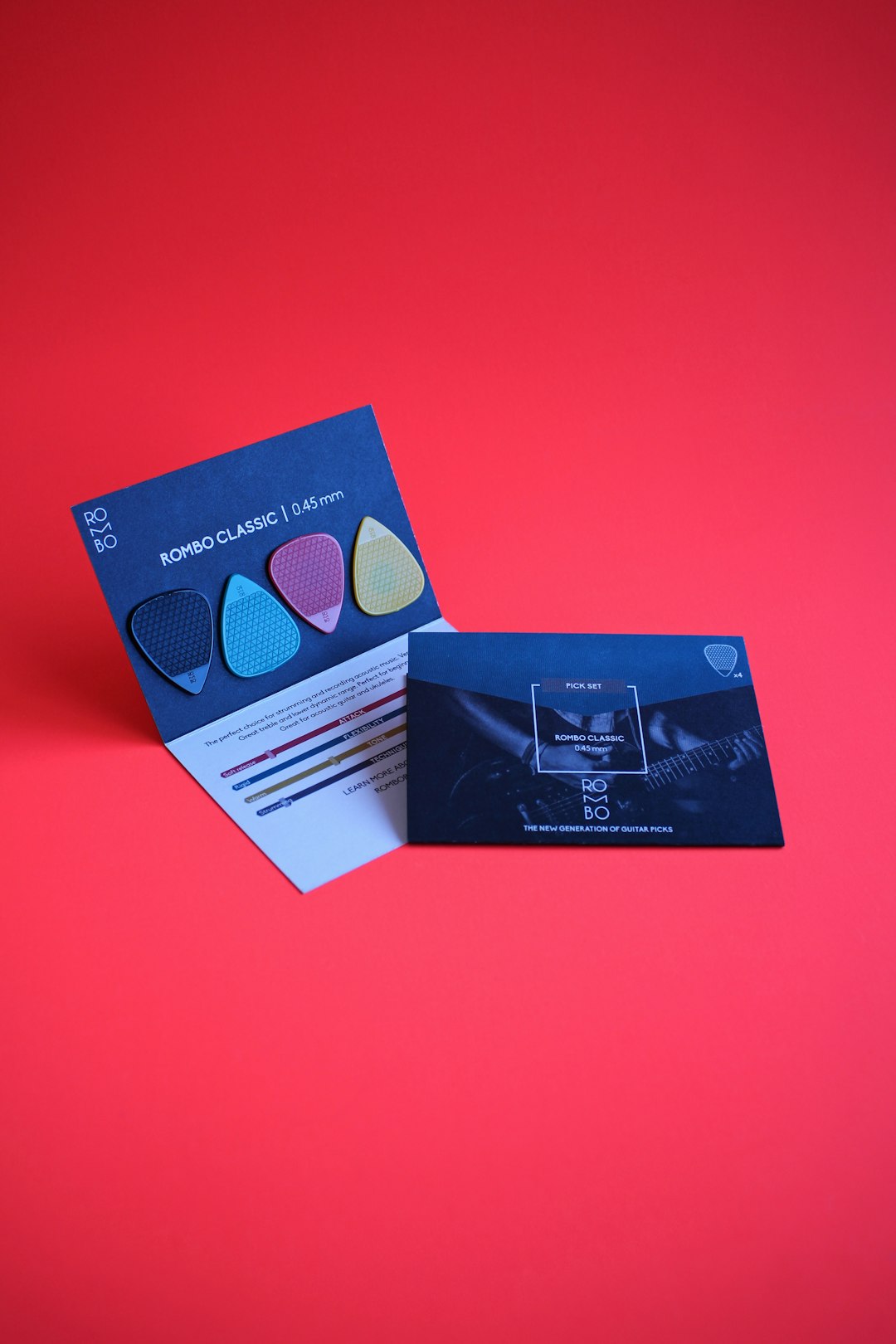
In today’s competitive marketplace, a well-designed business card can leave a lasting impression and communicate professionalism in ways a digital contact delivery cannot always match. With so many tools available, both online and offline, choosing the best business card maker can be overwhelming. Whether you’re a small business owner, freelancer, or corporate professional, finding the perfect tool to design and print quality business cards can greatly elevate your brand’s presentation.
TLDR: Best Business Card Makers for Professional Results
Choosing a business card maker depends on your design experience, budget, and print needs. Tools like Canva and VistaPrint offer excellent balance between ease and features, while Adobe Express appeals to seasoned designers. For budget-friendly startups, GotPrint and Zazzle are great options that don’t compromise on quality. Always consider customization options, paper quality, and shipping times.
Why Business Cards Still Matter
Despite the rise of digital networking tools like LinkedIn and virtual contact sharing, business cards remain a powerful way to build credibility and reinforce face-to-face encounters. A well-crafted card is tactile, memorable, and acts as a miniature portfolio. It not only contains essential contact information but also represents your brand identity.
Top Business Card Makers for 2024
Here are some of the top-rated business card makers known for delivering professional results:
1. Canva – Best For DIY Customization
Canva is an online graphic design platform that lets users build beautiful designs without technical skill. Its business card maker is intuitive and comes with thousands of pre-designed templates suitable for various industries.
- Fast drag-and-drop functionality
- Wide range of fonts and graphics
- Free and Pro versions available
- Export options for printing or digital use
Canva also offers printing services with delivery, making it a one-stop-shop for both design and production.
2. VistaPrint – Best Overall Professional Output
VistaPrint has long been the gold standard for professionally printed marketing materials. Their platform features a clean interface with extensive customization options ranging from finishes to paper textures.
- Premium paper choices including linen, textured, and recycled
- Design templates that match different industries
- Volume discounts for bulk orders
- Online and phone support for design consultations
VistaPrint is ideal for those who want top-tier quality with a professional finish without the need to hire a designer.
3. Adobe Express – Best for Design Flexibility
Adobe Express (formerly Adobe Spark) caters to those who have a flair for design. The interface supports complex editing features often found in Adobe Illustrator but in a simplified format for quick use online.
- Access to Adobe Stock photos and fonts
- Brand kits for consistent logos and colors
- Cross-device compatibility
- Easy export for high-resolution printing
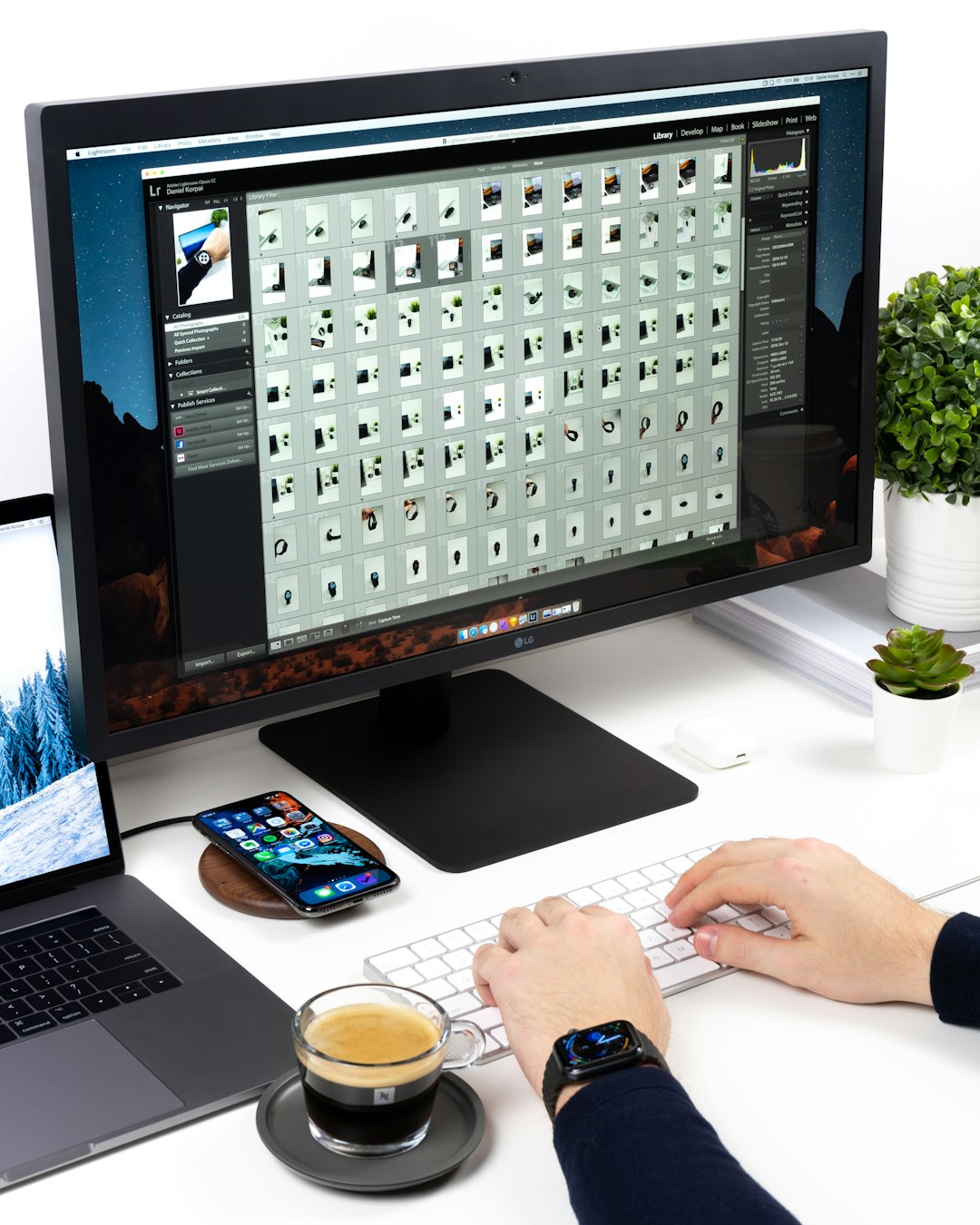
While it requires a slightly steep learning curve, Adobe Express is excellent for users who want full creative control over their design.
4. GotPrint – Best for Budget-Friendly Printing
GotPrint delivers affordable, high-quality business cards that don’t sacrifice design for price. Their online design tool includes plenty of customization options, or users can upload their own press-ready PDFs.
- Low pricing for small batch orders
- Quick turnaround and multiple shipping options
- Matte, gloss, and UV coating finishes
- Environmentally friendly printing options available
GotPrint shines when it comes to cost-efficiency for startups or solopreneurs needing to stay within a tight budget.
5. Zazzle – Best for Artistic and Boutique Cards
Zazzle appeals to creatives and professionals looking for unique, personality-filled designs. Known for collaborations with independent artists, Zazzle offers thousands of artistic business card templates that stand out.
- Wide range of artistic design templates
- Customizable format and paper weight
- Opportunity to support independent creators
- User-friendly design and order process
If you want something visually distinctive and a break from the usual corporate look, Zazzle is worth checking out.
Key Features to Look For in a Business Card Maker
When evaluating a business card creation platform, these criteria can help ensure a professional result:
- Design Flexibility: The ability to fully customize templates, colors, and typography.
- Print Quality: Look for options offering high-resolution printing and quality card stock.
- User Interface: Tools should be intuitive, especially for beginners.
- Pricing & Delivery: Consider pricing tiers based on volume, finish, and shipping time.
- Support & Resources: Access to FAQs, tutorials, or design consulting can be invaluable.
Offline vs. Online Card Makers
While online platforms offer speed and convenience, offline professional designers or local print shops may provide more personalized assistance, creative direction, and physical proofs. If your business card is a crucial brand extension, working with a professional offline may yield better creative results—but at a higher cost and longer turnaround.
Tips for a Memorable Business Card
Regardless of the tool you choose, your card should embody your brand and values. Here are a few tips:
- Keep the design clean and focus on essential info (name, role, email, phone, social links)
- Make sure the font is legible and not too small
- Use high-resolution images—especially your logo
- Include a call-to-action, like “Book a free consult” or “Scan QR for portfolio”
- Experiment with finishes like embossing or spot UV for premium appeal
Final Thoughts
A great business card blends aesthetics with functionality, making a solid first impression during networking or client meetings. By choosing the right business card maker, you ensure every aspect—from design to final print—amplifies your professional image. Whether you go with an online service like Canva or a highly customizable print shop like GotPrint, your business card can set you apart in the best way possible.
Frequently Asked Questions
- What should I include on my business card?
- At a minimum, include your name, job title, company name, email, phone number, and social media or website.
- What’s the best paper for business cards?
- Premium matte or glossy finishes on heavy cardstock (typically 14-16pt) are most professional and durable.
- Can I print my Canva design elsewhere?
- Yes, Canva allows you to download high-resolution PDFs you can take to any printer.
- Are business cards still useful in the digital age?
- Yes—business cards are a lasting symbol of your professionalism and are still widely used in networking and events.
- How many cards should I order to start with?
- A standard starter batch ranges between 100 to 250 cards, depending on your networking frequency.