

NextDNS is the best first pick for most families and small teams because it is flexible, easy to test, and strong enough for serious blocking. DNS filtering stops devices from reaching risky or unwanted domains before pages load, which is why agencies such as CISA recommend protective DNS as a way to reduce access to malicious sites [source: CISA].
TLDR: Families should start with NextDNS, AdGuard DNS, or CleanBrowsing. Businesses should compare Control D, Cloudflare Gateway, and Cisco Umbrella. For example, a household with 12 connected devices can block adult content, gambling, malware, and trackers in under 15 minutes with NextDNS. A small office with 50 laptops may cut risky domain visits by filtering known malware, phishing, and newly registered domains at the DNS level.
DNS filtering is not magic. It will not replace antivirus, patching, or good passwords. Still, it does one thing very well: it blocks bad or unwanted domains before users click too far. That is useful for parents, schools, remote workers, and small businesses that do not want every laptop running wild.
1. NextDNS
Best for: families, power users, and small teams.
NextDNS offers one of the best mixes of control and ease. Users can block adult content, gambling, piracy, trackers, malware, and specific apps. It also supports logs, allowlists, blocklists, device profiles, and schedules.
The nice part is how personal it feels. A parent can create one profile for a child’s tablet and another for a work laptop. Businesses can use it too, though larger teams may want deeper reporting.
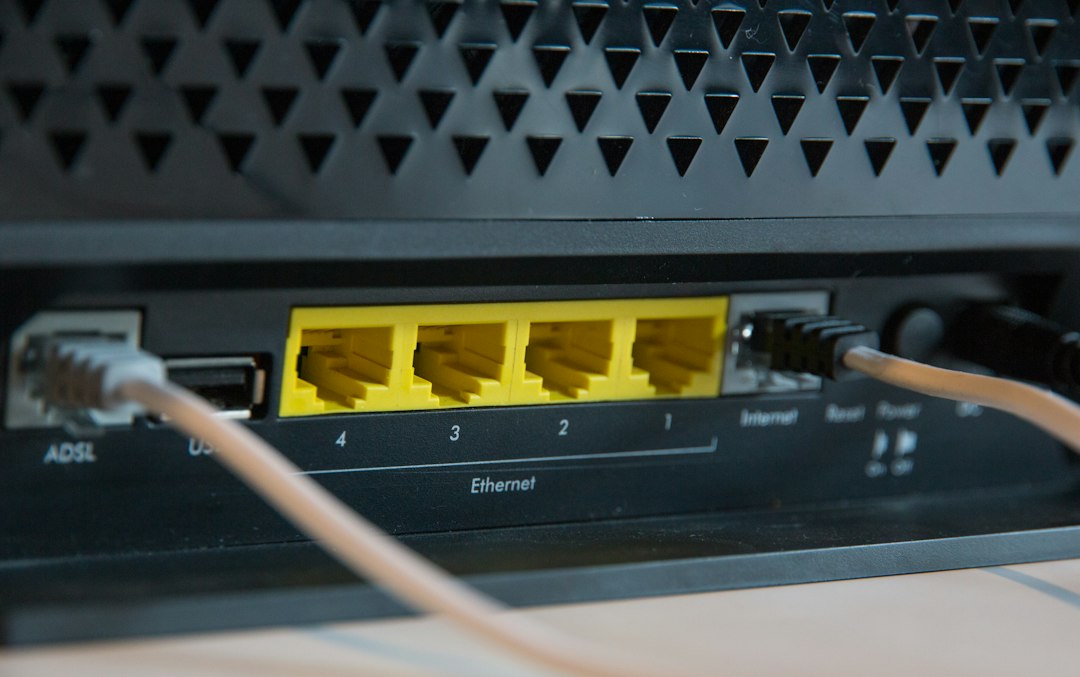
The catch is that setup can feel a bit messy on some routers. Expect to spend a few extra minutes copying DNS over HTTPS or DNS over TLS settings.
2. AdGuard DNS
Best for: ad blocking and privacy at home.
AdGuard DNS is a strong choice for people who hate ads, trackers, and shady popups. It has public DNS servers, family protection, and paid personal plans with custom rules.
It works well on phones, browsers, routers, and desktops. Parents can block adult sites and add safer browsing rules. Businesses can use it too, but its biggest appeal is still simple privacy and cleaner browsing.
Honestly, it feels like some settings are spread across too many screens. Once finished, though, it runs quietly.
3. Control D
Best for: advanced users and remote teams.
Control D is built for people who want fine control. It can block content categories, ads, malware, trackers, social media, adult sites, and even redirect some services by region.
That makes it handy for families with older kids and companies with remote workers. Admins can create rules by device, location, or profile. It also gives more control than many basic family DNS services.
Its interface is powerful, but it may feel like too much at first. New users should start with preset filters, then adjust from there.
4. Cloudflare Gateway
Best for: businesses that already use Cloudflare.
Cloudflare Gateway is part of Cloudflare Zero Trust. It protects users by filtering DNS, HTTP, and network traffic depending on the plan and setup. For teams, it can block malware, phishing, adult content, command and control domains, and other risky traffic.
Its biggest strength is speed and scale. Cloudflare has a huge global network, so DNS lookups are fast in many regions. The free tier is also generous for small teams testing basic security.
The setup is not as friendly as family tools. Admins may need time to understand policies, identity rules, and device clients.
5. Cisco Umbrella
Best for: larger businesses and security teams.
Cisco Umbrella is one of the best-known DNS security platforms for companies. It can block malware, phishing, botnets, and risky domains before users connect. It also offers reporting, identity-based policies, cloud app controls, and links with other Cisco security products.
It is not the obvious pick for a family. It is built for IT teams, not parents who want quick homework-time rules. For businesses, though, it is a serious option with strong threat intelligence.
The downside is cost and complexity. Small teams may find it heavier than they need.
6. CleanBrowsing
Best for: simple family filtering and schools.
CleanBrowsing is easy to understand. It offers preset DNS filters for families, adult content blocking, and security protection. Many users can start with its free family filter and later move to paid plans for custom control.
Parents who do not want dashboards full of switches may like it. Schools and small groups can also use it to block adult content, proxies, gambling, and unsafe sites.
It is less flexible than NextDNS or Control D. But that is also part of its charm. It keeps things simple.
How to Choose the Right DNS Filter
- For young kids: choose CleanBrowsing, AdGuard DNS, or NextDNS.
- For teens: choose NextDNS or Control D for schedules and app blocking.
- For small businesses: choose Cloudflare Gateway, Control D, or NextDNS.
- For larger companies: choose Cisco Umbrella or Cloudflare Gateway.
- For privacy fans: choose AdGuard DNS, NextDNS, or Control D.
Families should also check whether filters work on mobile data. A DNS setting on the home router will not protect a phone once it leaves Wi-Fi. Businesses should test roaming clients, logs, and policy groups before full rollout.
FAQ
What is DNS filtering?
DNS filtering blocks access to certain websites by stopping the domain lookup. If a site is blocked, the browser cannot reach it normally.
Does DNS filtering block all bad content?
No. It helps a lot, but it is not perfect. It should be used with device controls, updates, antivirus, and safe habits.
Which DNS filter is best for families?
NextDNS is the best all-around family choice. CleanBrowsing is better for simple setup. AdGuard DNS is great for blocking ads and trackers.
Which DNS filter is best for businesses?
Cloudflare Gateway is strong for small and mid-size teams. Cisco Umbrella is better for larger companies with IT staff.
Can kids bypass DNS filtering?
Yes, some can. VPNs, private DNS settings, and mobile data can bypass weak setups. Parents should lock device settings where possible.
Is free DNS filtering enough?
Sometimes. Free plans can block basic adult content or malware. Paid plans usually add logs, custom rules, profiles, and better control.