


Modern knowledge work demands clarity. Whether you are managing projects, researching complex topics, or planning long-term goals, your note-taking system directly influences your productivity, focus, and decision-making quality. A cluttered workspace—digital or physical—creates friction. A clean, structured note-taking workflow removes it. The right tool does more than store information; it shapes how you think.
TLDR: The best note-taking tools help you reduce cognitive clutter, retrieve information quickly, and maintain structured workflows. Notion offers powerful organization and customization, Evernote excels at capture and archiving, Obsidian provides deep linking for connected thinking, and Apple Notes delivers simplicity with seamless integration. Choosing the right tool depends on how you process information, not just features. A focused system beats a feature-heavy but cluttered setup every time.
Below are four note-taking tools that consistently stand out for keeping workflows clean and focused. Each supports a different working style, but all emphasize clarity, structure, and efficiency.
1. Notion: Structured Thinking for Complex Workflows
Notion has become a central hub for professionals who need more than isolated notes. It combines databases, task management, documentation, and collaborative features into a unified workspace. When configured properly, Notion reduces scattered information by housing projects, meeting notes, knowledge bases, and planning documents in one organized environment.

Why it keeps workflows clean:
- Database-driven organization: Notes can be structured with tags, filters, and relations.
- Custom dashboards: You see only what matters at a given time.
- Linked pages: Information stays interconnected rather than duplicated.
- Templates: Standardized formats reduce inconsistency and chaos.
For teams, Notion eliminates fragmented tools. Documentation, onboarding guides, meeting notes, and task lists can live in one structured ecosystem. For individuals, it acts as a personal knowledge management (PKM) system.
Best suited for: Project managers, startup teams, consultants, researchers, and anyone managing layered workflows.
Limitations: Notion’s flexibility can become overwhelming if not deliberately structured. Without discipline, dashboards may become cluttered.
2. Evernote: Reliable Capture and Retrieval
Evernote built its reputation on one promise: capture everything, find it instantly. While many newer tools have emerged, Evernote remains one of the strongest options for professionals who need frictionless note capture and powerful search capabilities.
Its strength lies in storing diverse information types—text, scanned documents, PDFs, web clippings, and images—within a searchable archive. Advanced search functions, including text recognition inside images, make retrieval exceptionally reliable.
Why it keeps workflows clean:
- Fast capture: Minimal distraction between idea and storage.
- Web clipper: Research material is saved without messy bookmarks.
- OCR search: Find text inside images and scanned files.
- Notebook structure: Simple hierarchy avoids overcomplication.
For professionals handling contracts, research archives, receipts, or long-term documentation, Evernote prevents information loss. Its power lies less in creativity and more in reliability.
Best suited for: Lawyers, consultants, academics, writers, and anyone maintaining extensive research libraries.
Limitations: It offers less customization compared to Notion and less deep linking compared to Obsidian.
3. Obsidian: Connected Knowledge Without Distraction
Obsidian approaches note-taking from a knowledge-network perspective. Instead of organizing information only through folders or tags, it allows notes to link bi-directionally, forming a graph of interconnected thoughts. This method mirrors how the brain forms associations.
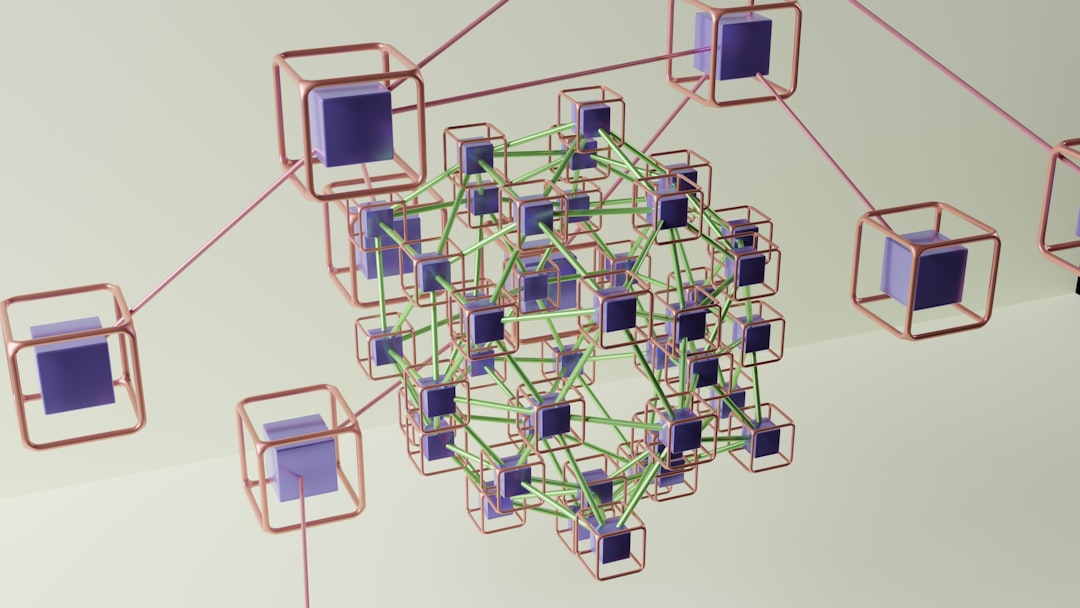
All notes are stored locally as Markdown files, which enhances privacy and speed. There is no mandatory cloud system, no forced collaboration layer, and minimal interface distraction. The emphasis is on pure thinking.
Why it keeps workflows clean:
- Bi-directional linking: Ideas connect organically.
- Graph view: Visualize relationships across notes.
- Local storage: Full ownership and fast performance.
- Minimalist editor: Focused writing environment.
Obsidian is especially powerful for long-term knowledge development. Academics, strategists, and deep thinkers benefit from building evergreen notes that evolve over time.
Best suited for: Researchers, writers, strategists, developers, and knowledge workers who value independent control.
Limitations: Steeper learning curve. Less intuitive for quick, casual note-taking.
4. Apple Notes: Simplicity and Seamless Integration
Sometimes, the cleanest workflow is the simplest one. Apple Notes demonstrates that powerful systems do not have to be complex. Pre-installed across Apple devices, it offers immediate access without setup friction.
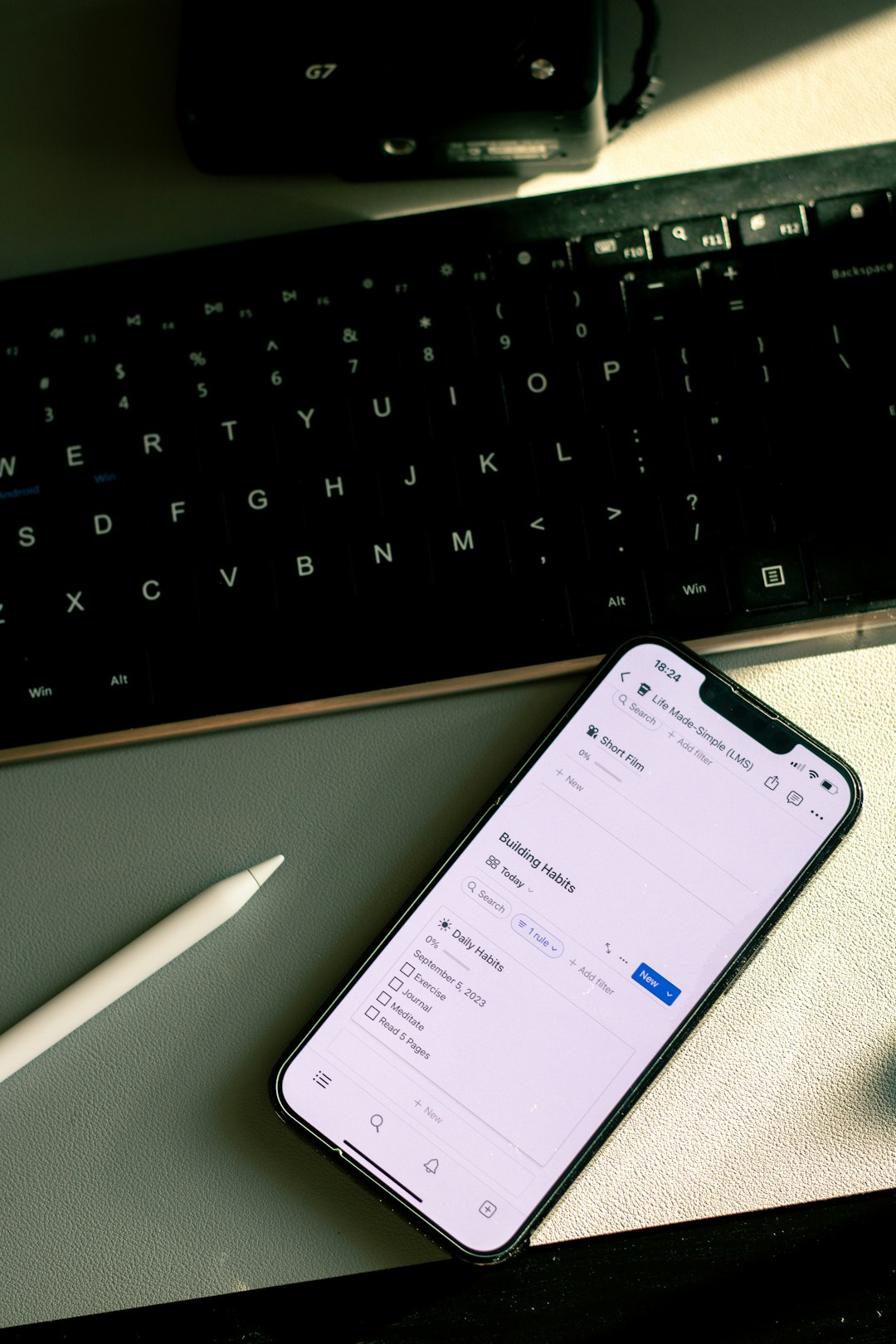
Its strength lies in speed and ecosystem integration. Notes sync instantly across devices, support handwritten input with Apple Pencil, and allow document scanning directly from a smartphone.
Why it keeps workflows clean:
- Zero setup: Start writing immediately.
- Fast sync: Reliable cross-device continuity.
- Folders and tags: Simple classification structure.
- Integrated scanning: Paper documents digitized instantly.
While Apple Notes lacks advanced database management or complex linking systems, its simplicity prevents feature overload. For many professionals, that simplicity is precisely what keeps their workflow distraction-free.
Best suited for: Executives, students, freelancers, and anyone invested in the Apple ecosystem.
Limitations: Limited customization and cross-platform flexibility.
Comparison Chart
| Feature | Notion | Evernote | Obsidian | Apple Notes |
|---|---|---|---|---|
| Ease of Setup | Moderate | Easy | Moderate to Advanced | Very Easy |
| Best For | Project management and systems | Archiving and research | Deep knowledge linking | Quick everyday notes |
| Customization | High | Medium | High | Low to Medium |
| Collaboration | Strong | Moderate | Limited | Basic |
| Offline Access | Limited offline | Available | Fully local | Available |
| Learning Curve | Moderate | Low | Higher | Very Low |
How to Choose the Right Tool
Selecting a note-taking tool should be guided by your cognitive style, not popularity.
- If you think in systems and dashboards: Choose Notion.
- If you collect large volumes of reference material: Choose Evernote.
- If you develop ideas through interconnected thinking: Choose Obsidian.
- If you value speed and simplicity above all: Choose Apple Notes.
It is also important to consider workflow friction. A tool that requires constant configuration may reduce focus rather than enhance it. On the other hand, a tool that is too simple may lead to scattered files if your work is complex.
Principles for Maintaining a Clean Note-Taking Workflow
No tool alone guarantees focus. Clean workflows result from consistent habits. Regardless of platform, apply these principles:
- Standardize naming conventions.
- Limit folder depth.
- Use tags intentionally, not excessively.
- Archive regularly.
- Delete outdated notes.
Digital clutter is silent but costly. It increases retrieval time, creates decision fatigue, and reduces confidence in your system. Clean structure fosters trust. When you trust your note system, you think more clearly and act more decisively.
Final Thoughts
The modern professional does not need more information. They need better organization of the information they already have. A clean note-taking workflow is not about aesthetic minimalism; it is about operational clarity.
Notion brings structured power. Evernote brings dependable capture. Obsidian enables deep intellectual architecture. Apple Notes provides immediate accessibility. Each, when used deliberately, can transform scattered data into a coherent thinking environment.
Choose one tool. Commit to structuring it properly. Your workflow—and your focus—will become significantly sharper as a result.