

Your logo is the tiny flag of your business. It sits on your website, boxes, posts, invoices, and maybe even your coffee mug. A good logo says, “Hey, we are real, friendly, and ready to help.” The best part? You do not need to be a fancy designer to make one.
TLDR: Logo design tools can help you build a sharp brand fast. Some tools are simple and use templates. Others give you more control for custom work. Start with an easy tool, test a few ideas, then pick the logo that feels clear, memorable, and flexible.
Why entrepreneurs need logo tools
Starting a business is already busy. You have products to build. Customers to find. Emails to answer. Snacks to forget on your desk.
A logo tool saves time. It helps you try colors, fonts, icons, and layouts without panic. Some tools use AI. Some use templates. Some are full design studios. The right one depends on your budget, skill, and patience level.
Here are 18 logo design tools every entrepreneur should know about.
1. Canva
Canva is very beginner friendly. It has lots of logo templates. You can change colors, fonts, icons, and shapes with a few clicks.
It is great for social media brands, coaches, shops, and small service businesses. You can also use it to make matching posts, flyers, and business cards.
Best for: Fast logo ideas and simple brand kits.
2. Adobe Express
Adobe Express is a lighter, easier Adobe tool. You do not need to master complex design software. It offers logo templates and quick editing.
It is useful if you want clean layouts and polished visuals. It also connects well with other Adobe apps if you grow later.
Best for: Entrepreneurs who want simple design with a professional feel.
3. Looka
Looka uses AI to create logo options. You answer a few brand questions. Then it shows many logo ideas.
You can edit the designs and buy files when you are happy. It is quick and feels like a tiny logo robot is working for you.
Best for: Quick AI logo concepts.
4. Wix Logo Maker
Wix Logo Maker is simple and guided. It asks about your business name, style, and industry. Then it builds logo options.
This is handy if you also plan to build a website with Wix. Your logo and site can feel connected from day one.
Best for: Website owners who want an easy brand start.
5. Tailor Brands
Tailor Brands is another AI logo maker. It also offers other business tools. These can include brand assets and website options.
The process is smooth. You choose styles you like. The tool then creates options based on your taste.
Best for: New founders who want logo plus branding extras.
6. Hatchful by Shopify
Hatchful is made by Shopify. It is simple, fast, and good for online stores.
You choose your industry and visual style. Then it gives you logo templates. You can download logo files and use them in your shop.
Best for: Ecommerce startups and product sellers.
7. Squarespace Logo Maker
Squarespace Logo Maker is clean and minimal. It is not packed with endless features. That can be a good thing.
If you love simple logos with nice typography, try it. It is useful for consultants, creators, and personal brands.
Best for: Minimal and modern logo drafts.
8. LogoMakr
LogoMakr lets you build logos with icons, text, and shapes. It is direct and easy to learn.
You can drag items around and test layouts. It is nice for quick concepts when you do not want a steep learning curve.
Best for: Simple drag and drop logo building.
9. Ucraft Logo Maker
Ucraft Logo Maker is another simple option. You can use icons, text, and basic shapes. The interface is not scary.
It works well for quick tests. You can create a few versions before choosing your favorite.
Best for: Basic logos and early business ideas.
10. Namecheap Logo Maker
Namecheap Logo Maker is free to try and very friendly. It asks questions about your brand. Then it creates logo suggestions.
It is a strong choice if you are also buying a domain name. You can get your name, logo, and online basics moving quickly.
Best for: Budget friendly logo creation.
11. VistaCreate
VistaCreate is similar to Canva in spirit. It offers templates, graphics, and easy editing tools.
You can make a logo, then build matching social posts and ads. That matters. A logo is just one piece of your brand puzzle.
Best for: Logo templates and marketing graphics.
12. Figma
Figma is a design tool used by many professionals. It is more flexible than a basic logo maker. It is also great for teamwork.
You can create logos, icons, and brand systems. It may take more time to learn. But it gives you more control.
Best for: Teams, startups, and custom design work.
13. Inkscape
Inkscape is free and open source. It is a vector design tool. That means your logo can scale without getting blurry.
It is powerful. It can feel a little technical at first. But it is a great choice if you want professional control without paying for software.
Best for: Free vector logo design.
14. Affinity Designer
Affinity Designer is a paid design app with a one time purchase model. Many designers like it because it is fast and polished.
It gives you strong vector tools. You can create clean, custom logos without a monthly subscription.
Best for: Entrepreneurs who want pro features at a fair price.
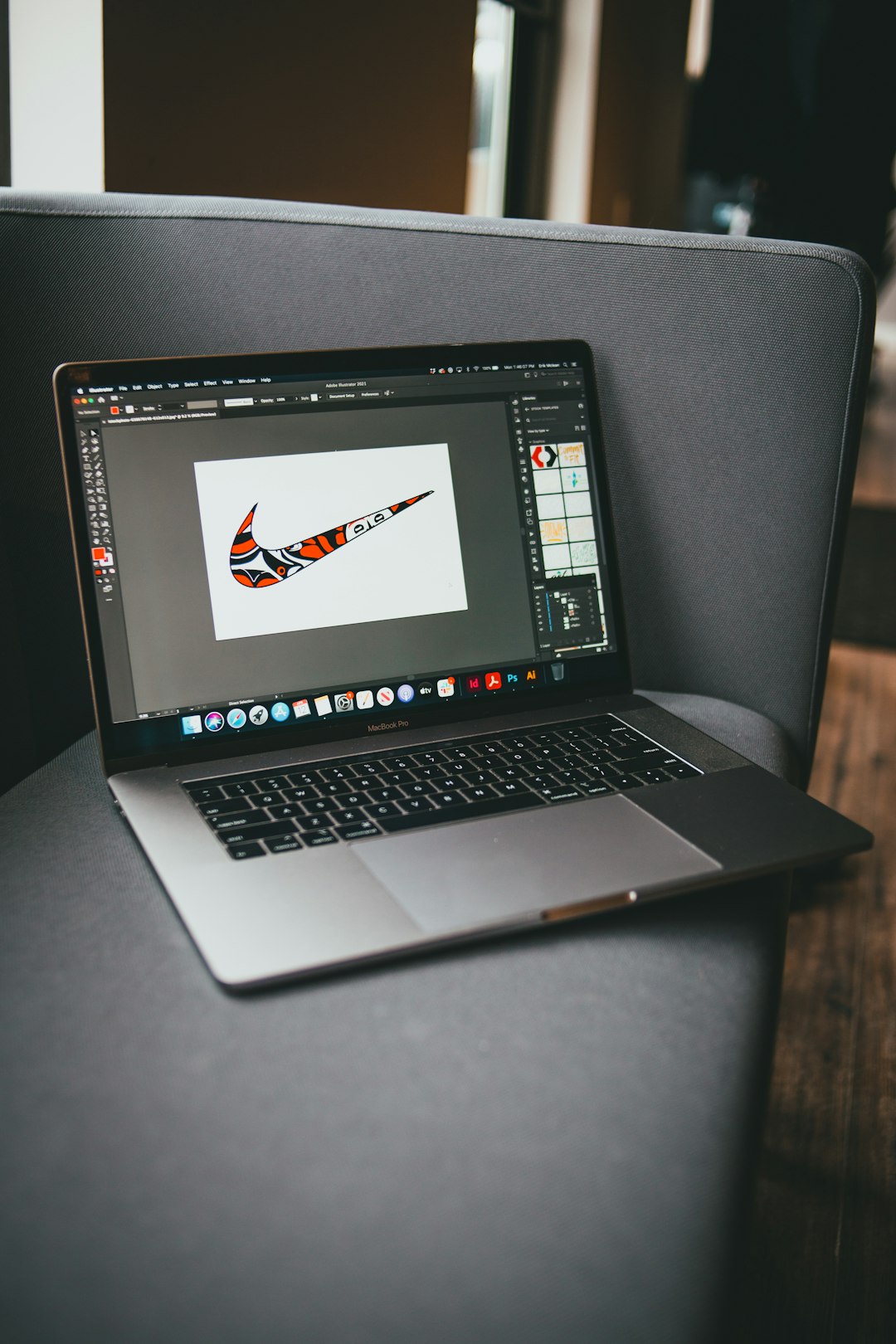
15. Adobe Illustrator
Adobe Illustrator is the classic professional logo design tool. Many agencies and designers use it every day.
It has a learning curve. It is not the fastest option for total beginners. But if you want deep control, it is a powerhouse.
Best for: Professional logos and advanced vector artwork.
16. CorelDRAW
CorelDRAW is another serious vector design tool. It is popular for logos, signs, print work, and brand graphics.
It has many tools for shapes, curves, text, and layout. If your business will need printed materials, it can be very useful.
Best for: Logos that will appear on print, signs, and packaging.
17. Corel Vector
Corel Vector is a browser based vector design tool. You can use it online, which is handy if you move between devices.
It is easier than some heavy desktop apps. Still, it gives you more control than a simple template tool.
Best for: Flexible online vector design.
18. Kittl
Kittl is fun, stylish, and strong for decorative logo designs. It has templates, fonts, textures, and vintage style effects.
It is great for coffee brands, apparel, creators, food products, and bold small businesses. If your brand needs personality, Kittl is worth a look.
Best for: Trendy, vintage, and artistic logo styles.

How to choose the right logo tool
Do not overthink it. Start with your comfort level.
- If you need speed: Try Canva, Looka, Wix Logo Maker, Hatchful, or Namecheap Logo Maker.
- If you need templates: Try Canva, VistaCreate, Kittl, or Adobe Express.
- If you need full control: Try Figma, Inkscape, Affinity Designer, Illustrator, or CorelDRAW.
- If you need a free option: Try Inkscape, Hatchful, or Namecheap Logo Maker.
- If you sell products online: Try Hatchful, Canva, Kittl, or Wix Logo Maker.
Simple logo tips for busy founders
A logo should not be a mystery puzzle. People should understand it fast. Think clear before clever.
- Keep it simple. Tiny details vanish on phone screens.
- Use readable fonts. If people squint, pick another font.
- Limit colors. Two or three colors are enough.
- Test it small. Your logo must work as a profile picture.
- Make a black and white version. This helps with printing and stamps.
- Avoid copying trends too hard. Trends get stale fast.
- Save proper files. Try to get SVG, PNG, and PDF formats.
What makes a logo feel professional?
A professional logo feels balanced. Nothing looks random. The text has space to breathe. The icon is clear. The colors match the mood of the business.
For example, a kids brand can use playful colors. A law firm may need calm, serious colors. A fitness brand might use bold shapes. A bakery can feel warm and sweet. Your logo should match your promise.
Also, check your logo in real places. Put it on a mock website header. Add it to a fake business card. Place it on an Instagram profile. If it still looks good, that is a strong sign.
Common logo mistakes to avoid
Logo tools make design easier. But they do not make every choice perfect. Watch out for these traps.
- Too many fonts. One or two is plenty.
- Too many icons. A logo is not a sticker collection.
- Weak contrast. Light gray on white can disappear.
- Overly generic symbols. Try not to look like everyone else.
- Ignoring your audience. Design for customers, not just yourself.
Final thoughts
Your first logo does not need to be perfect forever. Many famous brands changed their logos over time. Yours can grow too.
Pick a tool. Make five rough ideas. Sleep on them. Ask a few trusted people. Then choose the one that feels simple, clear, and useful.
The best logo is not always the fanciest one. It is the one people remember. It is the one you feel proud to place on your website, package, pitch deck, and maybe that coffee mug too.