

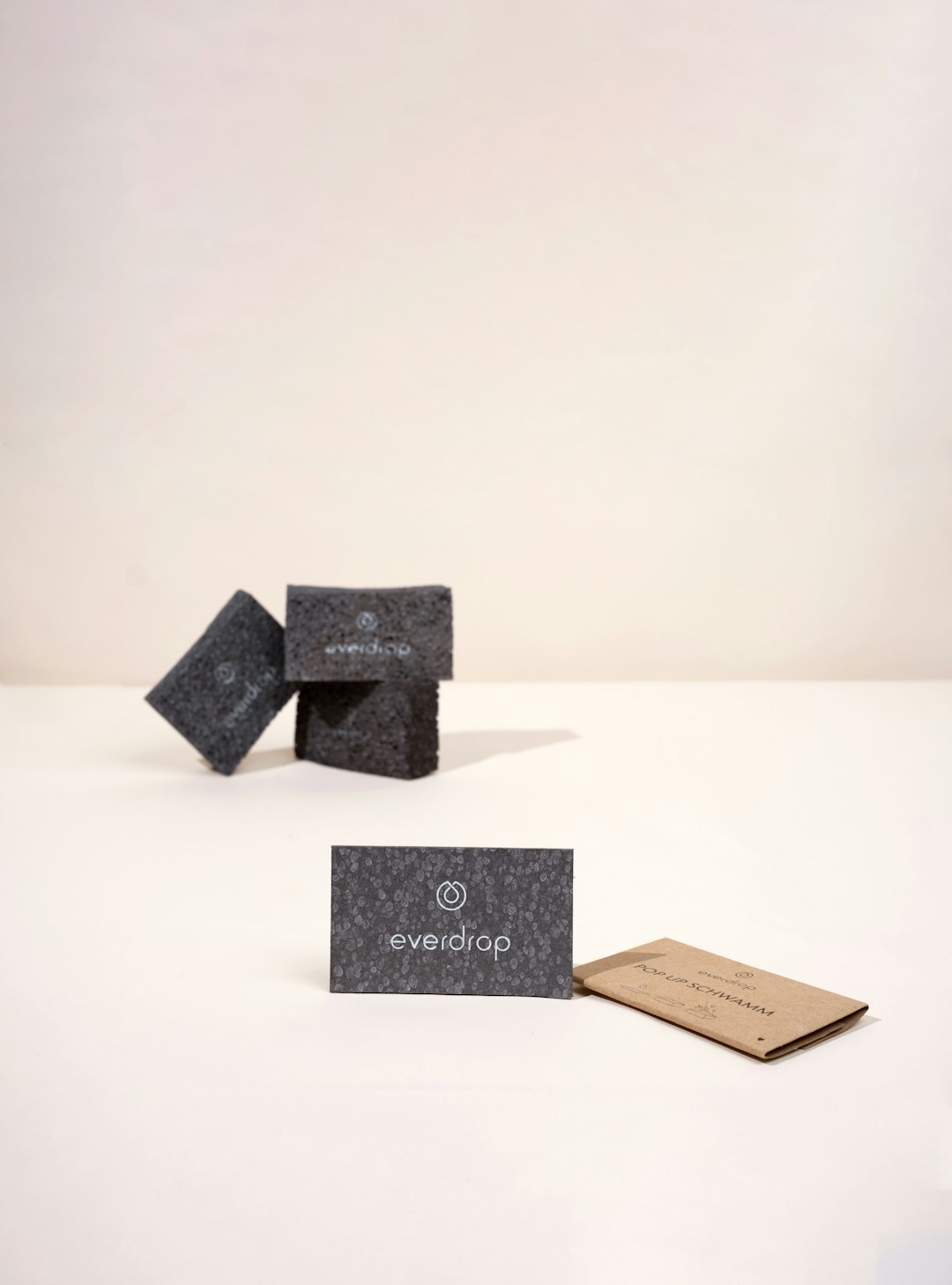
A well-designed business card still carries weight in a digital-first business environment. It gives prospects, clients, partners, and investors a tangible reminder of who you are and how to contact you. The best online business card makers combine professional templates, reliable printing, customization flexibility, and clear pricing so you can create cards that look credible rather than generic.
TLDR: The best business card maker for you depends on whether you prioritize design freedom, premium print quality, fast turnaround, or low-cost bulk ordering. Canva and Adobe Express are excellent for flexible online design, while Moo and VistaPrint stand out for polished printed cards. For businesses needing specialty finishes, bulk pricing, or quick delivery, providers such as Jukebox Print, GotPrint, and 48HourPrint are strong options.
What to Look for in an Online Business Card Maker
Before choosing a platform, consider what matters most for your brand. A lawyer, consultant, or financial advisor may need a clean, conservative card with premium paper. A photographer, designer, or boutique owner may prefer bold colors, unconventional sizes, or textured finishes.
- Template quality: Look for modern, well-balanced layouts that do not feel outdated.
- Customization tools: The platform should let you edit fonts, colors, logos, spacing, and layouts easily.
- Print quality: Paper weight, coating, color accuracy, and finishing options matter.
- Pricing transparency: Check shipping costs, minimum order quantities, and upgrade fees.
- Turnaround time: If you need cards quickly, confirm production and delivery estimates before ordering.
1. Canva
Canva is one of the most accessible online business card makers, especially for users who want control without learning complex design software. Its drag-and-drop editor is intuitive, and its template library covers industries such as real estate, consulting, beauty, fitness, technology, and creative services.
The platform is particularly useful if you already use Canva for social media graphics, presentations, or marketing materials because you can keep your branding consistent. You can upload a logo, define a color palette, and create multiple versions of a card for different employees.
Best for: Small businesses and freelancers who want easy design tools and strong template variety.
2. VistaPrint
VistaPrint is a long-established name in online printing and remains a dependable choice for business cards. It offers a large selection of templates, standard and premium paper stocks, matte and glossy finishes, raised print, foil accents, and rounded corners.
One advantage of VistaPrint is its balance of affordability and reliability. It is suitable for startups ordering their first cards as well as established companies that need repeat orders. The design interface is straightforward, and the platform also allows you to upload finished artwork if you already have a professionally designed card.
Best for: Businesses looking for affordable, reliable printing with many customization options.
3. Moo
Moo is known for premium business cards with excellent paper quality and sophisticated finishes. Its cards often feel more substantial than standard budget options, making Moo a strong choice for professionals who want to make a refined impression.
One standout feature is the ability to print different designs on the backs of cards in the same order. This is useful for photographers, artists, product-based businesses, and agencies that want to showcase multiple images or services. Moo also offers luxury paper, soft-touch finishes, foil, and distinctive card sizes.
Best for: Premium brands, consultants, agencies, and creatives who value high-end presentation.
4. Adobe Express
Adobe Express provides a polished design environment backed by Adobe’s creative ecosystem. It is less complex than Adobe Illustrator or Photoshop, but still offers strong visual control for users who care about typography, alignment, and brand consistency.
Adobe Express is especially useful if you want to design your card online and then export it for printing through a preferred vendor. It gives users access to professional-looking templates and design assets, making it a practical option for businesses that need clean, modern cards without hiring a designer.
Best for: Users who want professional design flexibility and downloadable print-ready files.
5. Zazzle
Zazzle offers a broad marketplace of business card templates created by independent designers. This makes it a good place to find distinctive styles, from minimalist corporate designs to artistic, colorful, or niche-specific cards.
The platform allows you to personalize templates with your name, title, phone number, website, social handles, and brand colors. Because the marketplace is large, quality can vary, so it is worth choosing designs carefully and reviewing the layout before ordering.
Best for: Professionals who want unique templates and a wide range of visual styles.
6. Staples
Staples is a practical option for business owners who want both online design tools and the possibility of local pickup. Its business card maker is not the most advanced creatively, but it is efficient and dependable for standard professional cards.
Staples can be especially helpful when time is limited. In many locations, same-day pickup may be available for certain card types. This makes it a sensible backup option for conferences, networking events, sales meetings, or last-minute rebranding needs.
Best for: Quick turnaround, local pickup, and straightforward business card printing.
Image not found in postmeta
7. GotPrint
GotPrint is a cost-effective online printer that offers competitive prices, especially for larger quantities. It provides standard business cards as well as premium stocks, rounded corners, folded cards, and various coating options.
The platform is a solid choice for businesses that already have a design file and want economical printing. Its online design tool is serviceable, though not as visually refined as some design-first platforms. Where GotPrint performs well is in affordability, product range, and practical print options.
Best for: Budget-conscious businesses ordering cards in moderate to large quantities.
8. Jukebox Print
Jukebox Print is well regarded for specialty business cards and premium materials. If you want cards that feel different from the ordinary, this platform offers options such as cotton paper, recycled paper, painted edges, foil stamping, embossing, and textured finishes.
Jukebox Print is not necessarily the cheapest choice, but it is a strong contender when tactile quality is part of your brand message. For luxury services, boutique brands, designers, architects, and high-end hospitality businesses, the investment can be worthwhile.
Best for: Specialty finishes, premium materials, and distinctive physical presentation.
9. PsPrint
PsPrint offers a professional online printing service with business cards, postcards, brochures, stickers, and other marketing materials. Its business card options include multiple sizes, paper types, coatings, and custom design upload capabilities.
This provider is a good fit for companies that want to order more than just cards and prefer to keep printed marketing materials with one vendor. PsPrint frequently appeals to small businesses, nonprofit organizations, and local service providers needing consistent, practical print collateral.
Best for: Businesses that need business cards along with other printed marketing materials.
10. Overnight Prints
Overnight Prints focuses on speed and convenience, making it suitable for professionals who need cards quickly. It offers a range of standard card options, including premium paper and different coatings, with expedited production and shipping choices.
As with any rush printing service, it is important to review your proof carefully before placing an order. Fast turnaround is valuable, but accuracy still depends on your final approval of names, titles, phone numbers, QR codes, and website addresses.
Best for: Professionals who need business cards on a tight deadline.
11. UPrinting
UPrinting is a versatile online printer with a strong selection of business card formats. It offers standard, square, slim, folded, die-cut, and custom cards, along with various paper stocks and coatings.
The platform is a good choice for companies that need more control over specifications. It also supports uploaded artwork, which is useful if your designer has prepared print-ready files. UPrinting is particularly relevant for businesses that want to align cards with a broader print campaign.
Best for: Custom sizes, varied formats, and more detailed print specifications.
12. 48HourPrint
48HourPrint combines quick production with a broad range of print products, including professional business cards. The service offers standard and custom options, plus finishes such as gloss, matte, high gloss UV, and spot UV on selected products.
It is a practical solution for marketing teams, sales departments, and small businesses that need dependable turnaround without limiting themselves to only the most basic card styles. The platform also works well for repeat ordering when your business needs cards for new employees.
Best for: Fast production, repeat orders, and business card printing as part of wider marketing needs.
Image not found in postmeta
How to Choose the Right Business Card Maker
The “best” business card maker depends on your priorities. If design simplicity matters most, Canva is hard to beat. If premium feel is the priority, Moo and Jukebox Print deserve serious consideration. If you need affordability and scale, VistaPrint, GotPrint, and UPrinting are practical choices.
For urgent needs, consider Staples, Overnight Prints, or 48HourPrint. For highly customized visual design, Adobe Express gives you strong creative control, especially if you plan to export files for printing elsewhere.
Professional Business Card Design Tips
- Keep the layout clean: Avoid crowding the card with too much information.
- Use readable fonts: Small decorative type can look unprofessional and be difficult to read.
- Prioritize key details: Include your name, role, company, phone, email, website, and essential social handle if relevant.
- Use strong contrast: Text should stand out clearly against the background.
- Consider a QR code: A QR code can link to your website, portfolio, booking page, or digital contact profile.
- Order a sample when possible: Paper weight and finish are easier to judge in person than on a screen.
Final Verdict
A business card is a small item, but it can influence how people perceive your professionalism. The right online business card maker should give you confidence in both the design process and the finished product. For most users, Canva, VistaPrint, and Moo will cover the majority of needs. For specialized printing, Jukebox Print and UPrinting are excellent alternatives, while Staples and 48HourPrint are valuable when speed matters.
Choose the provider that best reflects your business goals, budget, timeline, and brand personality. A clear, well-printed card can support stronger introductions, better follow-ups, and a more credible first impression.