

Everyday access to Wi-Fi, office systems, and shared digital resources depends on a simple but important piece of information: a network security key. Although it is often called a Wi-Fi password, it plays a larger role than merely allowing a device to connect. It helps protect data as it travels across a network and prevents unauthorized users from joining.
TLDR: A computer network security key is a password or cryptographic code used to authenticate devices and protect a network. It is most commonly associated with Wi-Fi access, but it can also apply to broader network security systems. A strong key helps keep private data safe, while a weak or shared key can expose a network to risk. It should be kept confidential, updated when needed, and created with strong security practices.
What a Network Security Key Means
A computer network security key is a credential used to verify that a device or user has permission to access a network. In home environments, it is usually the password entered when connecting a phone, laptop, smart TV, or tablet to a wireless router. In business environments, it may be part of a more advanced authentication system that includes encryption protocols, certificates, or access controls.
The key serves two major purposes. First, it confirms that the connecting device is allowed on the network. Second, it supports encryption, which scrambles data so that outsiders cannot easily read information being transmitted between devices and the router.
Why Network Security Keys Matter
Without a network security key, a wireless network may be open to anyone nearby. This creates several risks. Unauthorized users may consume bandwidth, access shared files, intercept communications, or use the connection for illegal activity. In a workplace, an exposed network could also lead to data breaches, regulatory problems, and damage to customer trust.
A proper security key helps create a barrier between trusted users and outsiders. It does not make a network impossible to attack, but it significantly reduces common threats. The stronger and better managed the key is, the harder it becomes for attackers to guess, steal, or misuse it.
Common Types of Network Security Keys
Network security keys are often tied to Wi-Fi security standards. These standards define how the key is used and how data is encrypted.
- WEP: Wired Equivalent Privacy is an older standard that is now considered insecure. It can be cracked relatively easily and should be avoided whenever possible.
- WPA: Wi-Fi Protected Access improved on WEP but is also outdated by modern standards.
- WPA2: This has been widely used for many years and remains common in homes and offices. It offers stronger encryption than WEP and WPA.
- WPA3: This is the newer and more secure standard. It provides improved protection against password guessing and offers stronger encryption features.
In many cases, a user does not need to understand every technical detail of these standards. However, a router configured with WPA2 or WPA3 is generally much safer than one using WEP or an open network.
Where the Security Key Can Be Found
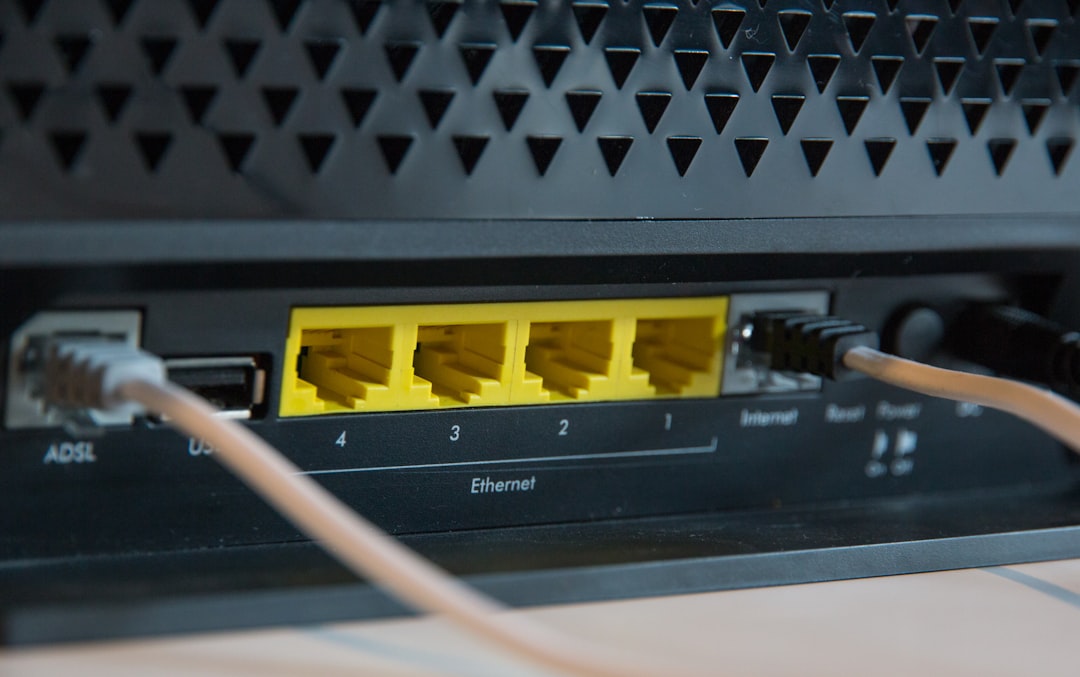
For home networks, the default network security key is often printed on a label attached to the router or modem. It may be listed as Wi-Fi password, wireless key, WPA key, or network key. If the key has been changed, it may be available through the router’s administration page or saved on a device that already connects to the network.
On a computer, the saved key can often be viewed through network settings, although administrator permission may be required. In business settings, employees may receive the key from an IT department or connect through a managed identity system rather than typing a shared password.
What Makes a Strong Network Security Key
A strong network security key should be difficult for people and automated tools to guess. Short, common, or predictable passwords are easy targets. Examples such as password123, mywifi, or a family name should not be used.
Good security keys usually include:
- Length: A longer key is generally harder to crack. A phrase of 12 to 16 characters or more is recommended.
- Variety: A mix of uppercase letters, lowercase letters, numbers, and symbols improves strength.
- Unpredictability: The key should not contain obvious personal details, addresses, birthdays, or business names.
- Uniqueness: The same key should not be reused across multiple routers, accounts, or systems.
A memorable passphrase can also work well if it is long and uncommon. For example, a phrase made of unrelated words plus numbers and symbols can be easier to remember while still being difficult to guess.
Security Key vs. Network Name
A common point of confusion is the difference between a network name and a network security key. The network name, also called the SSID, identifies the Wi-Fi network in a list of available connections. The security key is the password or credential required to join it.
For example, a network may appear as HomeOfficeWiFi on a phone or laptop. That name alone does not provide access. The device must also supply the correct security key before the router allows a connection.
How Security Keys Protect Data
When a device connects to a secured wireless network, the security key helps establish encrypted communication. Encryption turns readable information into coded data while it moves between the device and router. If someone nearby tries to capture that traffic, the data should appear scrambled rather than readable.
This is especially important for activities such as online banking, email, video calls, business file sharing, and smart home management. Even though many websites and apps use their own encryption, a protected local network adds another valuable layer of defense.
Best Practices for Managing a Network Security Key
Security depends not only on having a key, but also on managing it properly. A strong key can become risky if it is shared too widely or never changed after being exposed.
- Change default passwords: Router default keys should be replaced, especially if they are simple or widely known.
- Use WPA2 or WPA3: Older security modes should be disabled when more secure options are available.
- Limit sharing: The key should only be given to trusted users who need access.
- Create a guest network: Visitors can use a separate guest Wi-Fi network instead of the main one.
- Update the key when needed: If a key is leaked, shared with too many people, or used by former employees, it should be changed.
- Store it safely: The key should be kept in a secure password manager or protected location.
What Happens When the Key Is Incorrect
If a user enters the wrong network security key, the device usually fails to connect. It may display messages such as incorrect password, unable to join network, or authentication failed. Sometimes the issue is not the key itself but a mismatch between saved settings and current router configuration.
Common solutions include retyping the key carefully, checking letter case, forgetting the network and reconnecting, restarting the router, or confirming that the network name is correct. If the key was recently changed, all previously connected devices may need to reconnect using the new one.
FAQ
Is a network security key the same as a Wi-Fi password?
In most home and small office settings, yes. The network security key is commonly the password used to connect to Wi-Fi.
Can a network security key be changed?
Yes. It can usually be changed through the router’s administration settings. After it is changed, connected devices must use the new key.
What is the safest Wi-Fi security type?
WPA3 is generally the safest current option. If WPA3 is not available, WPA2 is usually acceptable for many networks.
Should the default router key be used?
It is better to replace the default key with a strong, unique password. This reduces the chance of unauthorized access.
How often should a network security key be updated?
There is no single rule, but it should be updated whenever it may have been exposed, after staff changes in a business, or when too many people have access.
Can someone hack a weak network security key?
Yes. Weak or predictable keys can be guessed or cracked with automated tools. A long, unique, and complex key greatly improves protection.