

Avatars have become more than playful profile pictures. They are now visual identity tools for creators, startups, communities, streamers, educators, coaches, and brands that want to feel memorable in crowded digital spaces. Whether you need a polished portrait for social media, a mascot for a newsletter, a 3D character for virtual worlds, or a consistent face for customer support, the right avatar maker can help you build a distinctive presence without hiring an illustrator from scratch.
TLDR: The best avatar maker depends on whether you need a quick profile image, a personalized cartoon, a professional brand character, or a 3D digital identity. Tools like Canva, Adobe Express, Bitmoji, Ready Player Me, ZEPETO, Picrew, Fotor, Picsart, Avataaars Generator, and Placeit each serve different creative needs. For brands, consistency matters most: choose a style, color palette, and personality that can be reused across platforms. For individuals, look for customization options that make the avatar feel recognizably yours.
Why Avatar Makers Matter for Digital Identity
A strong avatar acts like a miniature logo. It appears in comment sections, email signatures, social platforms, community dashboards, gaming profiles, video thumbnails, and chat apps. Because it is often seen at a very small size, it needs to be simple, recognizable, and expressive. A good avatar also communicates tone: friendly, expert, playful, futuristic, elegant, rebellious, or approachable.
For brands, avatar makers can help create mascots, support agents, explainer characters, or social media personalities. For individuals, they offer a way to appear online while preserving privacy or adding personality. Below are ten useful avatar makers for creating unique digital profiles and brand characters.
1. Canva Avatar Maker
Best for: social media profiles, creator branding, quick business avatars
Canva is a versatile design platform with plenty of avatar templates, illustration elements, frames, backgrounds, and character components. It is especially useful if you want an avatar that fits into a larger visual system, such as Instagram posts, YouTube banners, presentation slides, or email headers.
You can start with a template, then adjust colors, facial features, hairstyles, accessories, and backgrounds. The biggest advantage is how easy it is to keep your avatar aligned with your brand assets. If your brand uses soft pastels, bold gradients, or minimalist black and white, Canva makes it simple to apply that same look across multiple designs.
Tip: Use the same avatar with different expressions or background colors for seasonal campaigns, product launches, and announcements.
2. Adobe Express
Best for: polished avatars, professional social profiles, branded graphics
Adobe Express is a strong choice for users who want a clean and professional finish without the complexity of advanced design software. It offers templates, AI-assisted design capabilities, background removal, typography tools, and easy resizing for different platforms.
For a brand character, Adobe Express works well when you are combining a face or illustrated figure with text, shapes, colors, and visual effects. You can create a consistent avatar for LinkedIn, TikTok, Discord, Slack, or a customer service portal. Its design controls are intuitive enough for beginners but refined enough for more polished results.
Why it stands out: It is excellent for turning a simple avatar into a complete visual asset, such as a profile card, video intro graphic, or branded announcement image.
3. Bitmoji
Best for: casual personal avatars, messaging, expressive stickers
Bitmoji remains one of the most recognizable avatar tools because it is built around personality and expression. Instead of creating just one static profile image, you create a character that can appear in dozens of moods, poses, jokes, and everyday situations.
This is particularly useful for people who want their avatar to feel human and approachable. Teachers, community managers, social creators, and team leaders often use Bitmoji-style characters to make messages feel warmer and more personal.
However, Bitmoji is less ideal for formal brand mascots because its visual style is widely recognizable. If uniqueness is your top priority, use it more for personal expression than for a proprietary brand character.
4. Ready Player Me
Best for: 3D avatars, virtual worlds, gaming profiles, metaverse experiences
Ready Player Me lets users create 3D avatars that can be used across compatible apps, games, and virtual environments. You can customize facial features, clothing, hairstyles, and accessories, creating a character that feels suitable for immersive spaces.
For brands exploring virtual events, digital showrooms, online communities, or interactive experiences, Ready Player Me is especially interesting. A 3D avatar can become a host, ambassador, guide, or representative in a virtual setting.
Use it when: your audience spends time in gaming platforms, VR experiences, digital communities, or interactive environments where a flat icon is not enough.
5. ZEPETO
Best for: fashion avatars, social worlds, lifestyle branding
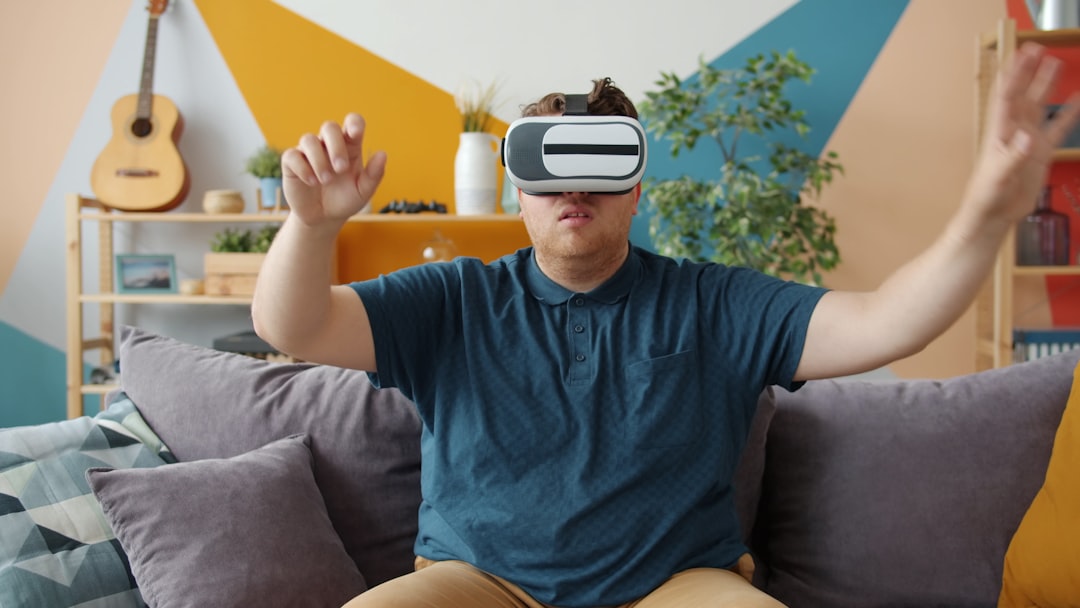
ZEPETO focuses on stylish 3D characters and social interaction. Users can customize outfits, poses, facial features, environments, and accessories. The platform has a strong fashion and youth culture feel, making it attractive for lifestyle brands, influencers, music creators, and communities with a playful visual identity.
One reason ZEPETO stands out is its emphasis on scenes and social presence. You are not only making a face; you are building a character who can appear in different outfits, environments, and visual stories.
Brand idea: Create a ZEPETO-inspired character to test how your mascot might look in campaigns related to fashion, events, music drops, or community engagement.
6. Picrew
Best for: artistic avatars, indie styles, fandom communities
Picrew is popular because it offers many user-created avatar generators, each with its own art style. You can find soft watercolor portraits, anime-inspired icons, fantasy characters, gothic designs, pastel mascots, and many other visual directions.
This variety makes Picrew excellent for people who want something more artistic or niche than a standard business avatar. It is particularly strong for personal profiles, role-playing communities, fandom accounts, and creative projects.
One important note: because Picrew makers are created by individual artists, usage rules vary. Some allow personal use only, while others permit broader use. Always check the creator’s terms before using an avatar for a brand, product, or commercial campaign.
7. Fotor Avatar Maker
Best for: AI portraits, cartoon effects, quick profile transformations
Fotor offers avatar and image editing features that can turn photos into stylized portraits, cartoons, or AI-generated profile images. It is a good option if you want an avatar based on your real appearance but enhanced with a creative style.
This approach is useful for consultants, coaches, content creators, and entrepreneurs who want to remain recognizable while making their profile more distinctive. A stylized portrait can be more memorable than a regular headshot, especially in crowded feeds.
Strong point: Fotor bridges the gap between photography and illustration, giving you a professional-looking digital identity without requiring drawing skills.
8. Picsart
Best for: bold creative edits, social media avatars, experimental styles
Picsart is known for creative photo editing, filters, stickers, AI tools, backgrounds, and effects. If your brand personality is energetic, colorful, edgy, or trend-driven, Picsart gives you many ways to create an eye-catching avatar.
You can start with a selfie, remove the background, add illustrated overlays, apply cartoon effects, use neon accents, or create a surreal profile image. It is particularly useful for TikTok creators, musicians, streamers, digital artists, and small brands that want a strong social-first look.
Tip: Avoid adding too many effects at once. A profile avatar should still be readable at small sizes, so keep the face or character shape clear.
9. Avataaars Generator
Best for: simple vector avatars, websites, product interfaces
Avataaars Generator is ideal when you need a clean, lightweight, vector-style avatar. This type of avatar works especially well for websites, SaaS products, app dashboards, user profiles, team pages, and customer support illustrations.
The style is simple and friendly, with customizable features such as hair, eyes, clothing, accessories, and skin tone. Because it is not overly detailed, it scales nicely and fits well into modern interface design.
For brands, this can be a practical choice if you need several character variations. For example, you could create avatars for different team members, user personas, onboarding screens, or testimonial placeholders.
10. Placeit Avatar and Character Tools
Best for: gaming brands, streamers, mascots, logo-style characters
Placeit offers templates for gaming avatars, mascots, profile images, and character-based graphics. It is especially useful for Twitch streamers, esports teams, YouTubers, podcast hosts, and creators who want an avatar with a strong visual punch.
Many designs lean toward bold, logo-like characters: warriors, animals, robots, gamers, fantasy figures, and energetic mascots. This makes it easier to create a character that feels like part of a larger entertainment brand.
Best use case: Choose Placeit when you want an avatar that doubles as a recognizable emblem for thumbnails, merchandise, overlays, and social banners.
Image not found in postmetaHow to Choose the Right Avatar Maker
Before picking a tool, think about what your avatar needs to accomplish. A personal profile image has different requirements than a brand mascot or a virtual world character.
- For professional profiles: Choose a tool that creates clean, polished, recognizable portraits. Canva, Adobe Express, and Fotor are strong options.
- For playful personal expression: Bitmoji, Picrew, and Picsart offer fun and personality-rich results.
- For 3D identities: Ready Player Me and ZEPETO are better suited for virtual environments and immersive communities.
- For product interfaces: Avataaars Generator provides simple, scalable illustrations.
- For creators and streamers: Placeit and Picsart can create bold, attention-grabbing visuals.
What Makes an Avatar Feel Unique?
A unique avatar is not just about choosing unusual hair or bright colors. It should reflect a clear identity. The most effective avatars combine style, consistency, emotion, and purpose.
- Style: Decide whether your avatar should look cartoonish, realistic, futuristic, artistic, minimal, or mascot-like.
- Color palette: Use colors that match your personal or brand identity.
- Expression: A smile, raised eyebrow, confident pose, or calm face changes how people interpret your character.
- Accessories: Glasses, hats, microphones, headphones, or tools can communicate what you do.
- Consistency: Use the same avatar style across platforms so people recognize you quickly.
Avatar Tips for Brands
If you are creating a brand character, treat it like a strategic asset rather than a random illustration. Define the character’s role. Is it a helpful guide, a funny mascot, a trusted expert, a futuristic assistant, or a community host?
Create a small identity guide that includes the avatar’s colors, expressions, approved backgrounds, and usage rules. This keeps your character consistent across social posts, videos, website pages, newsletters, and ads.
Most importantly: make sure your avatar matches your audience. A playful cartoon may work beautifully for a gaming channel but feel out of place for a legal technology company. Likewise, a polished professional portrait may be perfect for a consultant but too plain for an entertainment brand.
Final Thoughts
Avatar makers make it easier than ever to create a digital identity that feels expressive, polished, and memorable. From quick cartoon portraits to 3D characters and brand mascots, there is a tool for nearly every purpose. The best choice depends on your platform, audience, style, and long-term branding goals.
Whether you choose Canva for flexible design, Ready Player Me for immersive 3D presence, Picrew for artistic charm, or Avataaars Generator for clean interface graphics, focus on making your avatar clear, consistent, and full of personality. In a world where first impressions often happen through a tiny profile image, a well-designed avatar can become one of your most valuable digital assets.