

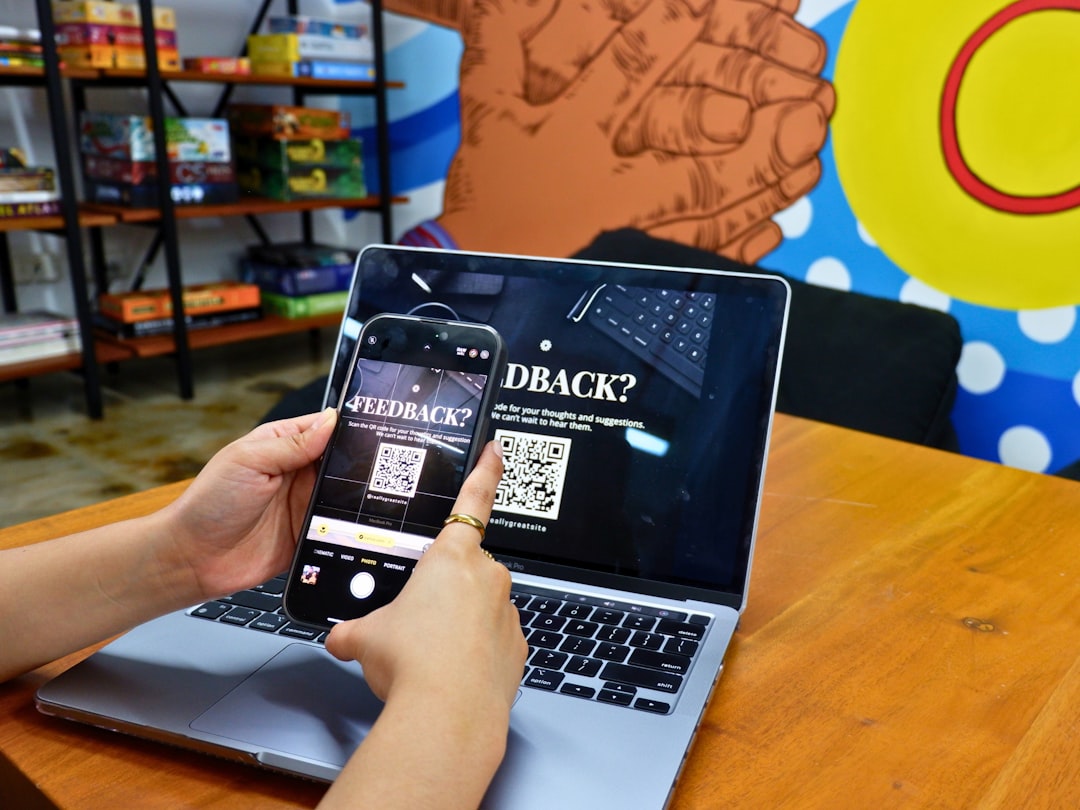
QR codes have evolved from simple black-and-white squares into powerful marketing assets that bridge offline and online experiences. For websites and landing pages, they provide instant access, improved user engagement, and measurable performance tracking. Businesses, marketers, and content creators increasingly rely on QR code tools to streamline conversions and simplify user journeys.
TLDR: QR code tools help businesses connect offline audiences directly to websites and landing pages. The best platforms offer dynamic tracking, customization, analytics, and easy integration. This article explores 16 QR code tools that stand out for reliability, features, and marketing value. A comparison chart and FAQ section are included to simplify decision-making.
Whether used on printed materials, product packaging, business cards, or digital displays, the right QR code generator can significantly increase traffic and engagement. Below are 16 QR code tools that work exceptionally well for website and landing page integration.
1. QR Code Generator
This widely used platform offers both static and dynamic QR codes. Users can customize colors and add logos to match brand identity. It is particularly useful for marketers who want analytics tracking and editable destination URLs.
2. The QR Code Generator (by Bitly)
Backed by Bitly’s link management system, this tool allows advanced tracking, retargeting integration, and link editing without reprinting codes. It’s ideal for campaigns that evolve over time.
3. Beaconstac
Beaconstac offers enterprise-level QR solutions with advanced security, bulk generation, and detailed analytics dashboards. It integrates well with landing page builders and CRM systems.
4. QR Code Monkey
Known for its high-resolution output and extensive customization options, QR Code Monkey is excellent for designers who prioritize aesthetics in marketing materials.
5. Flowcode
Flowcode focuses on elegant designs and strong tracking capabilities. Its analytics dashboard provides location-based scan data, making it highly valuable for event marketing and physical advertising campaigns.
6. Scanova
Scanova delivers dynamic QR codes, campaign management tools, and editable URLs. Marketers can A/B test landing pages and monitor engagement without generating new codes.
7. QR Stuff
This tool supports a wide range of data types and is beginner-friendly. It is particularly useful for small businesses launching their first QR website campaigns.
8. Unitag QR Code Generator
Unitag stands out for advanced design control, allowing custom shapes, gradients, and embedded logos. It works well for visually driven industries.
9. Visualead
Visualead offers creative, image-integrated QR codes that blend seamlessly into advertisements. This makes it suitable for brands concerned about maintaining premium aesthetics.
Comparison Chart
| Tool | Dynamic Codes | Analytics | Customization | Best For |
|---|---|---|---|---|
| QR Code Generator | Yes | Yes | High | General marketing |
| Bitly QR Code Generator | Yes | Advanced | Medium | Link management |
| Beaconstac | Yes | Enterprise | High | Large businesses |
| QR Code Monkey | Limited | Basic | Very High | Design-focused users |
| Flowcode | Yes | Advanced | High | Campaign tracking |
| Scanova | Yes | Advanced | High | A/B testing |
| QR Stuff | Yes | Moderate | Medium | Small businesses |
| Unitag | Yes | Moderate | Very High | Creative industries |
| Visualead | Yes | Moderate | Very High | Premium branding |
10. Kaywa
Kaywa is one of the earliest QR code generators and remains reliable for simple website redirects and landing page promotions.
11. QR Tiger
QR Tiger offers strong dynamic functionality, editable URLs, and detailed performance metrics. It is frequently used in e-commerce and product packaging.
12. GoQR.me
This is a simple and free QR generator suitable for quick website linking without advanced analytics requirements.
13. Shopify QR Code Generator
Ideal for e-commerce stores, this tool enables direct linking to product pages or promotional landing pages.
14. HubSpot QR Code Generator
HubSpot’s tool integrates naturally with CRM workflows, making it perfect for tracking lead generation from offline sources.
15. Canva QR Code Generator
Integrated directly into Canva’s design platform, this feature allows users to create branded graphics with embedded QR codes. It simplifies the workflow for social posts and print materials.
16. Delivr
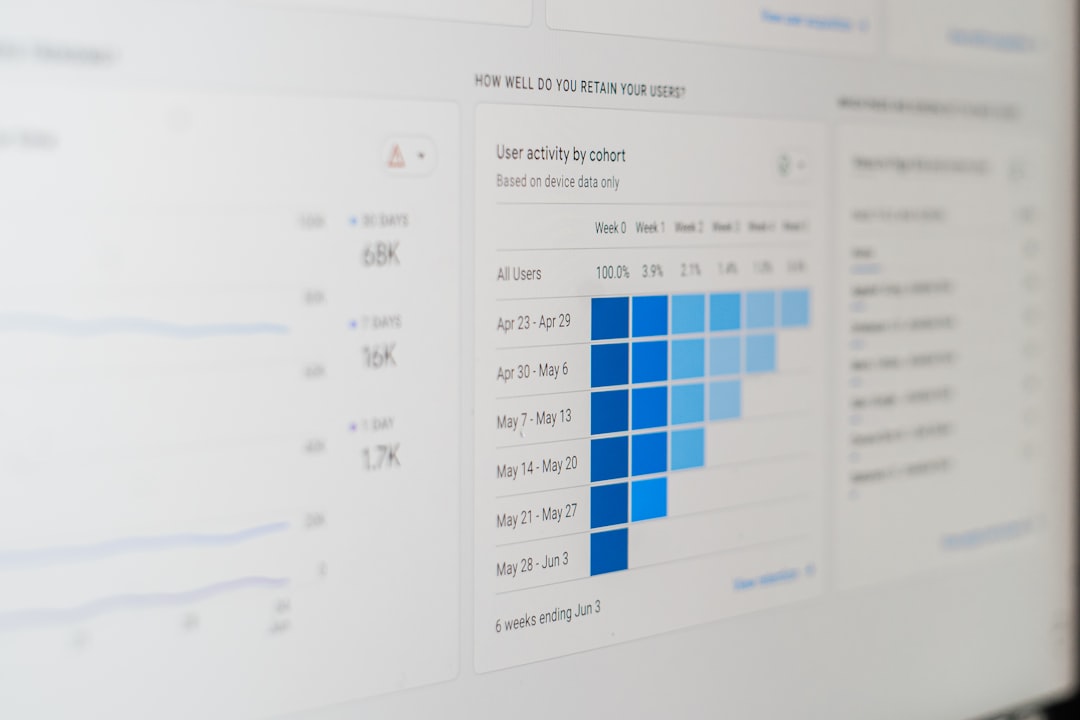
Delivr focuses strongly on analytics, tracking scan rates, device types, and engagement behavior. It works well for data-driven marketing teams seeking measurable ROI.
Key Features to Look For
When selecting a QR code tool for websites or landing pages, several features matter:
- Dynamic Editing: Ability to change destination URLs without reprinting.
- Analytics Dashboard: Scan tracking, time, location, and device data.
- Customization: Logo embedding and color adjustments.
- Security: Password protection or expiration settings.
- Bulk Generation: Useful for large campaigns.
Dynamic codes are particularly valuable for landing pages because they allow marketers to refine offers or update content over time without replacing printed materials.

Tips for Using QR Codes on Websites and Landing Pages
- Optimize the landing page for mobile. Most scans happen on smartphones.
- Add a clear call to action. Tell users what they’ll gain by scanning.
- Test before launching. Ensure the QR code scans across devices.
- Track performance. Use UTM parameters or built-in analytics.
- Keep design simple. Over-customization may affect readability.
Proper implementation ensures higher conversion rates and smoother user experiences.
Why QR Codes Work So Well for Landing Pages
QR codes eliminate friction. Instead of typing long URLs, users scan and instantly land on a page designed for conversion. This immediacy increases the likelihood of:
- Lead submissions
- Product purchases
- Event registrations
- App downloads
- Newsletter signups
Additionally, many modern tools allow businesses to retarget users who scanned but did not convert, expanding marketing opportunities beyond the first interaction.
Frequently Asked Questions (FAQ)
1. What is the difference between static and dynamic QR codes?
Static QR codes cannot be edited after creation. Dynamic QR codes allow users to change the destination URL and access scan analytics without generating a new code.
2. Are QR codes free to create?
Many basic generators offer free static codes. Advanced features such as analytics, dynamic editing, and bulk creation usually require a paid plan.
3. Do QR codes expire?
Static QR codes generally do not expire. Dynamic QR codes may expire depending on the subscription plan used.
4. How can QR codes improve landing page conversions?
They reduce friction by providing instant access, especially from print materials. This speed and convenience increase user engagement and conversion likelihood.
5. Can QR codes be tracked?
Yes. Dynamic QR code platforms provide analytics such as scan count, location, device type, and time of scan.
6. Are customized QR codes still scannable?
Yes, as long as contrast and quiet zones are maintained. Over-designing can affect functionality, so testing is important.
7. What industries benefit most from QR codes?
E-commerce, real estate, hospitality, event management, education, and retail commonly use QR codes for engagement and lead capture.
Ultimately, the best QR code tool depends on campaign goals, analytics needs, and branding priorities. Whether for a simple website redirect or a fully tracked marketing funnel, these 16 tools provide dependable solutions for modern digital engagement strategies.