

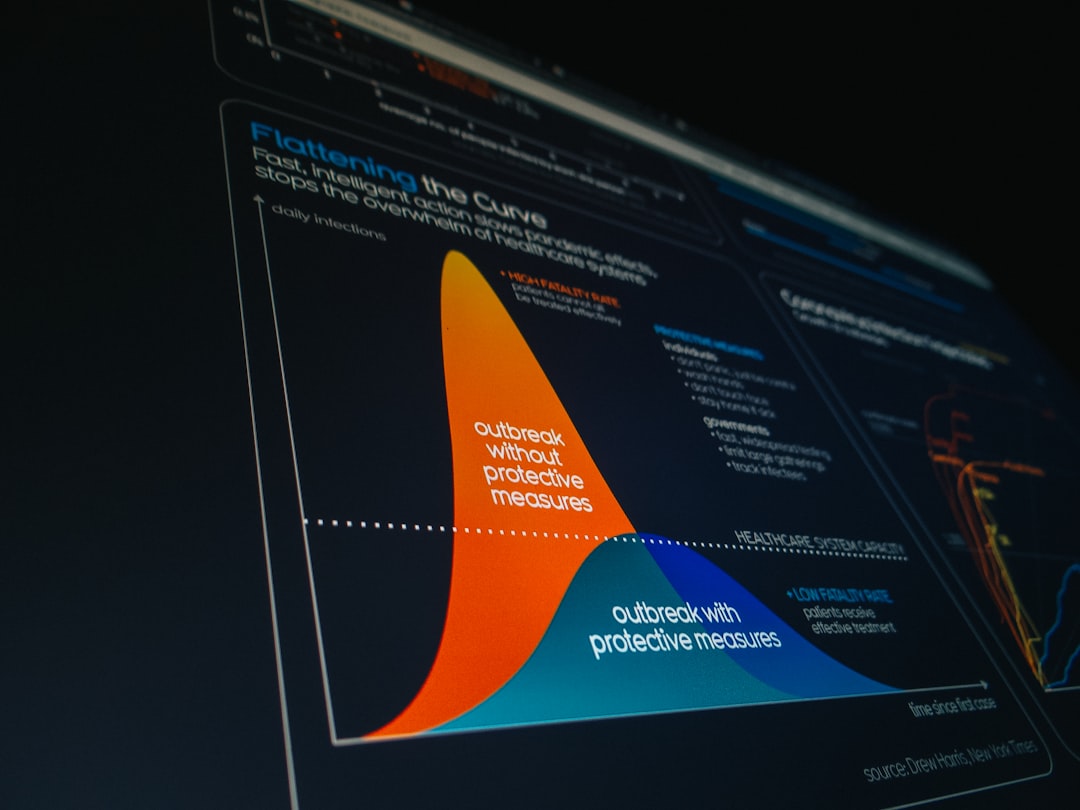
Creating a powerful presentation is no longer just about putting bullet points on slides. In today’s visually driven world, audiences expect sleek layouts, engaging visuals, smooth animations, and cohesive branding. Whether you’re pitching investors, delivering a keynote, teaching a class, or leading a team meeting, the right presentation tool can transform ordinary slides into a compelling visual story.
TL;DR: Professional-looking presentations don’t require a design degree anymore. Modern presentation tools offer built-in templates, brand kits, animations, AI design assistance, and collaboration features that elevate your slides instantly. From industry staples like PowerPoint and Keynote to innovative platforms like Canva, Prezi, and Beautiful.ai, there’s a solution for every skill level and budget. Choosing the right one depends on your design needs, collaboration style, and presentation goals.
Below are 15 presentation tools that bring professional design to your slides—along with what makes each one stand out.
1. Microsoft PowerPoint
Best for: Corporate environments and advanced customization.
PowerPoint remains the industry standard for a reason. Its Designer feature uses AI to suggest layout improvements, while an expansive template library and advanced animation controls allow precise creative direction. Seamless integration with Microsoft 365 makes collaboration simple.
- Extensive template library
- Advanced animations and transitions
- Strong data visualization tools
- Offline accessibility
2. Google Slides
Best for: Real-time collaboration and cloud-based simplicity.
Google Slides excels in collaboration. Multiple users can edit simultaneously, making it ideal for teams. While design capabilities are more limited than PowerPoint, integrations with Google Workspace and third-party add-ons expand its potential.
- Cloud-based access
- Easy sharing
- Real-time editing
- Automatic saving
3. Apple Keynote
Best for: Mac users focused on sleek visuals.
Keynote is known for its cinematic transitions and polished templates. Apple’s design philosophy shines through with elegant typography and fluid animations that instantly elevate slides.
- Stunning visual effects
- High-quality default templates
- Optimized for Apple ecosystem
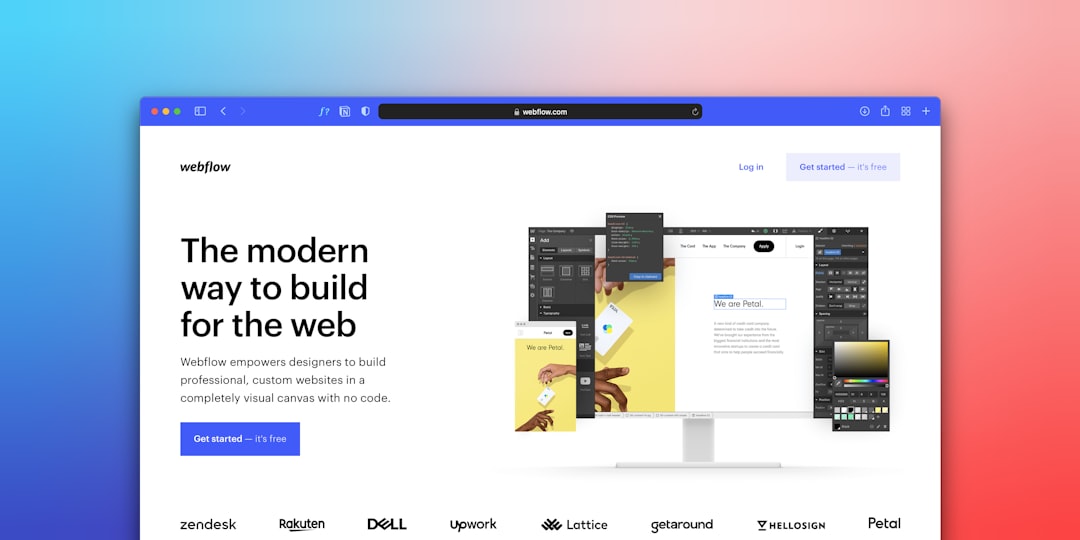
4. Canva
Best for: Non-designers who want instant professional style.
Canva has transformed presentation design by making it drag-and-drop simple. Thousands of templates, stock photos, icons, and brand kits allow users to create visually impressive slides quickly.
- Massive template selection
- Brand kit functionality
- Easy sharing and exporting
- Beginner-friendly interface
5. Prezi
Best for: Dynamic, non-linear storytelling.
Prezi breaks away from traditional slide-by-slide formats. Its zoom-based canvas allows presenters to navigate content in a visually engaging, spatial way.
- Zooming presentation style
- Memorable storytelling approach
- Ideal for big-picture presentations
6. Beautiful.ai
Best for: Automated slide design.
Beautiful.ai uses artificial intelligence to adjust layouts automatically as you add content. This ensures balance, alignment, and aesthetic consistency—even if you lack design expertise.
- Smart slide templates
- Automatic layout adjustments
- Business-focused design styles
7. Visme
Best for: Data-heavy presentations.
Visme is perfect for turning data into visually compelling graphics. It includes charts, infographics, and interactive features that engage audiences more effectively than static slides.
- Data visualization tools
- Interactive elements
- Customizable templates
8. Slidebean
Best for: Startup pitch decks.
Slidebean focuses heavily on startup storytelling. It automatically formats pitch decks and offers consulting services for founders preparing investor presentations.
- Pitch deck templates
- Automated formatting
- Investor-focused structure
9. Pitch
Best for: Modern team collaboration.
Pitch combines beautiful templates with collaboration tools tailored for teams. It includes analytics to track how viewers engage with your slides.
- Team workflows
- Engagement analytics
- Professional templates
10. Zoho Show
Best for: Businesses using the Zoho ecosystem.
Zoho Show offers strong collaboration and broadcasting tools, making it useful for remote teams and webinars.
- Cloud collaboration
- Broadcast presentations online
- Integration with Zoho apps
11. Powtoon
Best for: Animated video presentations.
Powtoon allows users to create animated slides that feel more like short videos. It’s especially popular for marketing, HR, and explainer presentations.
- Animated characters
- Engaging motion graphics
- Video export options

12. Haiku Deck
Best for: Simplicity and visual storytelling.
Haiku Deck emphasizes minimal text and strong imagery. Its design constraints actually improve slide clarity and effectiveness.
- Image-focused layouts
- Clean typography
- Simple interface
13. Genially
Best for: Interactive presentations.
Genially lets users create presentations filled with clickable elements, animations, and embedded media—ideal for education or digital reports.
- Interactive slides
- Gamification features
- Dynamic animations
14. Ludus
Best for: Creative professionals.
Ludus offers design freedom similar to advanced graphic tools. Users can embed content from platforms like Figma, YouTube, and Vimeo directly into slides.
- Advanced design control
- Third-party embeds
- Creative flexibility
15. Mentimeter
Best for: Audience engagement.
Mentimeter turns presentations into interactive experiences with live polls, quizzes, and word clouds.
- Real-time audience participation
- Live polling
- Data visualization of results

Comparison Chart
| Tool | Best For | Collaboration | Design Automation | Interactivity |
|---|---|---|---|---|
| PowerPoint | Corporate use | Yes | Moderate | Basic |
| Google Slides | Team editing | Excellent | Limited | Basic |
| Keynote | Visual polish | Yes | Moderate | Basic |
| Canva | Easy design | Yes | Strong | Basic |
| Beautiful.ai | AI design | Yes | Very Strong | Basic |
| Prezi | Dynamic storytelling | Yes | Moderate | High |
| Visme | Data visuals | Yes | Moderate | High |
| Mentimeter | Audience engagement | Yes | Limited | Very High |
How to Choose the Right Tool
Selecting the right presentation platform depends on several factors:
- Your audience: Formal investors may expect polished slides, while classrooms benefit from interactive features.
- Your design skills: AI-powered tools help beginners maintain visual balance.
- Your workflow: Teams need strong collaboration features.
- Your format: Live presentations, webinars, and recorded videos require different capabilities.
Ultimately, the best tool is the one that supports your message rather than overshadowing it. Professional design should enhance clarity—not distract from content.
Final Thoughts
Professional slide design is no longer limited to graphic designers. With smart templates, AI-assisted layouts, interactive elements, and collaborative workflows, anyone can create visually compelling presentations.
The tools listed above represent the best balance of design quality, usability, and innovation. Whether you prefer traditional slides, cinematic transitions, animated explainers, or interactive experiences, there’s a platform tailored to your needs.
In a world overflowing with information, presentation design is more than decoration—it’s a competitive advantage. Choose wisely, design intentionally, and let your visuals amplify your story.