


Online anonymity has become a growing concern in the digital age, particularly in communities like 4chan where users often value privacy and freedom of expression. Whether you use imageboards casually or for more active participation, understanding how to remain anonymous using a VPN during your 4chan sessions is critical for protecting both your identity and your digital footprint.
TL;DR (Too Long; Didn’t Read)
To stay anonymous on 4chan while using a VPN, select a trustworthy VPN provider with a proven zero-logs policy. Use additional privacy tools like Tor, hardened browsers, and disable scripts and cookies where possible. Always isolate your identities by avoiding account reuse and consistently refreshing your IP and browser fingerprints. Practicing discipline with operational security (OpSec) is your strongest defense.
Why Anonymity Matters on 4chan
4chan is known for being an anonymous imageboard, where users rarely register and conversations are posted without ties to real identities. Nonetheless, 4chan’s anonymity is not foolproof. Your IP address, browser fingerprint, and even behavioral patterns may compromise you if proper precautions are not taken. To maintain control over your anonymity, you must take a layered security approach — starting with a solid VPN setup.
1. Choosing the Right VPN
Not all VPNs are created equal. Your choice of VPN can make or break your anonymity. Consider the following best practices when choosing one:
- Zero-logs Policy: Ensure the VPN has a verified no-logs policy, meaning it doesn’t store data about your activity or IP address.
- Independent Audits: Reputable VPNs undergo third-party audits to substantiate their privacy claims.
- Based in Privacy-Friendly Jurisdiction: Prefer VPNs headquartered in countries without data retention laws (e.g., Panama, Switzerland).
- Anonymous Payment Options: VPNs that accept cryptocurrency or gift cards provide an extra anonymity layer.
Some highly rated VPN services for privacy include:
- Mullvad – Offers anonymous account numbers instead of usernames and accepts cash payments.
- ProtonVPN – Known for transparency and strong Swiss privacy laws.
- IVPN – Emphasizes privacy features and has been independently audited.
2. Configure Your VPN Correctly
Purchasing the best VPN won’t mean anything if your setup leaks data. Here’s what to verify:
- Disable IPv6: Some systems, especially Windows, may leak real IPs through IPv6 protocols. Disable IPv6 entirely to prevent this.
- Enable a Kill Switch: A kill switch ensures your internet traffic is halted if your VPN disconnects unexpectedly, avoiding accidental exposure.
- Use Secure Protocols: Stick to OpenVPN or WireGuard protocols, which offer a strong balance of speed and security.
Test for DNS and WebRTC leaks using tools like DNSLeakTest or BrowserLeaks.
3. Consider Layering with Tor
To further obscure your traffic, you can use Tor in conjunction with your VPN. This adds another layer of anonymity:
- VPN → Tor: Your ISP sees only encrypted VPN traffic, but your VPN can see you’re using Tor.
- Tor → VPN: You enter the Tor network first, then get routed to a VPN. Your exit node won’t see your real IP, but your ISP knows you’re using Tor.
For most users, VPN → Tor is the safer and more straightforward approach. Be cautious, however — using Tor with 4chan may trigger captchas or bans due to abusive traffic originating from Tor exit nodes.
4. Use a Hardened Web Browser
Simply changing your IP is not enough. Your web browser unintentionally provides a unique fingerprint. Take these browser-hardening steps:
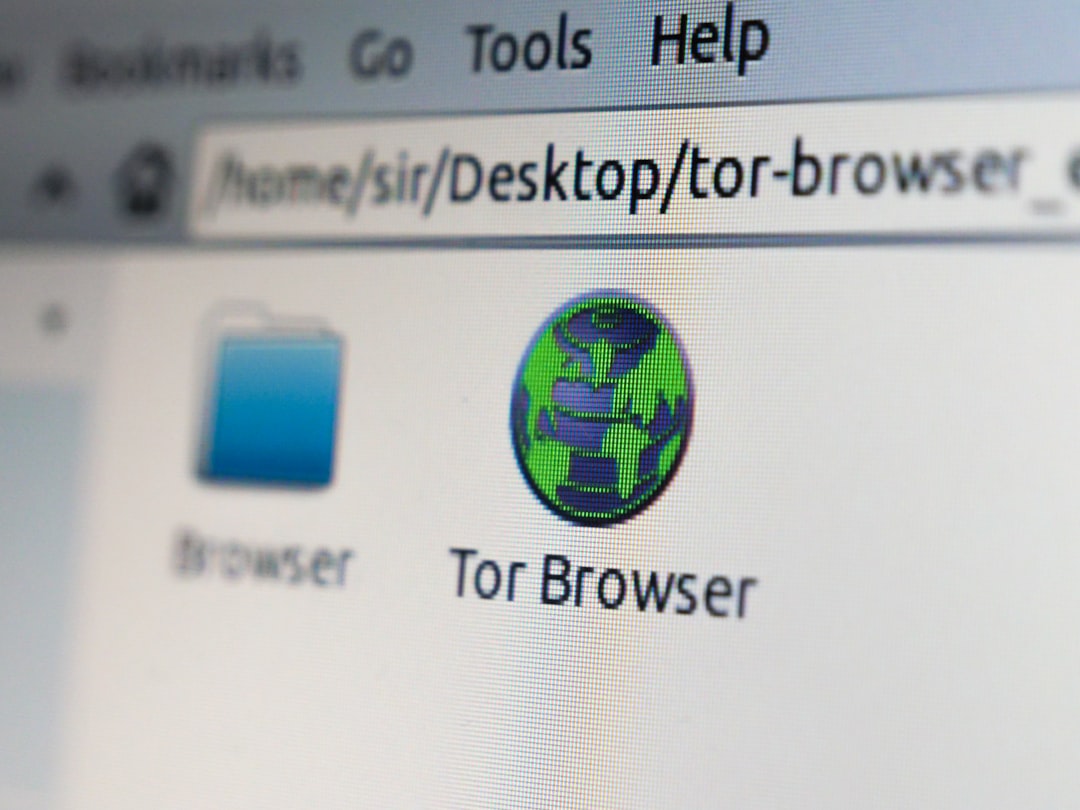
- Use Privacy-Focused Browsers: Firefox with hardened privacy settings or the Tor Browser are best for anonymity.
- Disable JavaScript: JavaScript can leak a wide variety of user data. Extensions like uMatrix or NoScript help block scripts selectively.
- Use Private or Incognito Mode: This limits the storage of cookies, cached data, and history.
- Disable WebRTC: WebRTC can expose your true IP even behind a VPN. Use browser extensions or settings to disable it completely.
5. Isolate Your Online Identities
Blending multiple activities or identities on a single browser or IP can compromise you. Instead, keep environments separate:
- Use “Burner” Browsers: For example, assign Firefox for day-to-day and Tor Browser for 4chan exclusively.
- Separate IPs: Refresh VPN server connections often. Don’t post under different personas from the same IP.
- Avoid Metadata Leakage: Don’t upload images directly tied to your other online accounts or devices.
Always assume that any single point of overlap between online identities can be used to deanonymize you.
6. Employ Good Operational Security (OpSec)
Anonymity isn’t just about tools — it’s about behaviors. Good OpSec means carefully managing what you say and do online:
- Never Reuse Aliases: Even pseudonyms can be traceable if posted across multiple platforms.
- Don’t Mention Personal Details: Avoid hints about your real name, address, city, job, or education.
- Use Tails OS or Whonix: If you’re serious, consider booting from Tails or Whonix. These are made specifically for anonymity and leave no traces.
Practicing good OpSec is not a one-time task — it’s an ongoing mindset. Even a small mistake can expose hard-won anonymity.
7. Avoid Using Popular or Public VPN IPs with 4chan
Many VPN IPs are flagged or banned by 4chan due to abuse. To avoid issues:
- Rotate Servers Frequently: Don’t stick to one server long-term. Choose a fresh server each session when possible.
- Consider a Dedicated IP: Although less anonymous, a dedicated IP reduces the chance of being caught in someone else’s abuse ban.
- Use Captcha-Solving Extensions: Popular VPN exit nodes may trigger constant captcha pages. Tools like Buster can help automate captcha solving.
In Conclusion
Staying anonymous while browsing or posting on 4chan is absolutely possible, but it requires more than just signing up to a VPN. A combination of the right tools, configuration, and consistent personal discipline will build an effective shield of anonymity. Carefully layer your privacy strategies and stay vigilant — the internet never forgets, but you can certainly choose to leave fewer footprints.
By following the best practices outlined above and regularly updating your knowledge and tools, you significantly reduce your risk of exposure.