

Use Canva when the anniversary message needs to feel polished, visual, and shareable; use Microsoft Word when the message needs to be simple, editable, and easy to print. For most HR teams, Canva is better for social posts, email graphics, digital cards, and recognition boards. Microsoft Word still wins for formal letters, certificates, and messages that need quick text edits without design fuss.
TLDR: Canva is the better choice for attractive employee anniversary greetings, especially when you want branded visuals in minutes. Microsoft Word is better for formal documents, printed letters, and manager signed notes. For example, a 50 person company celebrating five work anniversaries per month could save around 2 to 3 hours monthly by using reusable Canva templates instead of formatting each message from scratch. If the goal is speed plus style, choose Canva; if the goal is plain communication, choose Word.
Why job anniversary greetings matter
A job anniversary message is not just a polite note. It tells an employee, “We noticed your time, effort, and loyalty.” That small moment matters more than many companies admit.
Recognition has a direct effect on morale. Employees who feel appreciated are more likely to stay, speak positively about the company, and help others. A short message can support that. A rushed, generic one can do the opposite.
The format matters too. A plain “Congrats on 3 years” buried in an email thread feels forgettable. A warm, well designed card feels intentional. That is where the Canva vs Microsoft Word choice becomes practical.

Canva: best for visual employee anniversary messages
Canva is built for fast design. That makes it a strong choice for HR teams, office managers, founders, and team leads who want anniversary greetings that look good without hiring a designer.
You can start with a template, add the employee’s name, include their photo, adjust colors, and export the design for email, Slack, Teams, LinkedIn, or print. The workflow is simple once your brand assets are set up.
Canva works especially well for:
- Digital anniversary cards shared by email or chat.
- LinkedIn recognition posts for public employee appreciation.
- Office display graphics for screens or notice boards.
- Team newsletters with birthday and anniversary sections.
- Branded certificates that look modern and polished.
The biggest benefit is consistency. You can create one strong template, then reuse it every month. Swap the name, role, date, and message. Done.
That repeatability matters. If your company has 200 employees and an average tenure spread across the year, you may send 15 to 20 anniversary greetings per month. Saving even six minutes per greeting means saving up to two hours monthly.
Where Canva gets annoying
Canva is easy, but it is not perfect. Honestly, it feels like some simple edits take one click too many. Selecting a tiny text box behind another object can be irritating. You may also need paid features for brand kits, premium templates, background removal, or advanced export options.
Another issue is text heavy messaging. Canva is not ideal for long personal letters. If a manager wants to write six thoughtful paragraphs about an employee’s growth, Word feels more natural.
Still, for visual recognition, Canva is hard to beat. It keeps the message attractive and easy to share.
Microsoft Word: best for formal and text based greetings
Microsoft Word is familiar. Almost everyone has used it. That alone makes it useful for employee anniversary messages, especially in companies that prefer formal communication.
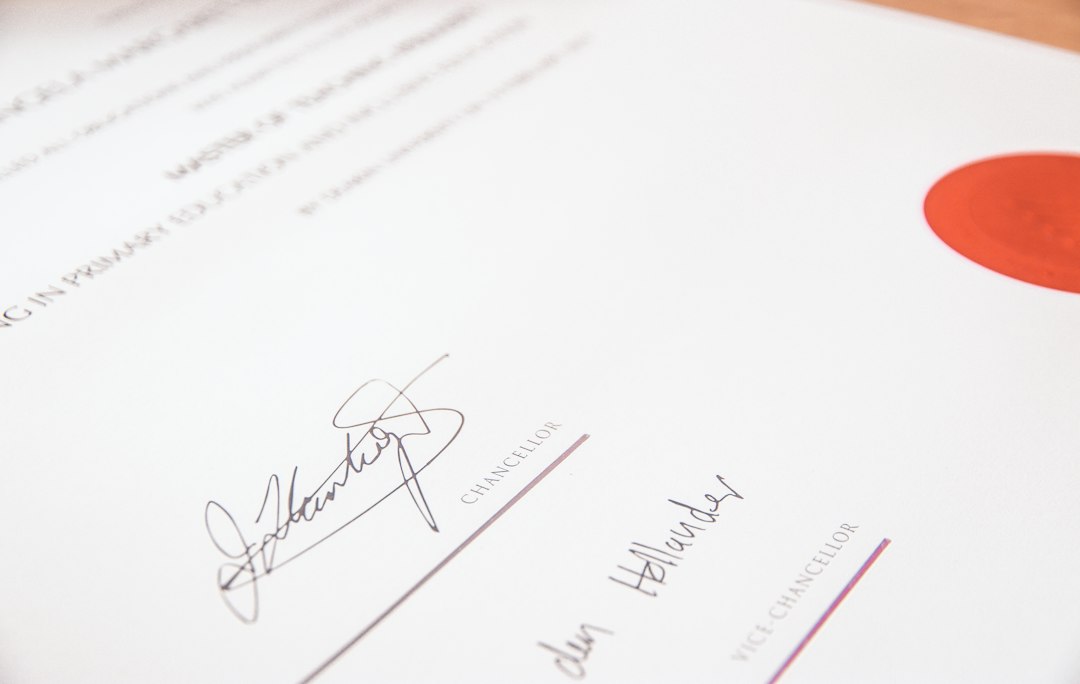
Word is a smart choice when the greeting needs to read like a letter. It is also useful for HR files, printed certificates, signed notes, and documents that need approval from several people.
Microsoft Word works especially well for:
- Formal anniversary letters from leadership or HR.
- Printable certificates with employee names and dates.
- Mail merge messages for larger employee groups.
- Manager notes that need personal editing.
- Internal records where file compatibility matters.
Word also handles longer writing better. The spell check, comments, track changes, and review tools are useful. If legal, HR, and a department head all need to approve the wording, Word can keep that process clean.
Where Microsoft Word falls short
Word can create decent cards and certificates, but design is not its strength. It drives me crazy when one image moves and suddenly the whole layout shifts. A logo that looked aligned five seconds ago can jump after one extra line of text.
Expect to waste time on spacing, image wrapping, margins, and font sizing. What should take three minutes can take ten, especially if you are adding photos or decorative elements.
Word is also less useful for social sharing. You can export a PDF, but creating a polished square graphic for LinkedIn or an email header is easier in Canva.
Canva vs Word: which one should you choose?
The right tool depends on the message format, not just personal preference.
| Use case | Better option | Why |
|---|---|---|
| Social media anniversary post | Canva | Better templates, image sizing, and brand styling. |
| Formal letter from CEO | Microsoft Word | Better for writing, reviewing, and printing. |
| Monthly employee recognition email | Canva | More visual and easier to reuse. |
| Signed anniversary certificate | Either | Canva looks better; Word is easier to edit. |
| Personal note from manager | Microsoft Word | Better for thoughtful text and revisions. |
A simple employee anniversary workflow
The best setup often uses both tools. You do not have to pick only one.
- Create the visual design in Canva. Use company colors, logo, and a clean layout.
- Write the personal message in Word. Let managers edit the wording without touching the design.
- Copy the final message into Canva if the greeting is digital or visual.
- Export for the right channel. Use PNG for chat, PDF for print, and JPG for social posts.
- Store templates by anniversary year. Create versions for 1 year, 5 years, 10 years, and more.
This mixed approach works well because it divides the job cleanly. Canva handles appearance. Word handles writing. Nobody needs to fight with the wrong tool.
Message examples you can adapt
Warm and simple: Congratulations on your work anniversary, Maya. Your energy, care, and steady work have made a real difference to the team. We are grateful to have you with us.
Professional: Congratulations on reaching your third anniversary with the company. Your dedication, skill, and reliability are deeply appreciated. Thank you for your continued contribution.
Team focused: Happy work anniversary, Jordan. The team is better because of your ideas, support, and good humor. Thank you for everything you bring to the group.
Final recommendation
Choose Canva if the anniversary greeting should feel special at first glance. It is faster for attractive templates, digital cards, and public recognition graphics. It also helps small HR teams maintain a consistent brand style.
Choose Microsoft Word if the message is formal, long, or approval heavy. It is better for letters, printable documents, and manager edited notes.
The strongest employee anniversary process uses both. Use Word to get the message right. Use Canva to make it memorable. That way, the employee receives something personal, polished, and worth keeping.