

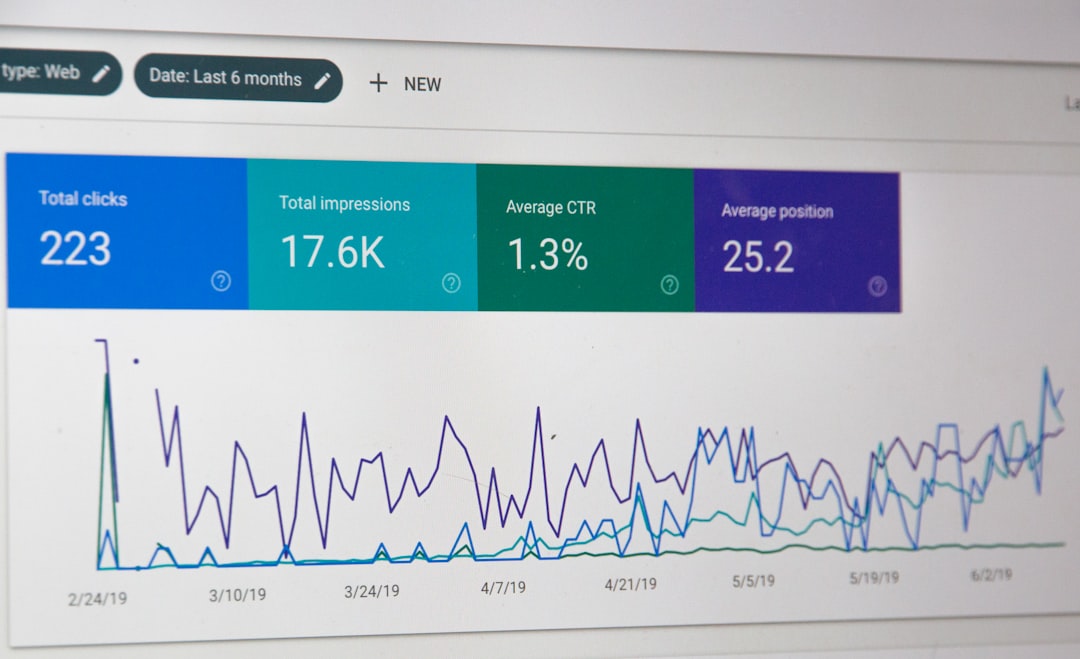
Most Bing indexing problems come from one of three places: Bing cannot discover the URL, Bingbot cannot crawl it, or Bing decides not to index it. A clean diagnosis starts by separating those stages instead of treating “not on Bing” as one vague problem. That saves time and stops teams from fixing the wrong thing.
TLDR: Bing indexing has three checkpoints: discovery, crawling, and indexing. For example, a retailer with 1,200 product pages found that only 38% were indexed because 640 URLs were missing from the sitemap and 210 returned canonical signals to older pages. After fixing the sitemap, canonicals, and server errors, indexed URLs rose from 456 to 982 in 18 days. The fastest path is to test sample URLs in Bing Webmaster Tools, compare them with logs, then fix the highest-volume blocker first.
How Bing Indexing Works
Bing does not automatically index every page it sees. It first has to discover the URL. Then Bingbot must crawl it without being blocked or slowed down. After that, Bing evaluates the page and may add it to the index if it sees enough value, clarity, and trust.
- Discovery: Bing finds the URL through sitemaps, links, IndexNow, feeds, or prior crawl history.
- Crawling: Bingbot requests the URL and reads the page, scripts, status code, and headers.
- Indexing: Bing stores the page for possible search results, unless quality, duplication, or technical signals prevent it.
The annoying part is that a page can pass one stage and fail the next. A URL can appear in a sitemap yet still be blocked by robots.txt. It can be crawled yet ignored because it is near-duplicate. It can be indexed once and later dropped after a template change.
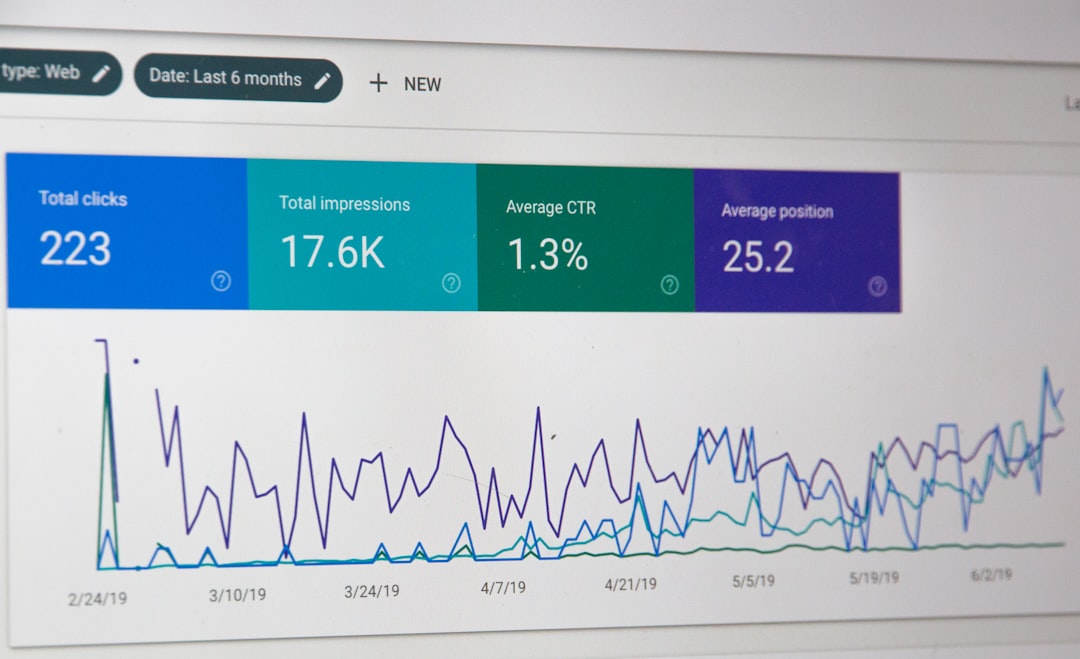
Step 1: Diagnose Discovery Problems
If Bing has not found a URL, no indexing fix will work. The first check is whether the page appears in Bing Webmaster Tools. The URL Inspection tool can show if Bing knows the URL and when it last attempted a crawl.
Common discovery issues include:
- Missing sitemap entries: New pages are live but absent from XML sitemaps.
- Broken internal links: Pages exist but no important page links to them.
- Orphan pages: Product, blog, or location pages are only reachable through search filters.
- Blocked pathways: Faceted menus, JavaScript links, or forms hide URLs from crawlers.
- Slow sitemap updates: Old URLs stay listed while new ones are ignored.
A site owner should compare three lists: URLs in the CMS, URLs in the XML sitemap, and URLs known in Bing Webmaster Tools. If the CMS has 5,000 live URLs but the sitemap has 3,700, discovery is already leaking. That gap must be fixed before deeper technical checks begin.
IndexNow can help Bing learn about changed or new pages faster. It is useful for news sites, ecommerce stores, job boards, and any site with frequent updates. Still, IndexNow is not a magic button. If the page is thin, blocked, or canonicalized elsewhere, faster discovery will not force indexing.
Step 2: Diagnose Crawling Problems
When Bing knows a URL but cannot fetch it cleanly, the issue moves to crawling. Bingbot needs a stable response, crawl permission, and enough server performance to process the page.
The main crawl checks include:
- Status codes: Pages intended for indexing should usually return
200 OK. - Robots.txt: The file should not block key folders, scripts, images, or content paths.
- Meta robots tags: Pages should not contain
noindexunless exclusion is intended. - X Robots Tag headers: Server headers can silently block indexing.
- Redirect chains: Long chains waste crawl resources and may confuse canonical signals.
- Server errors: Repeated
5xxresponses reduce crawl confidence.
Honestly, it feels like Bing Webmaster Tools sometimes makes teams wait longer than expected for fresh crawl data. A server log check can expose problems faster. Logs show whether Bingbot visited the URL, what status code it received, and how often it came back.

For example, an SEO analyst might find that Bingbot requested 12,000 URLs in a week, but 18% returned 302 redirects and 9% returned 500 errors during peak traffic. That is not an indexing mystery. It is a crawl quality problem.
Step 3: Diagnose Indexing Problems
If Bing discovers and crawls a page but still does not index it, the page itself becomes the focus. Bing may decide that the URL is duplicate, low value, unclear, or not the preferred version.
Common indexing blockers include:
- Canonical mismatch: The page points to another URL as the main version.
- Duplicate content: Many pages share the same title, body, and intent.
- Thin content: Pages offer too little unique information.
- Soft 404 signals: A page returns
200 OKbut looks empty or unavailable. - Poor internal importance: The page is buried too deeply on the site.
- Spam signals: Keyword stuffing, doorway pages, or aggressive templates reduce trust.
A practical test is to inspect ten indexed pages and ten non-indexed pages from the same template. The reviewer should compare word count, unique data, internal links, schema, load time, canonical tags, and title duplication. Patterns usually appear quickly.
Signals Bing Uses to Choose the Preferred Page
Bing must often pick one page from several similar URLs. Ecommerce sites are especially prone to this problem. Color filters, tracking parameters, sort orders, print pages, and category variants can produce dozens of near-identical URLs.
The preferred page is usually shaped by:
- Canonical tags that point to the main URL.
- Internal links that consistently use the preferred version.
- Sitemap entries that list only indexable URLs.
- Redirect rules that remove old or duplicate paths.
- Content uniqueness that gives each page a clear reason to exist.
Bad canonical hygiene can wreck coverage. If 60% of category pages point canonicals to the homepage, Bing may treat them as duplicates or low-priority pages. The fix is not more submissions. The fix is clean signals.
A Simple Bing Indexing Audit Workflow
A clear workflow prevents guesswork. The SEO team can use this order:
- Collect affected URLs: Export non-indexed pages from Bing Webmaster Tools, crawl tools, and the CMS.
- Group by template: Separate products, articles, categories, locations, and tag pages.
- Check discovery: Confirm sitemap inclusion and internal links.
- Check crawl access: Test status codes, robots rules, redirects, and server logs.
- Check index signals: Review canonicals, noindex tags, duplication, and content depth.
- Fix at scale: Apply template-level fixes before individual URL edits.
- Resubmit and monitor: Use sitemaps, IndexNow, and URL Inspection for priority pages.
The highest-impact fixes often come from templates. One bad canonical tag in a product template can affect thousands of URLs. One missing internal link block can hide an entire section. Large gains rarely come from poking single URLs for hours.
Metrics That Show Progress
Bing indexing recovery should be measured with numbers, not hunches. Useful metrics include:
- Indexed URL count by sitemap or section.
- Crawl requests from Bingbot in server logs.
- Error rate for
4xxand5xxresponses. - Valid sitemap URLs compared with total live URLs.
- Impressions and clicks from Bing search results.
- Average crawl lag between publishing and Bingbot visit.
If indexed pages rise but impressions stay flat, the pages may not rank or may target weak queries. If crawl activity rises but indexing does not, content quality or duplication may still be the blocker.
FAQ
Why is a page on Google but not on Bing?
Bing and Google use separate crawlers, indexes, and quality systems. A page may be discovered by Google through links but missed by Bing if the sitemap, internal links, or IndexNow signals are weak.
How long does Bing indexing take?
Some pages appear within hours, especially with IndexNow. Other pages can take days or weeks. Slow indexing often points to low crawl priority, weak internal links, duplicate content, or server issues.
Does submitting a URL guarantee indexing in Bing?
No. Submission helps discovery. Bing still decides whether the page should be crawled and indexed based on access, quality, duplication, and trust signals.
Can robots.txt stop Bing from indexing a page?
Yes, it can block crawling. If Bing cannot crawl the page, it may not understand the content. A separate noindex tag can also prevent indexing when Bing is allowed to crawl the page.
What is the fastest way to fix Bing indexing issues?
The fastest method is to identify the failed stage first. Discovery issues need sitemap and linking fixes. Crawling issues need technical access fixes. Indexing issues need better canonical signals, stronger content, and less duplication.