

Buying coffee has become almost as digital as ordering it. Whether you are grabbing a latte before work, sending a friend a Frappuccino, or reloading your Starbucks balance from your phone, the payment method you choose can make the experience faster and smoother. One common question is especially practical: does Starbucks accept PayPal? The short answer is yes, but the details depend on how and where you are paying.
TLDR: Starbucks accepts PayPal mainly through the Starbucks app, where you can use it to reload your Starbucks Card balance. For example, if you add $25 to your Starbucks account using PayPal, you can then scan the app in-store to pay for several drinks over time. PayPal is usually not used as a direct payment at the cash register, but it works well as an indirect payment method through the app.
Does Starbucks Accept PayPal?
Yes, Starbucks accepts PayPal, but not always in the way people expect. In many markets, especially in the United States, customers can connect PayPal to the Starbucks mobile app and use it to reload a Starbucks Card. Once your Starbucks Card has funds, you can pay in-store, at the drive-thru, or for mobile orders by scanning your app.
This means PayPal functions as a funding source rather than a typical tap, swipe, or scan-at-register payment method. You are not usually opening PayPal at the counter and paying the barista directly. Instead, you use PayPal to load money into your Starbucks account, then pay Starbucks using that stored balance.
How to Use PayPal with the Starbucks App
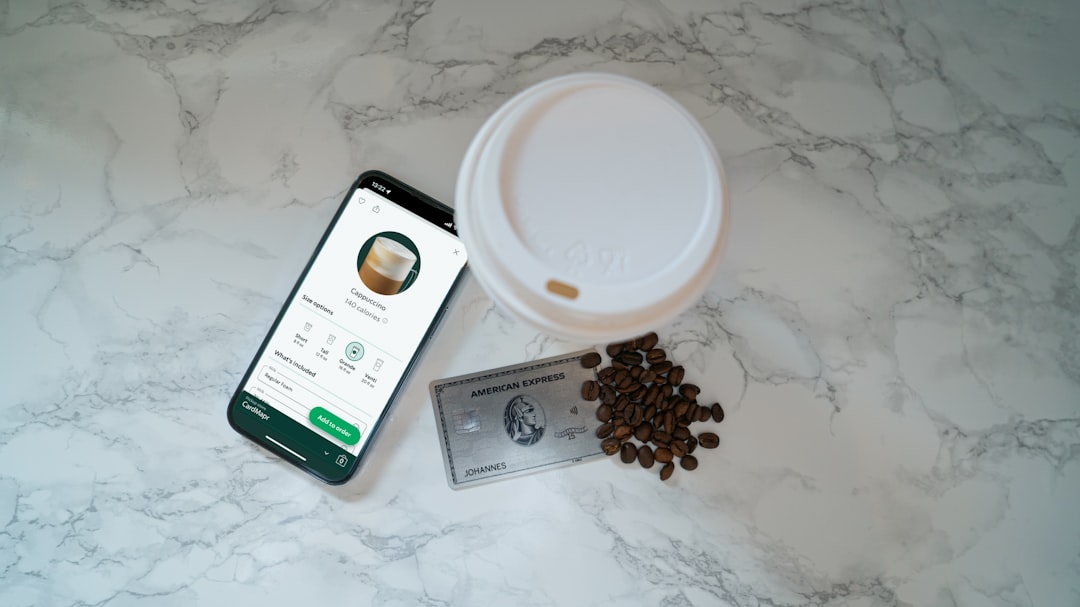
If PayPal is available in your region, using it with Starbucks is simple. The process usually takes less than a minute once your accounts are set up.
- Open the Starbucks app on your phone.
- Go to your Starbucks Card or account balance section.
- Choose Reload or add money.
- Select or add PayPal as your payment method.
- Choose the reload amount, such as $10, $25, or $50.
- Confirm the payment and wait for your Starbucks balance to update.
After reloading, you can order ahead in the app or scan your Starbucks barcode at the register. This is especially useful for people who keep most of their spending in PayPal, receive freelance income through PayPal, or prefer not to enter card details into multiple apps.
Can You Pay Directly with PayPal at Starbucks?
In most Starbucks stores, PayPal is not accepted as a direct register payment. That means you typically cannot walk up to the counter, open the PayPal app, and scan a PayPal QR code to pay for your cappuccino. Starbucks payment systems are generally designed around the Starbucks app, cards, contactless payments, and traditional payment methods.
However, there are a few indirect ways PayPal may still work:
- Reloading your Starbucks Card: This is the most common and reliable option.
- Using a PayPal Debit Card: If you have one, it may work like a regular Mastercard where accepted.
- Using PayPal through a digital wallet: In some cases, PayPal may be linked to a wallet or card product that can be used for contactless payment.
- Buying Starbucks gift cards online: Some retailers may allow PayPal as a checkout option for Starbucks gift cards.
The important distinction is that Starbucks may not be accepting PayPal directly at the counter, but PayPal can still help fund your coffee purchase.
What Payment Methods Does Starbucks Accept?
Starbucks supports a wide range of payment options, though availability can vary by country, store type, and whether the location is company-operated or licensed. Common payment methods include:
- Starbucks Cards: Physical or digital cards loaded with funds.
- Starbucks app: Scan to pay, order ahead, and earn rewards.
- Credit and debit cards: Visa, Mastercard, American Express, Discover, and others depending on location.
- Cash: Accepted in many stores, though some locations may be cashless.
- Apple Pay: Often accepted in-store and sometimes in-app.
- Google Pay: Commonly available for Android users in participating stores.
- Samsung Pay: Accepted at many contactless terminals.
- PayPal: Generally used in the app for reloading a Starbucks Card.
- Gift cards: Physical and digital Starbucks gift cards.
Why Use PayPal at Starbucks?
Using PayPal with Starbucks can be practical for several reasons. First, it adds a layer of separation between your bank card and the Starbucks app. If you prefer not to store your debit or credit card information in multiple apps, PayPal can act as a middle step.
Second, PayPal is convenient for people who already keep a balance there. For example, a small business owner or freelancer who receives payments through PayPal can reload a Starbucks Card without transferring funds to a bank first. If you spend around $6 per weekday on coffee, a $30 reload can cover a typical workweek of drinks.
Third, using PayPal to reload the Starbucks app still lets you enjoy Starbucks Rewards where eligible. That means you can collect Stars when paying with your registered Starbucks Card or app balance, helping you move toward free drinks, food, or customizations.
Starbucks Rewards and PayPal
One of the biggest advantages of using the Starbucks app is access to Starbucks Rewards. When you pay with a registered Starbucks Card in the app, you usually earn Stars at the standard rate offered in your market. PayPal simply helps you add money to that card.
This matters because direct payment methods may earn rewards differently. A customer who reloads with PayPal and pays through the Starbucks app can often keep the familiar rewards flow: reload, scan, earn Stars, redeem. For regular customers, that can be more valuable than simply tapping a card at checkout.
Are There Any Limitations?
Yes, there are a few limitations to keep in mind. The biggest one is regional availability. Starbucks payment options differ between countries, and PayPal may not appear as a reload option everywhere. Even within the same country, some airport, grocery store, hotel, or university Starbucks locations may operate under different rules.
You should also remember that app features can change. If PayPal is not showing as a payment option, update your Starbucks app, check your region settings, or try another funding method. It is also wise to keep a backup payment option, especially if you are ordering during a busy morning rush.
Best Way to Pay if You Want Convenience
For most customers, the smoothest option is to use the Starbucks app with an auto-reload setting. If PayPal is available, you may be able to set it as the funding source, so your Starbucks balance refills automatically when it drops below a certain amount. This helps avoid the awkward moment of reaching the register and realizing your app balance is too low.
If you visit Starbucks only occasionally, a manual reload may be better. Add a small amount, such as $10 or $15, and use it when needed. If you are a daily customer, larger reloads can reduce the number of transactions and make budgeting easier.
Image not found in postmetaFinal Answer
Starbucks does accept PayPal, but mainly through the Starbucks app as a way to reload your Starbucks Card. It is not usually a direct in-store payment method at the register. If you want to use PayPal for your coffee, the best approach is to add PayPal to your Starbucks app, reload your balance, and then scan the app when you order.
For frequent Starbucks customers, this setup combines convenience, digital security, and rewards earning in one place. For occasional visitors, it is still a handy option if you already use PayPal and want a quick way to fund your next coffee run.